Field notes for CAD plans
Practical guides for opening, reviewing, measuring, marking up, and sharing DWG drawings and PDF plans from iPhone, iPad, and Mac.
How to choose a construction plan viewer for DWG and PDF
Choose a construction plan viewer by testing the actual DWG or PDF source, review context, scale, annotation, handoff, and device workflow—not a feature checklist alone.

From plan annotation to a clear field report
Turn DWG or PDF plan annotations into a field report people can act on: confirm the source, capture each observation in context, and verify the final handoff.

A plan-review workflow across iPhone, iPad, and Mac
Use iPhone for a quick local plan check, iPad for field review, and Mac for final quality control. Keep DWG or PDF context intact and make every handoff deliberate.

When an offline, private PDF plan viewer matters
Choose an offline, private PDF plan viewer for construction drawings: open the issued plan locally, confirm scale before measuring, annotate in context, and share only a deliberate handoff.

Vector vs scanned PDF plans: what changes for measurement and snapping?
Learn how vector and scanned PDF plans differ for calibration, measurement, snapping, markup, and a trustworthy field-review handoff on Apple devices.

How PDF plan scale calibration works on iPad
Calibrate a PDF plan on iPad from a known dimension, verify a second distance, and know when a page or scan cannot support a trusted measurement.

How to review a multipage construction plan set on iPad
Review multipage construction PDF plans on iPad without losing sheet context: confirm the issued set, check each page's scale, capture notes in place, and export a clear handoff.

How to calibrate and measure a PDF floor plan on Mac
Measure a PDF floor plan on Mac by verifying the right sheet, calibrating its page scale from a known dimension, checking a second distance, then recording the result in context.

A practical PDF plan viewer workflow on Mac
Choose a Mac PDF plan viewer that keeps multipage plan sets together, calibrates each page before measurement, captures clear markups, and exports a useful review handoff.

How to measure a PDF plan on iPad after calibrating scale
Measure a PDF plan on iPad with a trustworthy page scale: select the right sheet, calibrate from a known dimension, verify a second distance, then record the result.
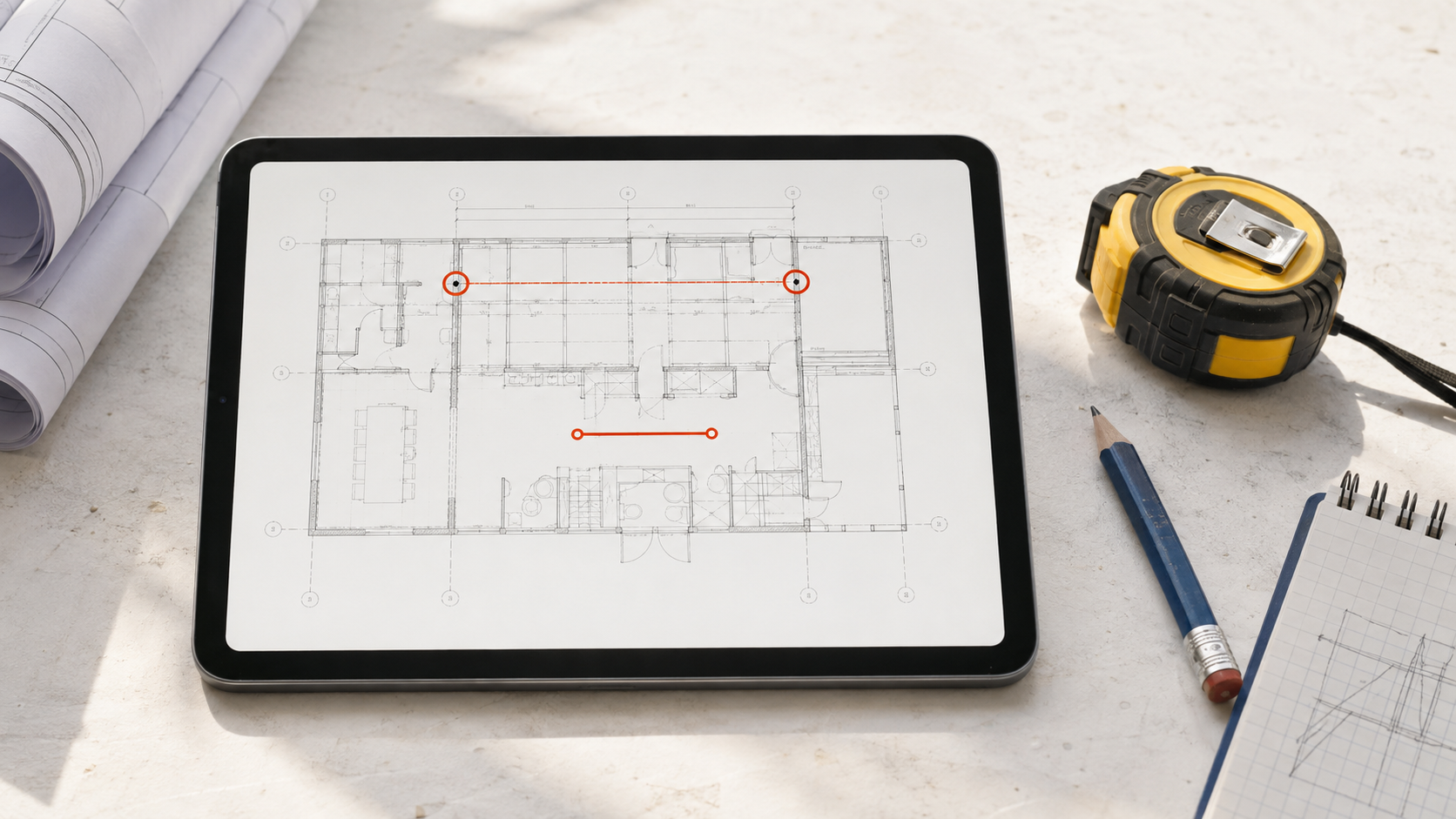
What to look for in a PDF plan viewer on iPad
Choose an iPad PDF plan viewer that keeps multipage plan sets usable, calibrates scale before measurement, supports clear annotations, and stays practical on site.
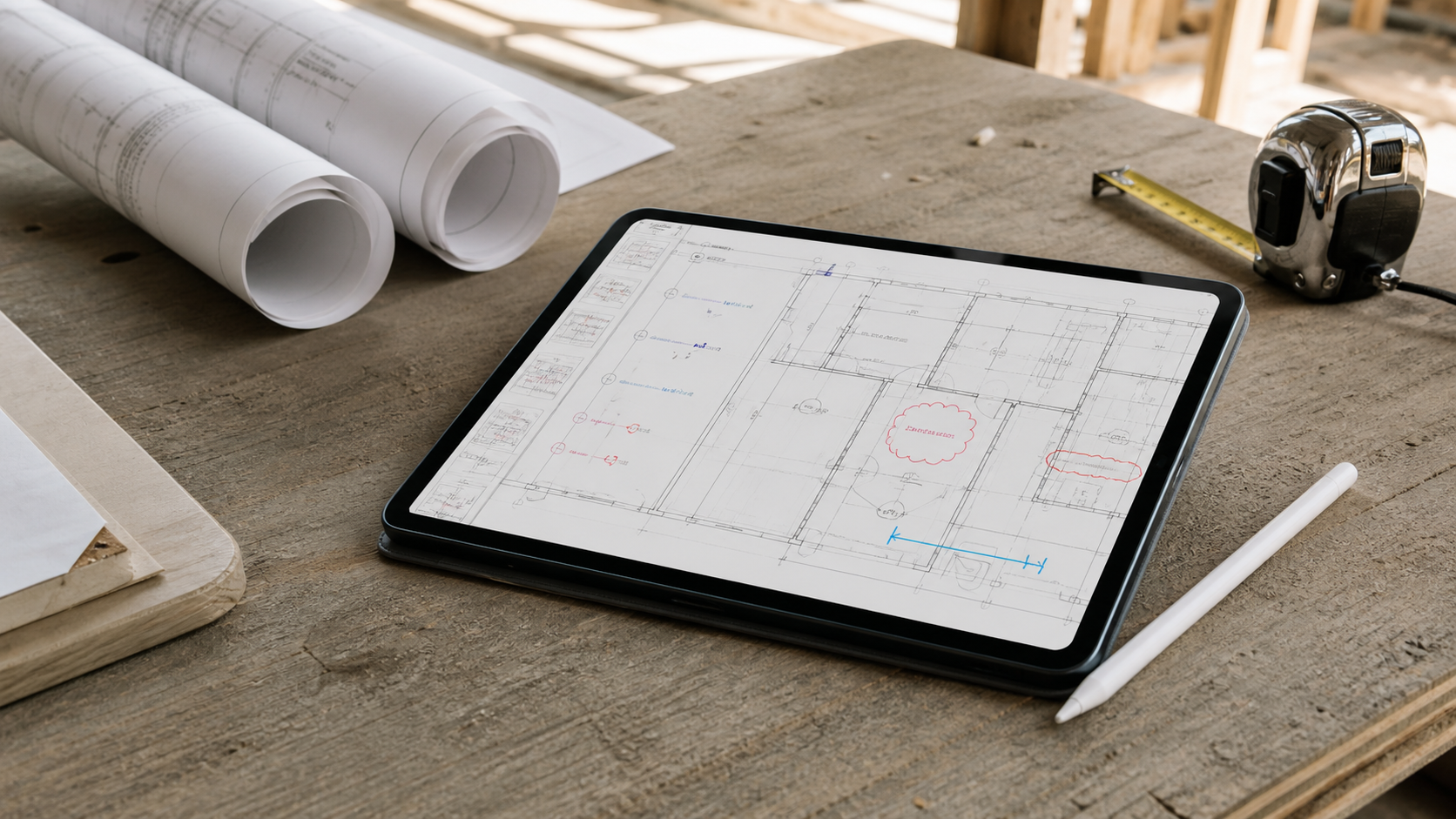
When to start a DWG review on iPhone and move it to iPad
Use iPhone for a fast DWG answer, then move to iPad when the drawing needs layout context, repeated measurements, notes, or a shareable handoff.
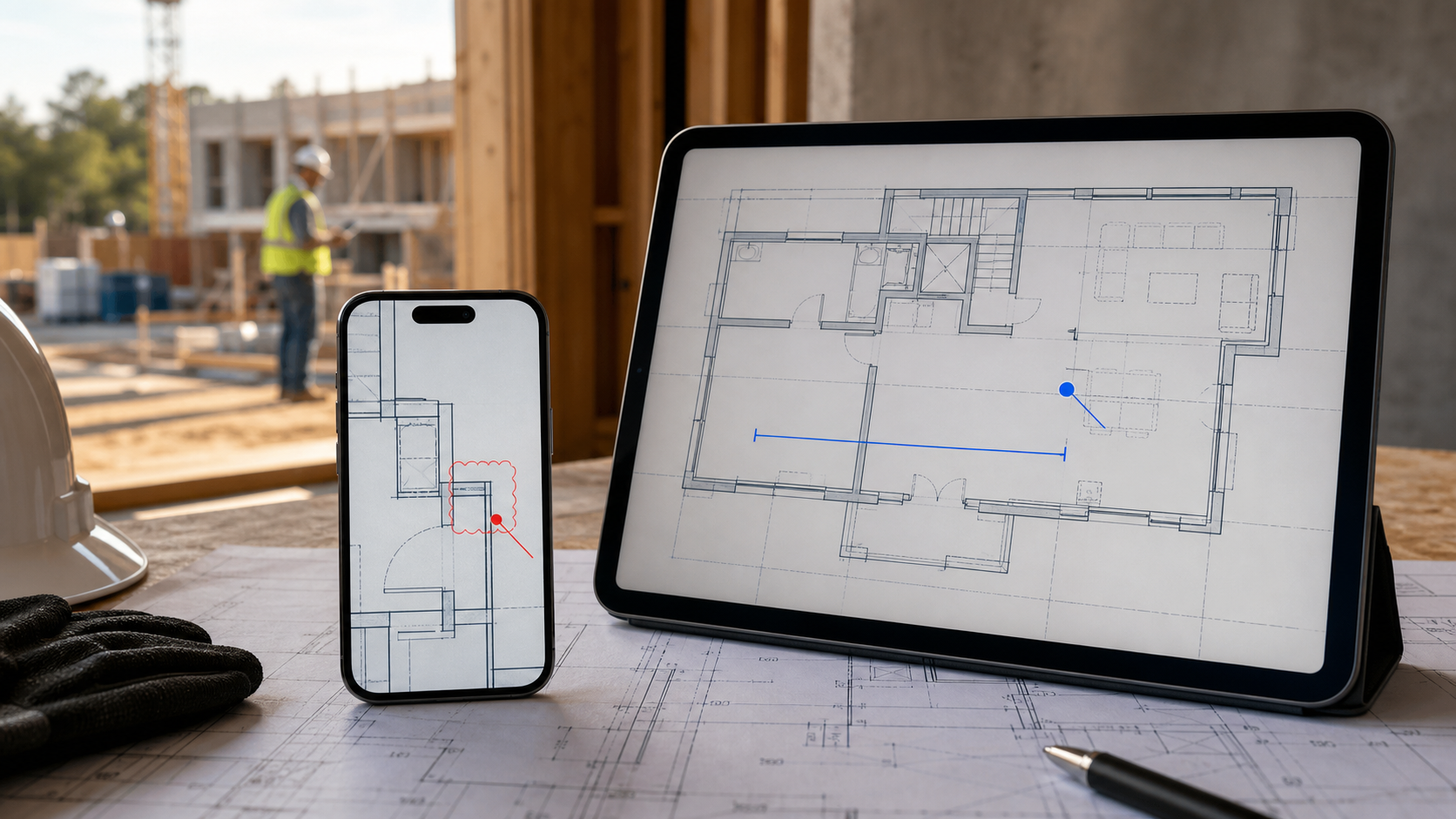
Capture a site walkthrough on iPad and finish the report on Mac
A practical field-to-desk DWG workflow: capture drawing-based observations on iPad, transfer a deliberate handoff package, and finish the report on Mac.

A DWG review checklist for Mac before you share the handoff
Use this practical Mac checklist to verify the DWG layout, layers, measurements, review notes, and export before the drawing leaves your hands.

How to AirDrop a DWG Between Mac and iPad
Send a DWG from Mac to iPad with AirDrop, save the right copy in Files, verify the revision, and keep the drawing review workflow intact.

What to look for in a construction plan viewer on Mac
Choose a Mac construction plan viewer by testing DWG fidelity, layouts, layers, measurements, markups, local access, and useful export handoffs.
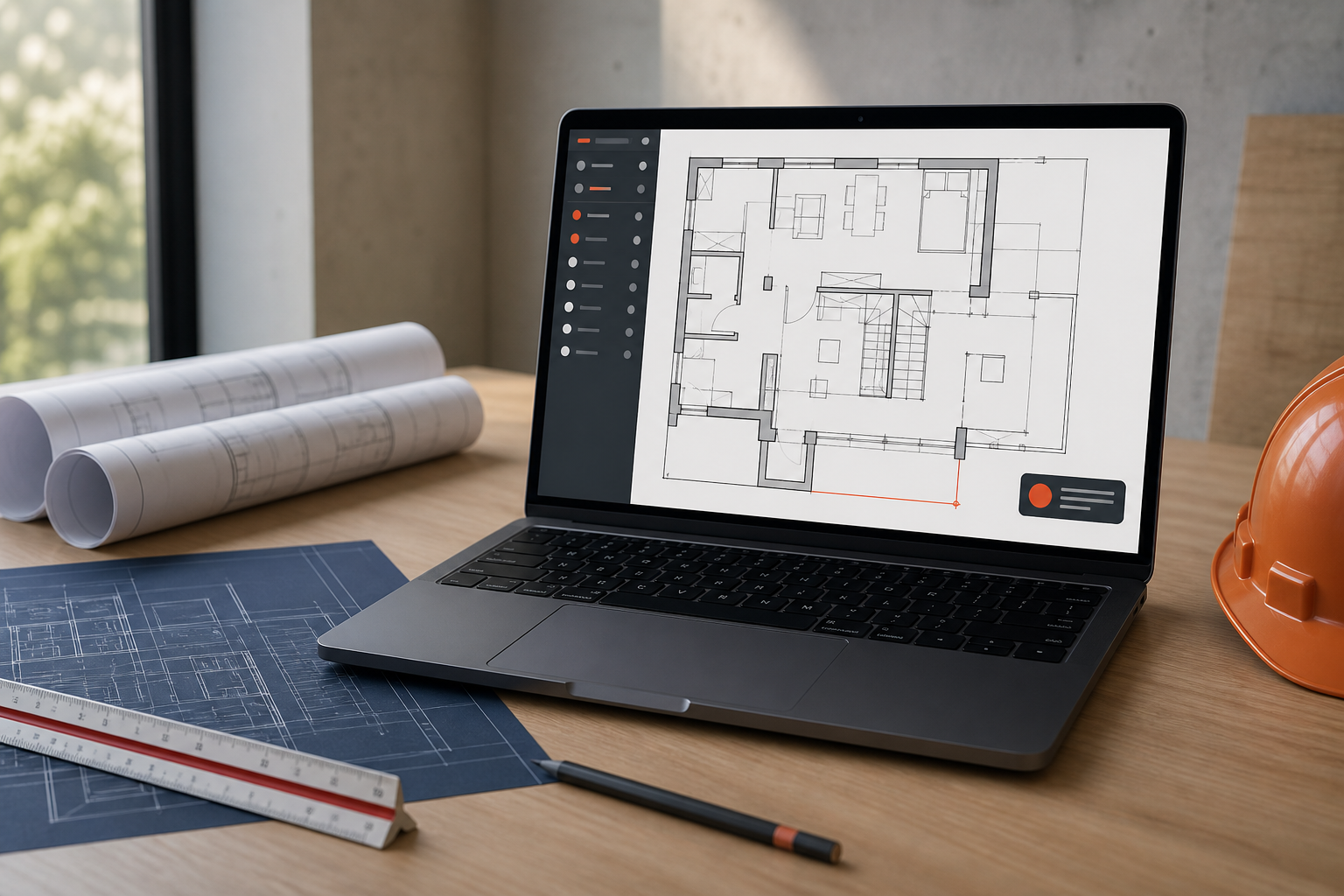
Why a no-account DWG viewer matters on Mac review workflows
Learn when a no-account DWG viewer on Mac removes real project friction, what to test before choosing one, and how local PlanInspect review fits.

How to open a large DWG on Mac without losing context
Open a large DWG on Mac by checking the local file, compatibility, layouts, layers, and drawing complexity before you convert or abandon the original.

iPad vs Mac for DWG review: which workflow fits the job?
Compare iPad and Mac DWG review workflows for site work, desk review, measurements, notes, file handling, and deliberate project handoff.

How to annotate a DWG on Mac without turning review into drafting
A practical Mac workflow for adding DWG notes, highlights, and review markups while keeping the original drawing intact and ready for export.
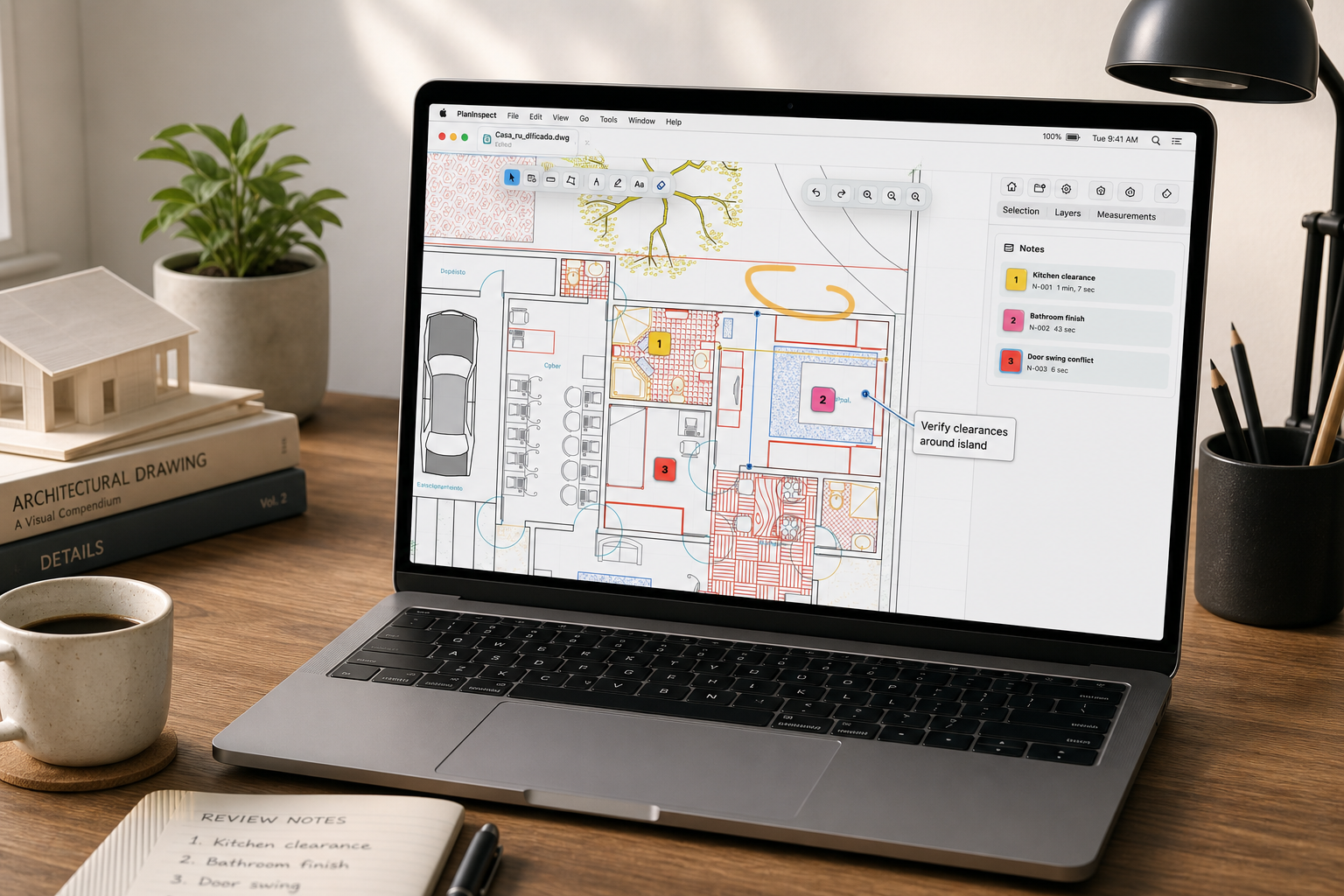
DWG vs PDF on iPad for site review: choose the right plan workflow
DWG and PDF can both be active site-review formats on iPad. Compare layouts, layers, PDF calibration, vector snapping, measurements, annotations, and handoff needs.
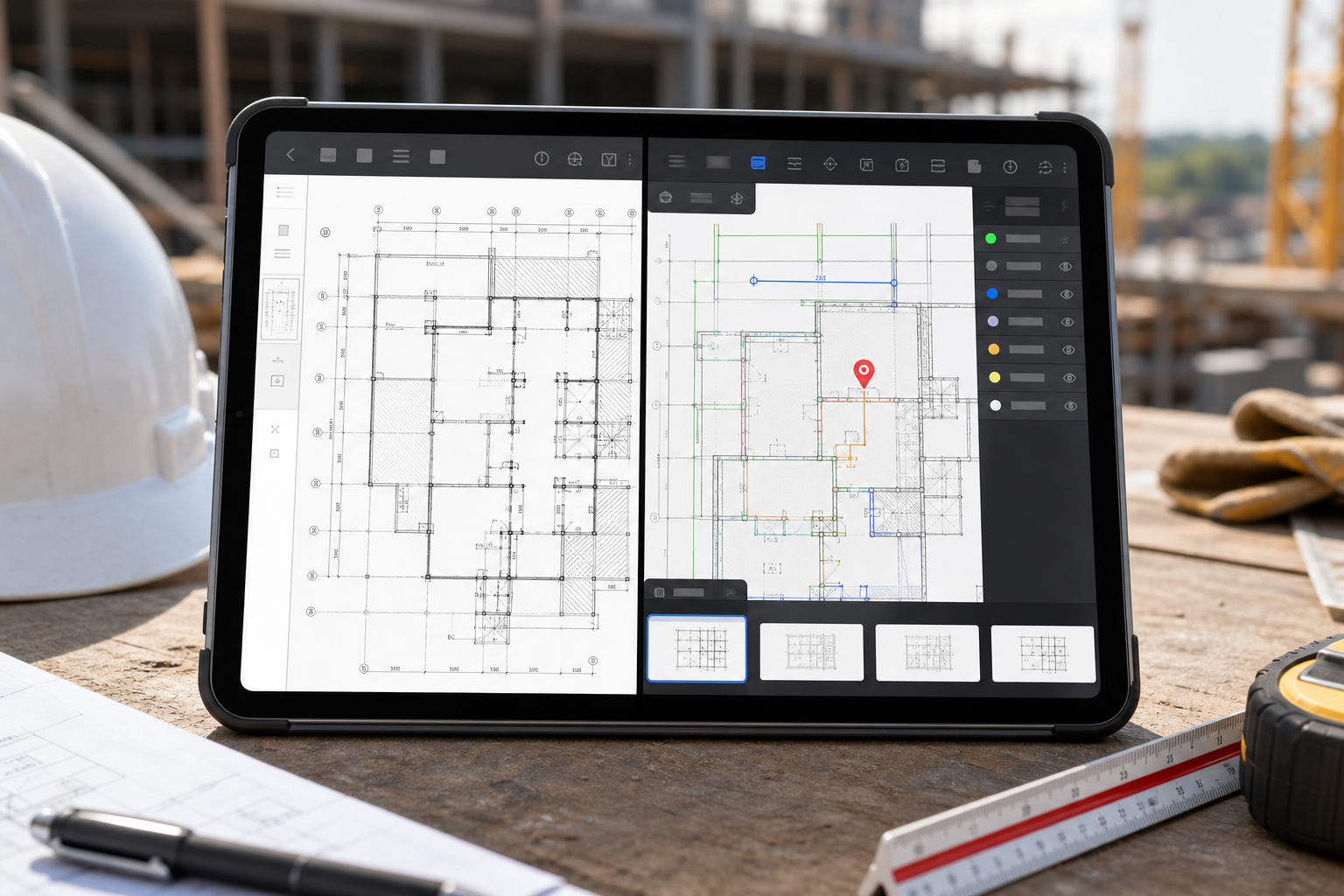
A DWG site walkthrough workflow for iPad teams
A practical iPad walkthrough workflow for teams who need the original DWG on site: open the drawing, confirm layout and layers, capture notes and photos, and export a clean handoff before leaving the area.
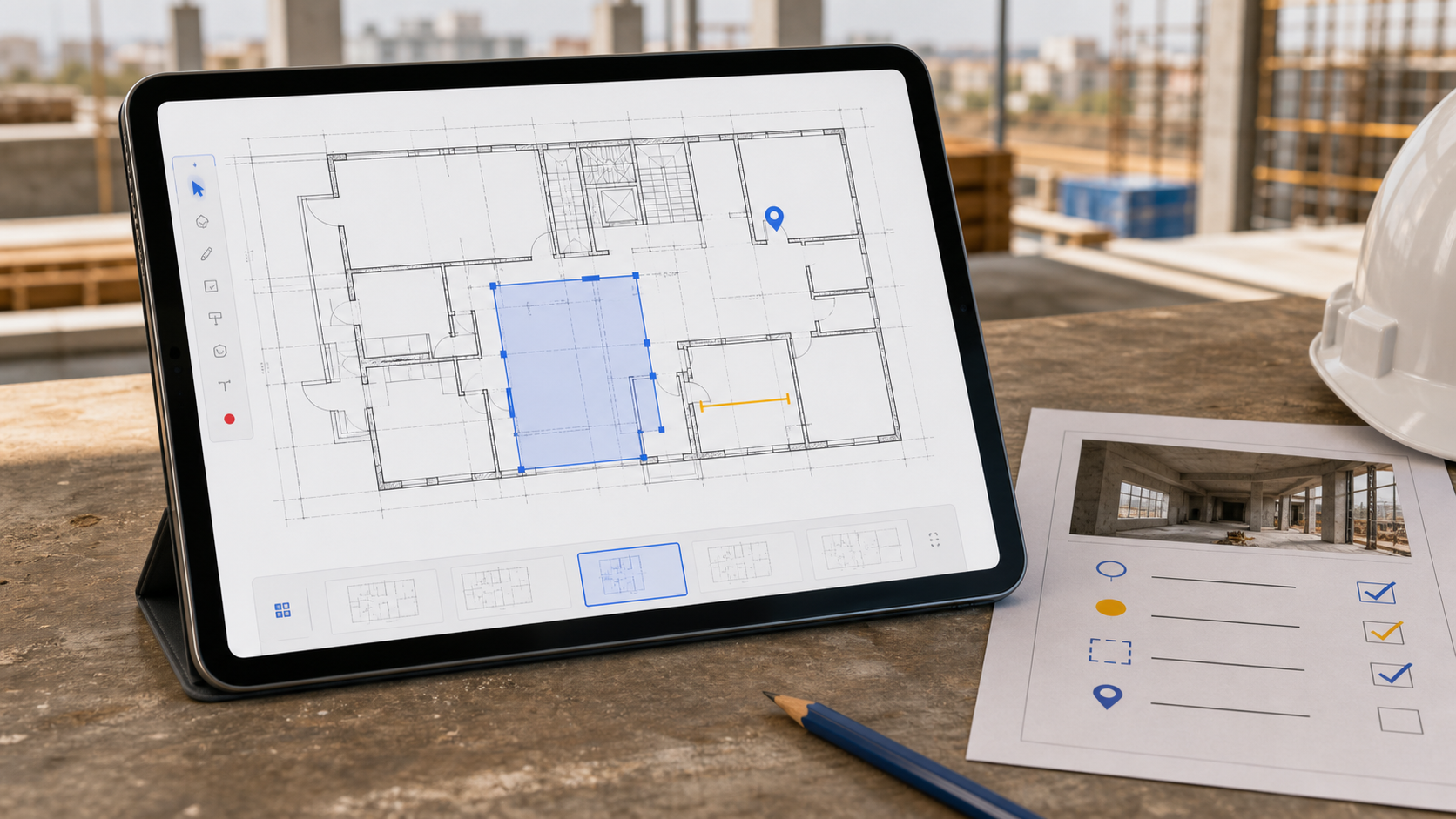
How to choose a blueprint viewer for DWG and PDF plans on iPad
Choose an iPad blueprint viewer by testing the actual DWG or PDF review workflow: layouts or pages, layers or calibration, measurements, notes, and a clear handoff.
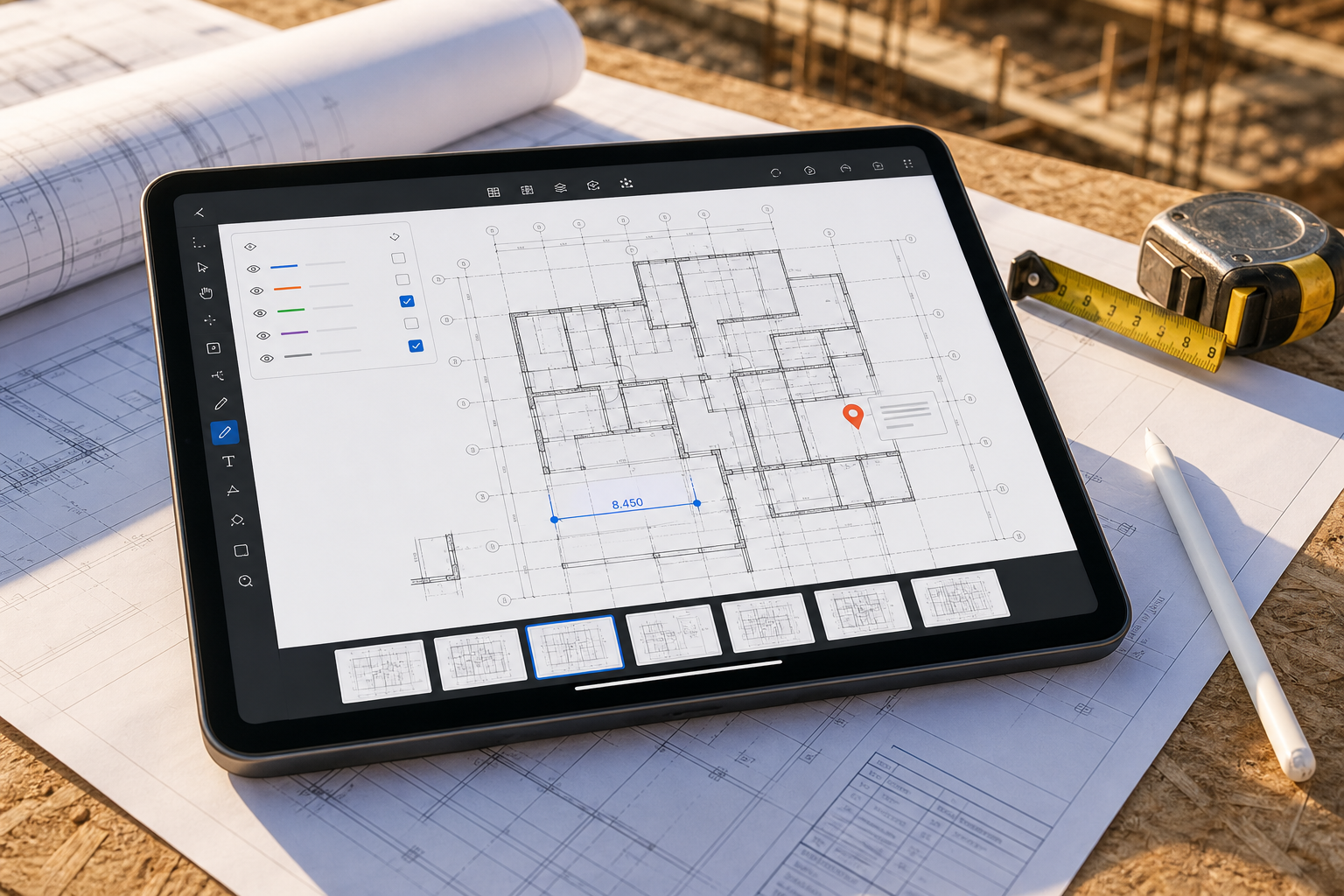
DWG TrueView alternatives for Mac: what should you use?
DWG TrueView is a Windows desktop product. Compare practical Mac alternatives for local review, browser viewing, full CAD editing, measurements, notes, and exports.
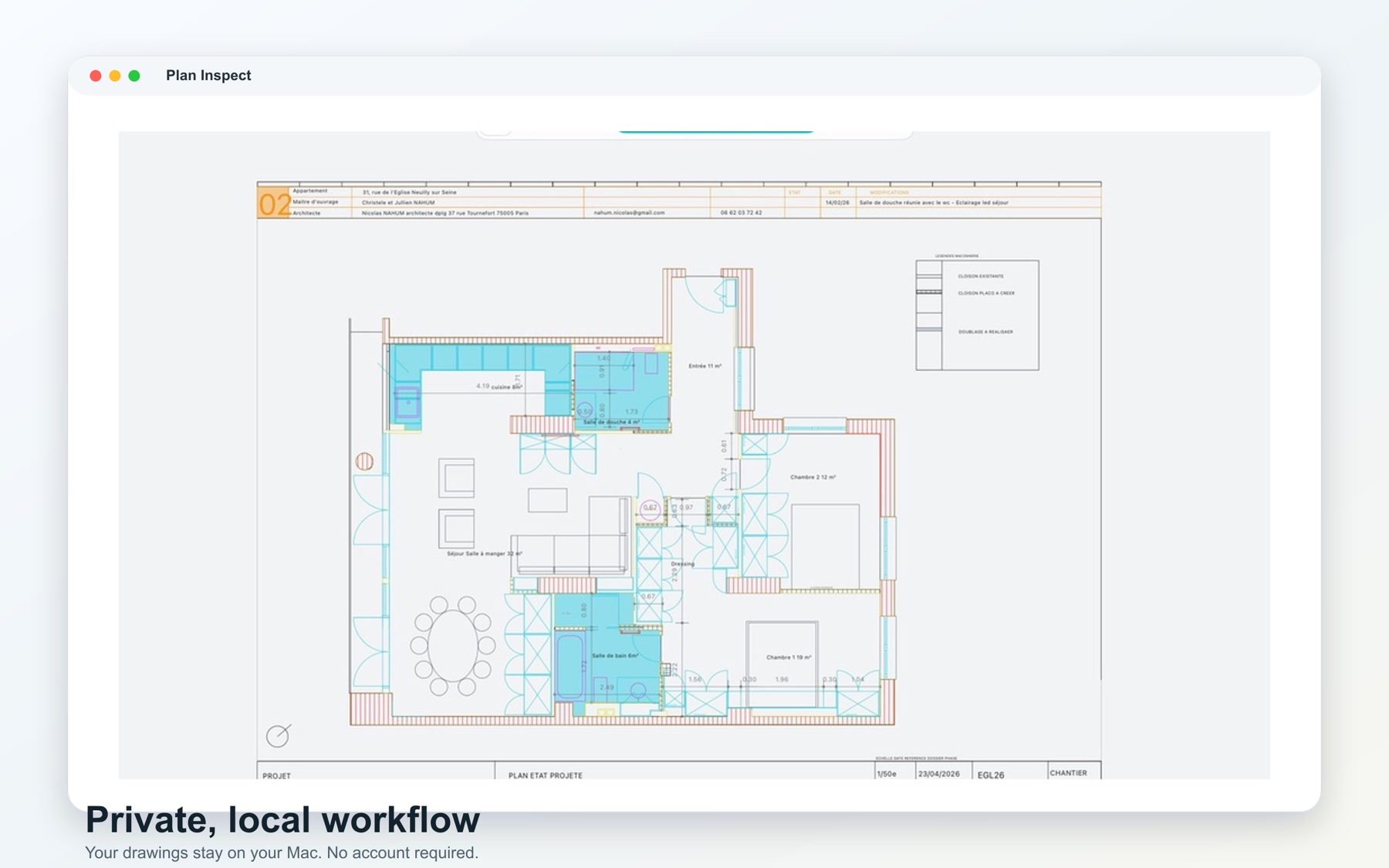
How to choose a DWG viewer for Mac
A practical guide to choosing a DWG viewer for Mac, from native file access and layouts to layers, measurements, notes, exports, privacy, and offline work.
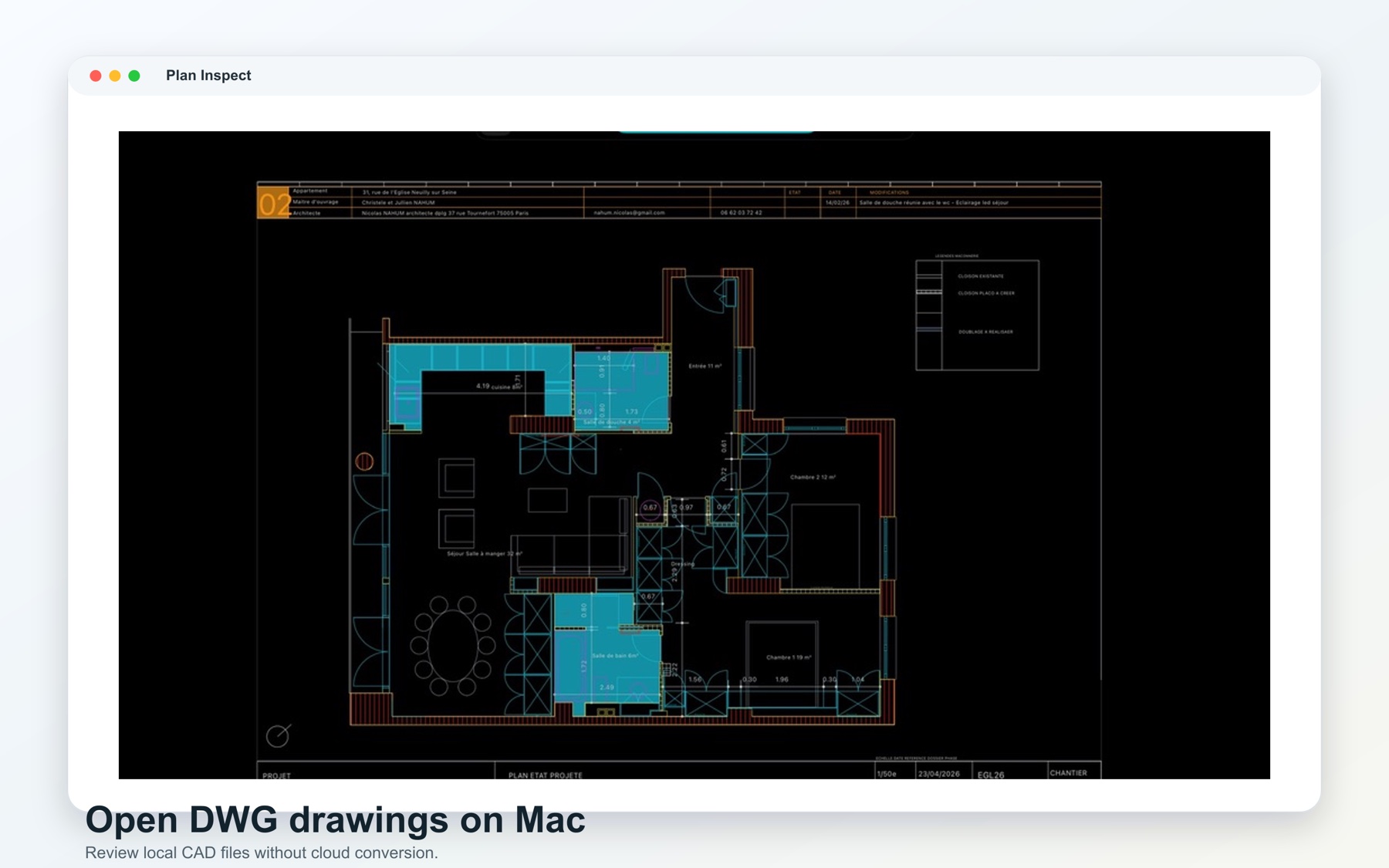
How to open DWG files on Mac without converting them
Open a DWG file directly on Mac from Finder, Mail, AirDrop, or cloud storage, then check layouts and layers without first converting it to PDF.
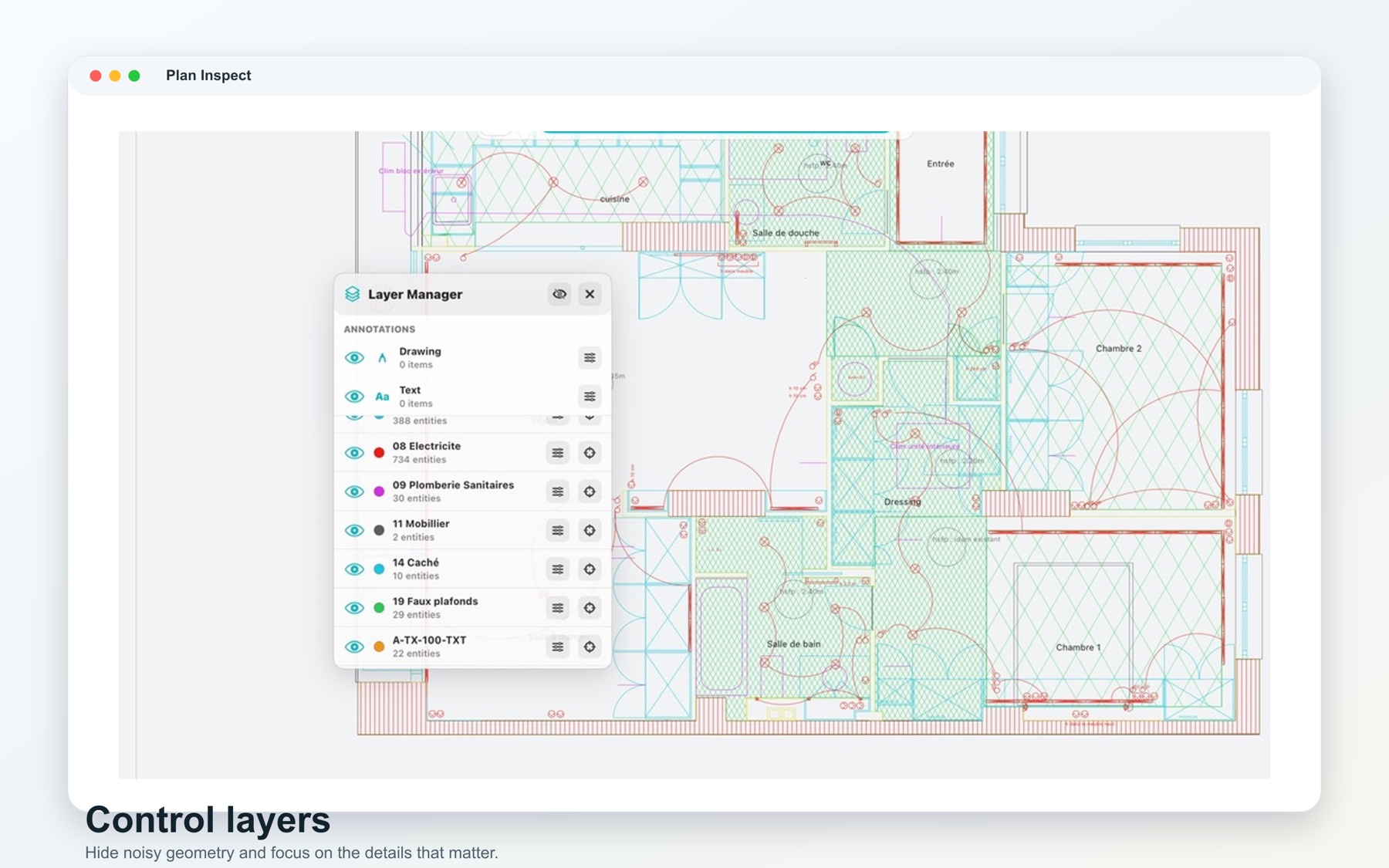
PlanInspect is now available for Mac
PlanInspect brings its local-first DWG review workflow to macOS with native file opening, layouts, layers, measurements, notes, markups, and exports.
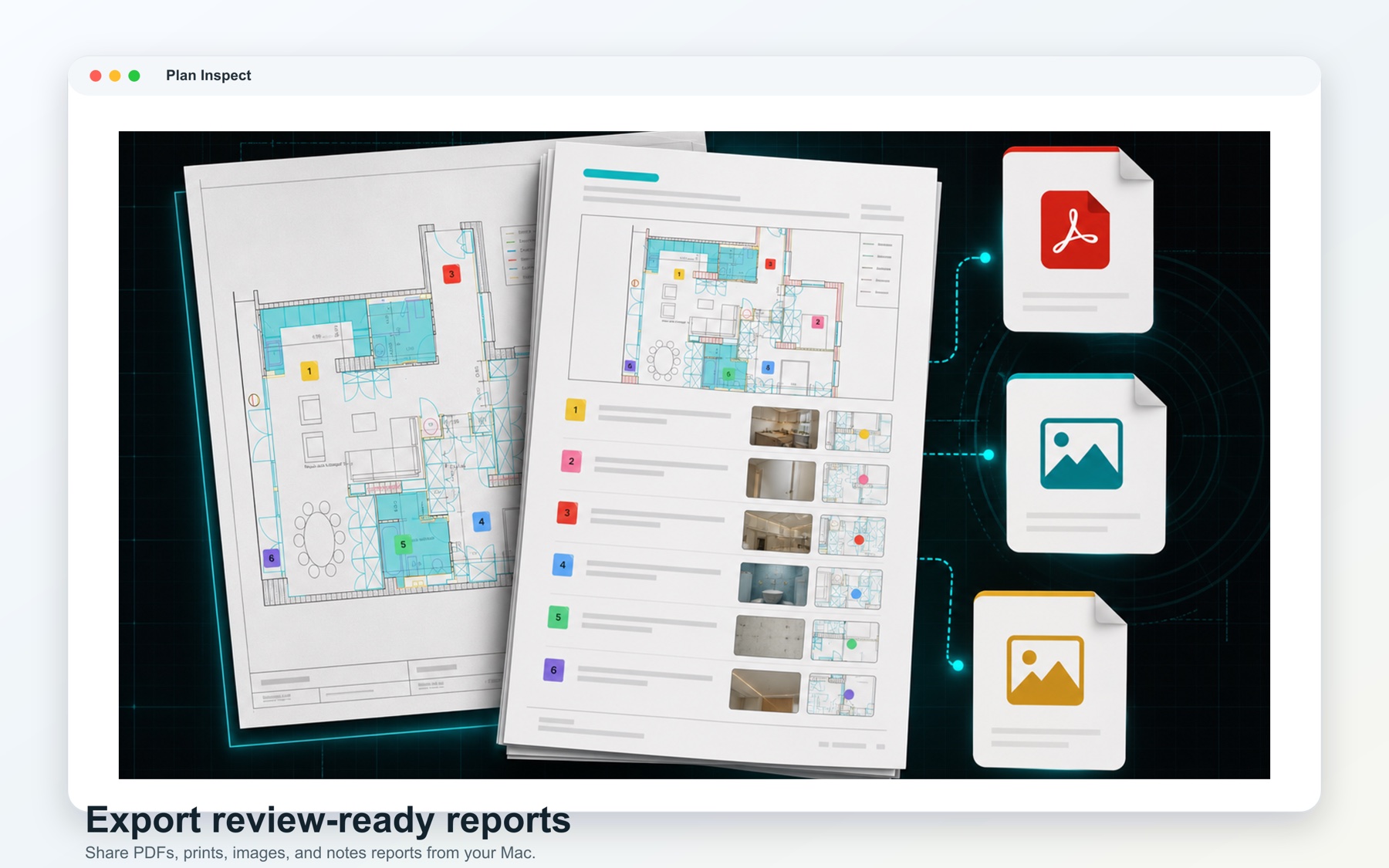
What to look for in a DWG and PDF construction plan viewer on iPad
Choose an iPad construction plan viewer that handles native DWGs and multipage PDFs, trustworthy scale, measurements, notes, markups, and field handoff.
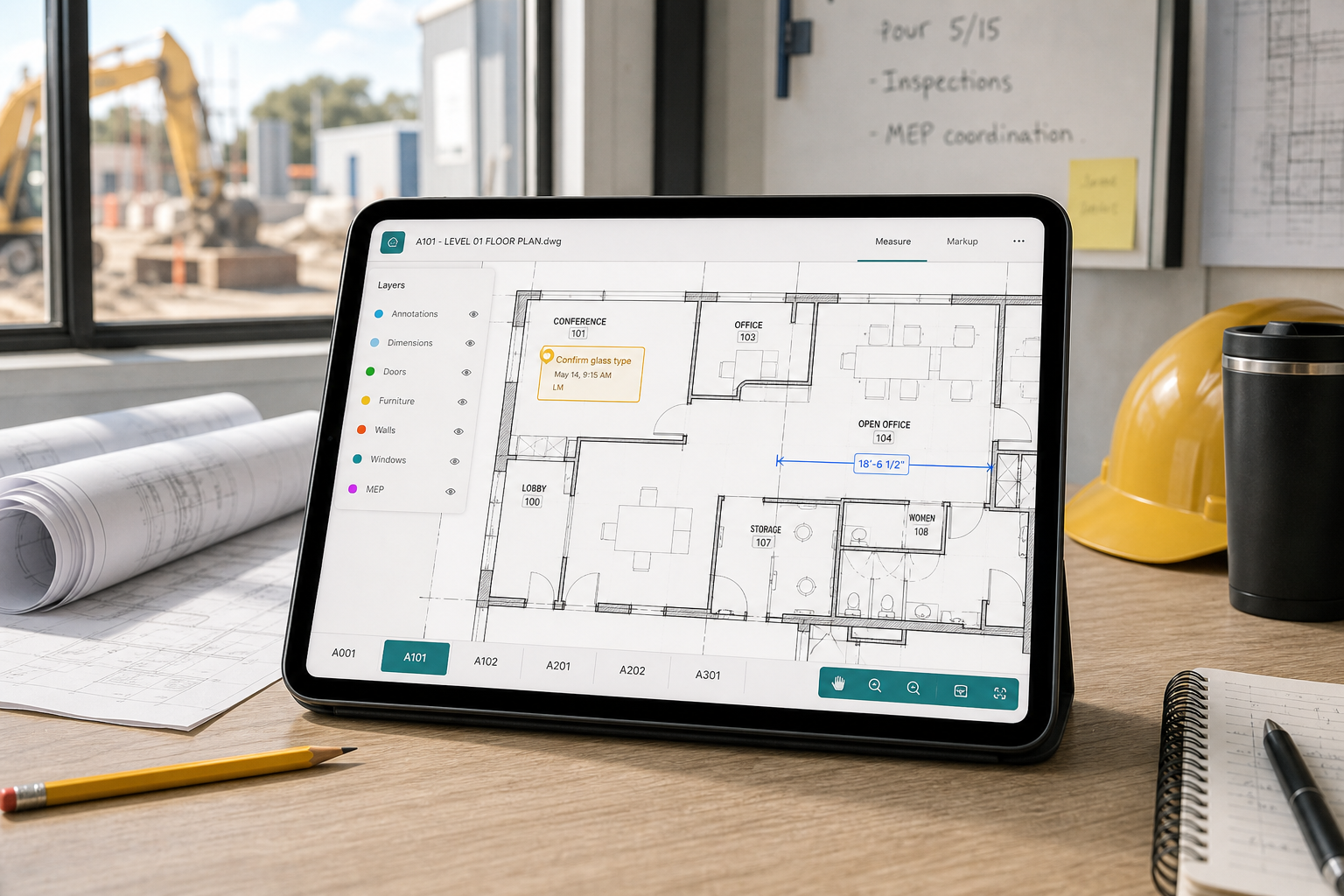
How to open large DWG files on iPad without losing context
A practical checklist for opening heavy DWG files on iPad by separating transfer issues, DWG compatibility, layout context, and noisy layers before you give up and flatten the drawing.
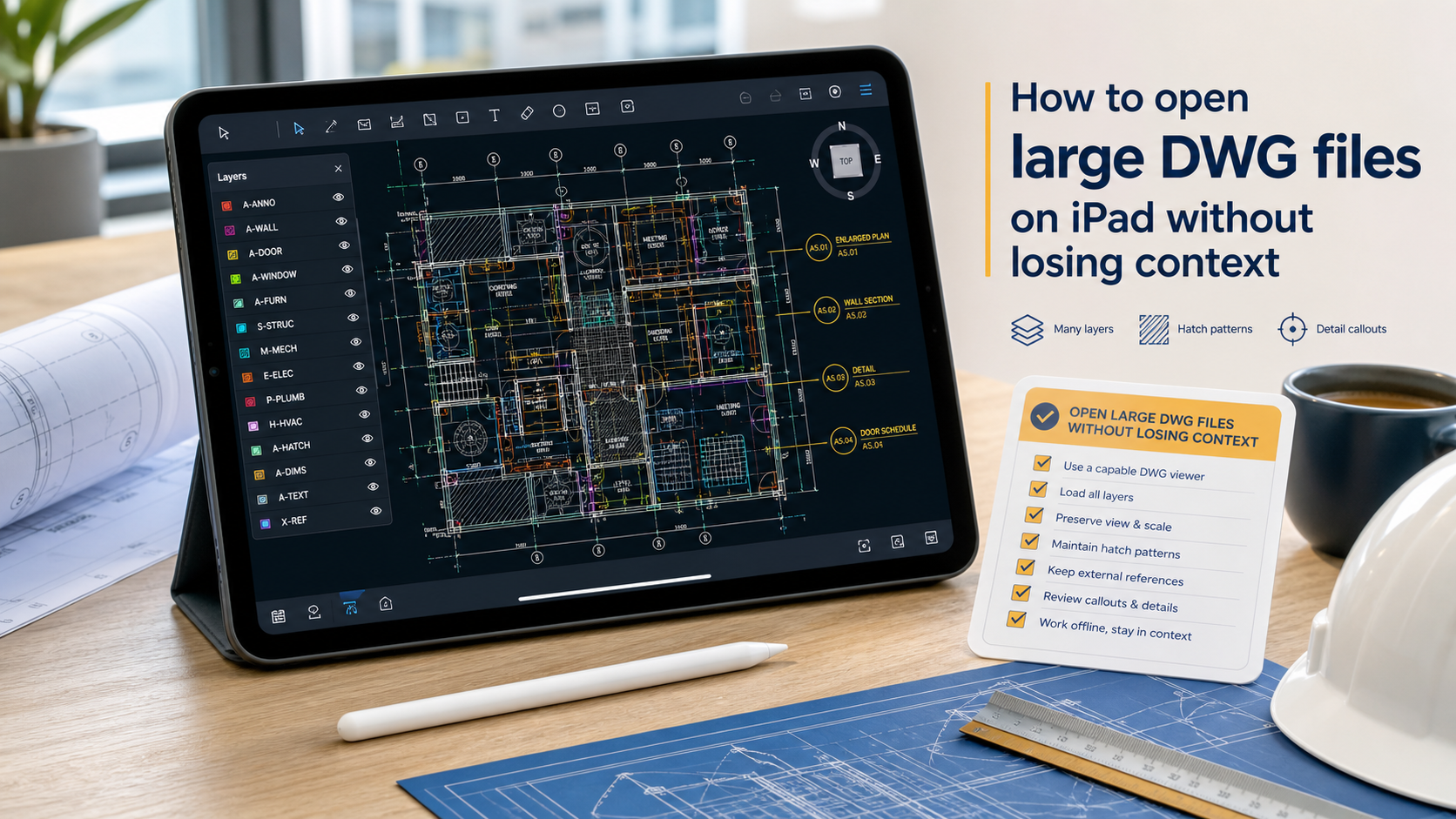
Why a no-account DWG viewer matters on iPad field work
A practical guide to choosing a no-account DWG viewer on iPad: when login-free access speeds field review, what to test before standardizing, and where a local PlanInspect workflow fits.

How to generate an observation report from a DWG review on iPad
A practical iPad workflow for turning DWG review notes and site photos into a clear observation report without retyping everything into a separate tool.

How to add site notes and photos to a DWG on iPad
A practical iPad workflow for pinning site notes and photo evidence to the original DWG, then exporting a clean PDF or notes report for the team.

How to switch layouts and paper space on a DWG from iPad
A practical iPad workflow for moving between model space and layouts, spotting wrong-sheet mistakes fast, and keeping DWG review reliable before measurement or markup.

How to run a punch list from a DWG on iPad
A practical DWG-first workflow for pinning punch items to the floor plan, attaching photos, and exporting a clear closeout handoff from iPad.
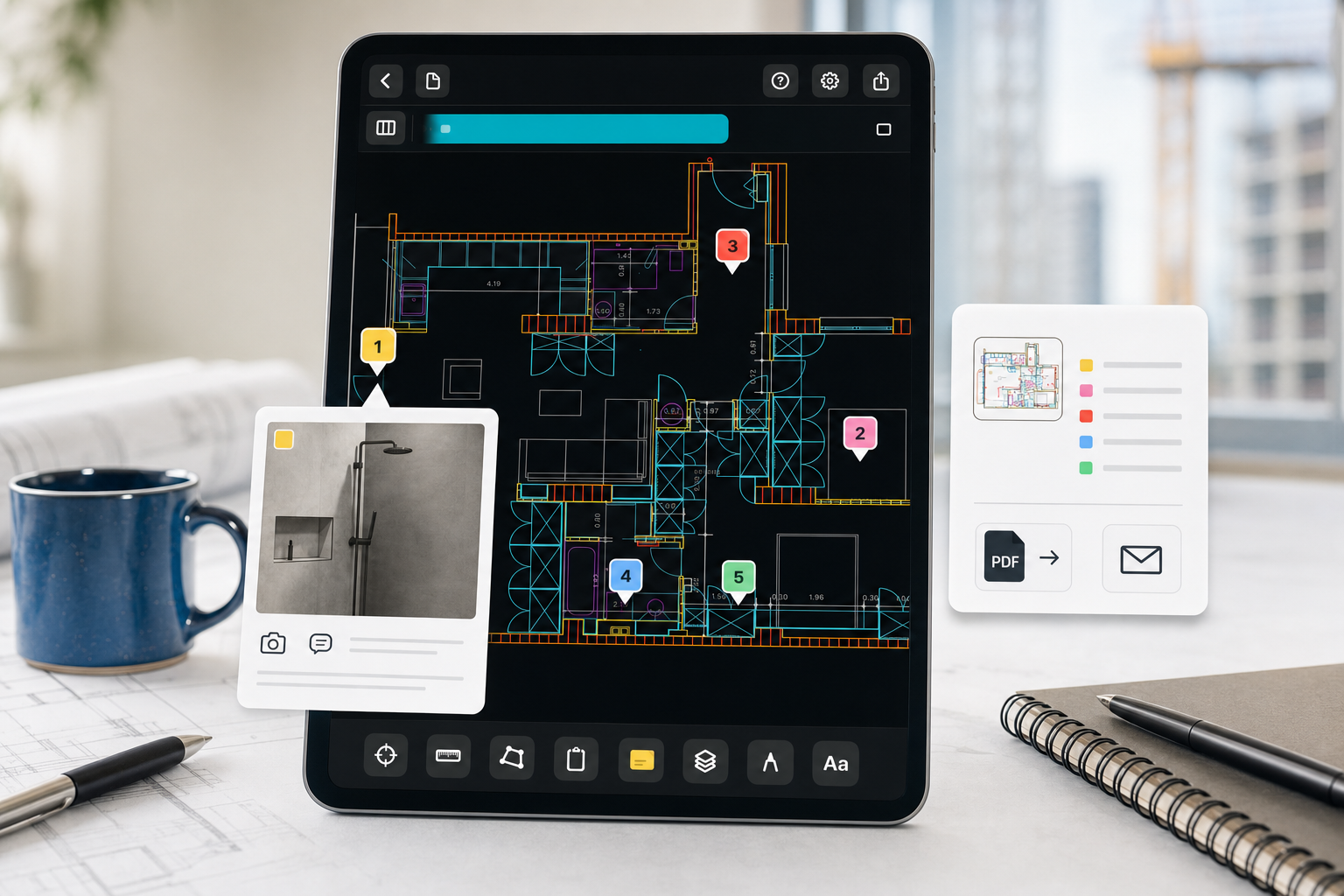
A complete iPad DWG review workflow for construction teams
A practical DWG-first workflow for iPad teams: import the drawing, verify layouts and layers, measure, capture site notes, and export a clear field handoff.
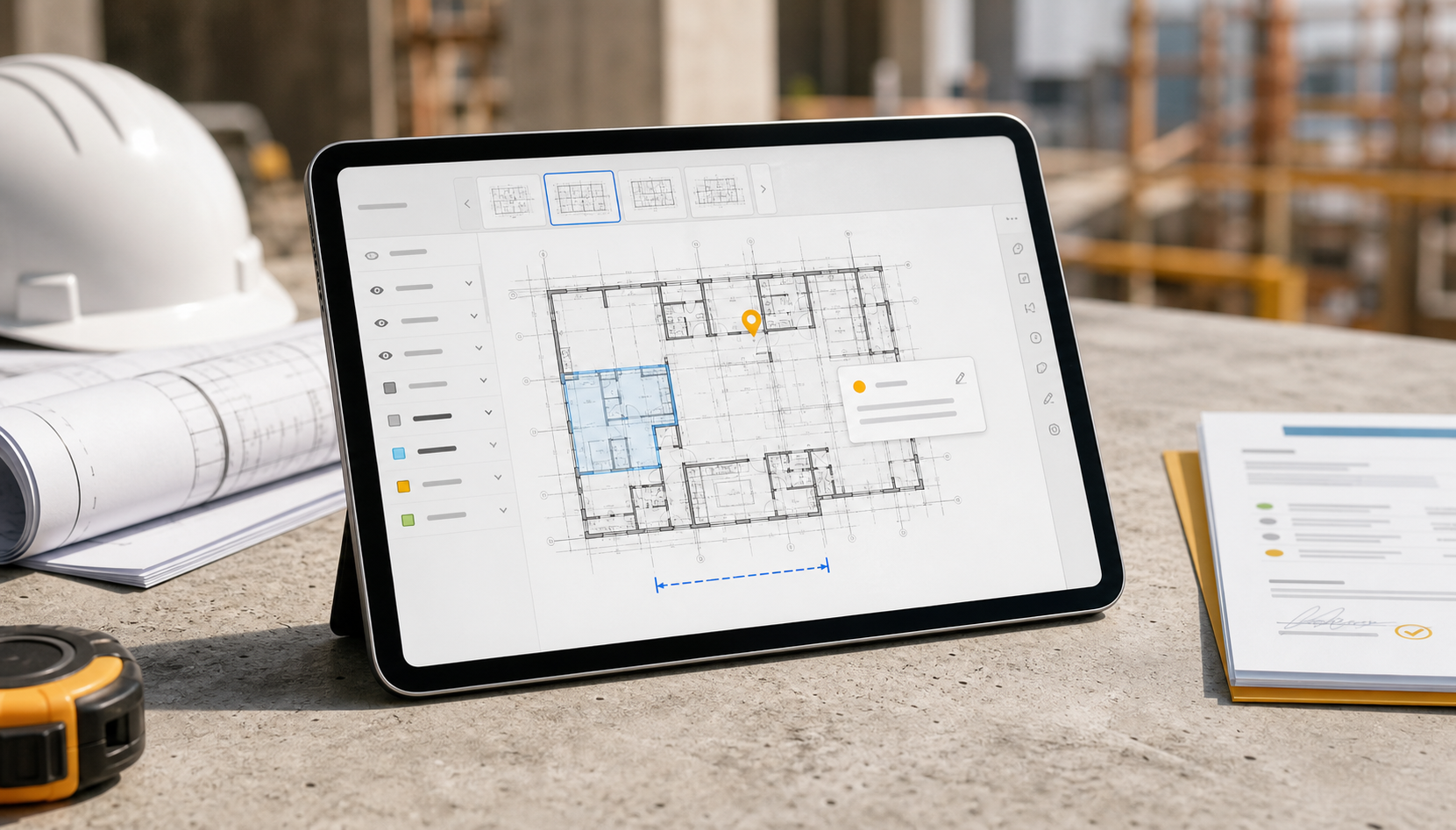
Why privacy matters when opening CAD drawings on iPad
A practical guide to choosing a private CAD viewer on iPad: local files, no required account, permission visibility, and a DWG review workflow that stays useful offline.

How to choose a CAD viewer for site inspections
A practical buyer's guide for site teams deciding between inspection platforms, mobile CAD editors, and a drawing-first iPad workflow for reviewing DWGs on site.

How to send and open DWG files on iPad with AirDrop, email, and Files
A practical local-first workflow for moving a DWG onto iPad, saving it in Files, opening it from the share sheet, and starting review without conversion.
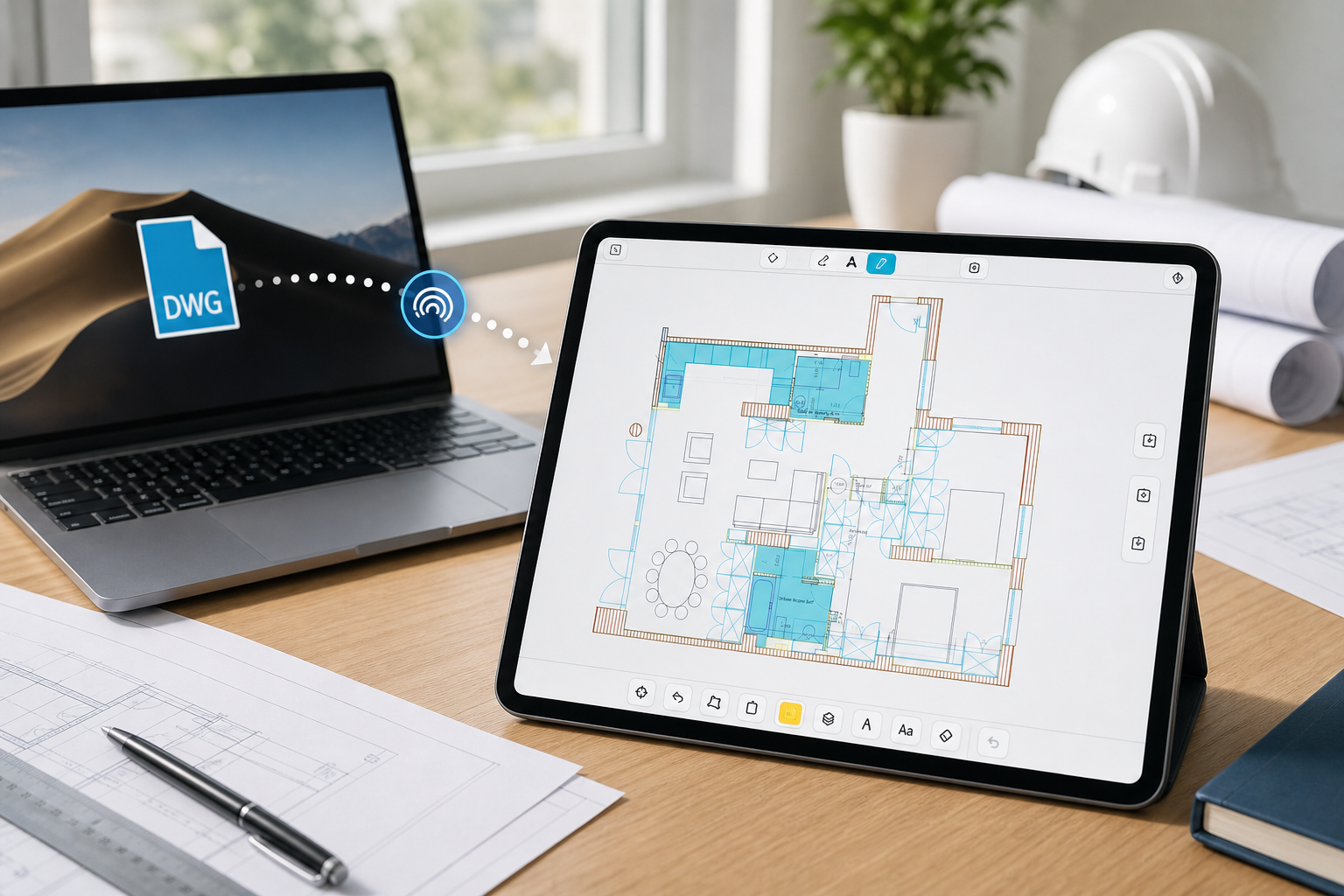
What to check when a DWG file will not open on iPad
A practical troubleshooting checklist for invalid files, incomplete transfers, unsupported DWG versions, and layout or layer issues that make a drawing seem broken on iPad.

What construction teams need from an iPad drawing app
A practical buyer's guide for choosing an iPad construction drawing app that can open real DWGs, stay useful offline, support markups and measurements, and produce a clean field handoff.

AutoCAD mobile vs field review apps: which iPad workflow fits your site team?
A fair comparison for teams deciding between AutoCAD's mobile editing workflow and a more focused iPad workflow for local DWG review, measurements, notes, and exports.

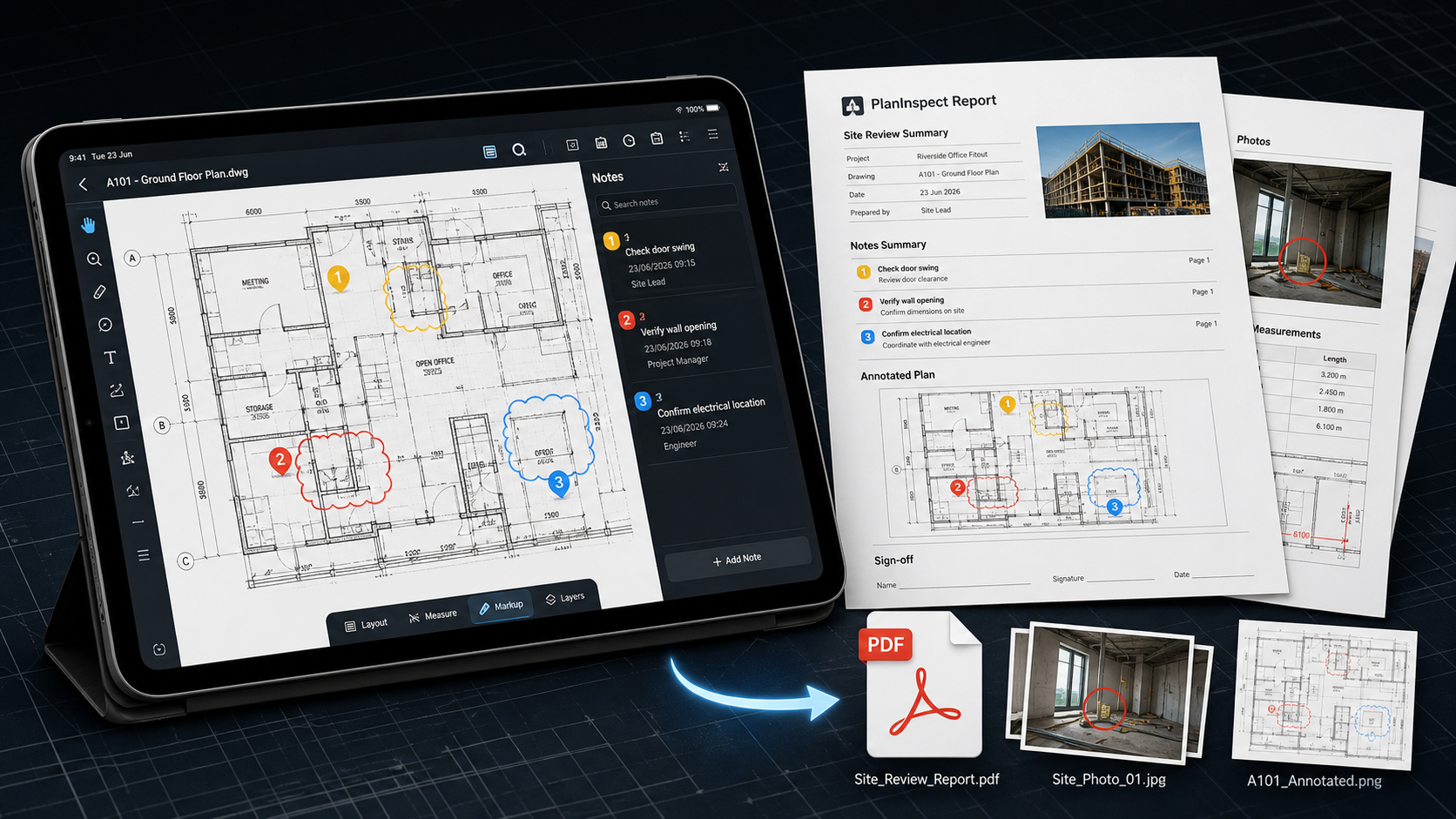
How to export DWG markups and site notes as a PDF from iPad
A practical iPad workflow for turning DWG markups, notes, and measurements into a shareable PDF or notes report without leaving the field.
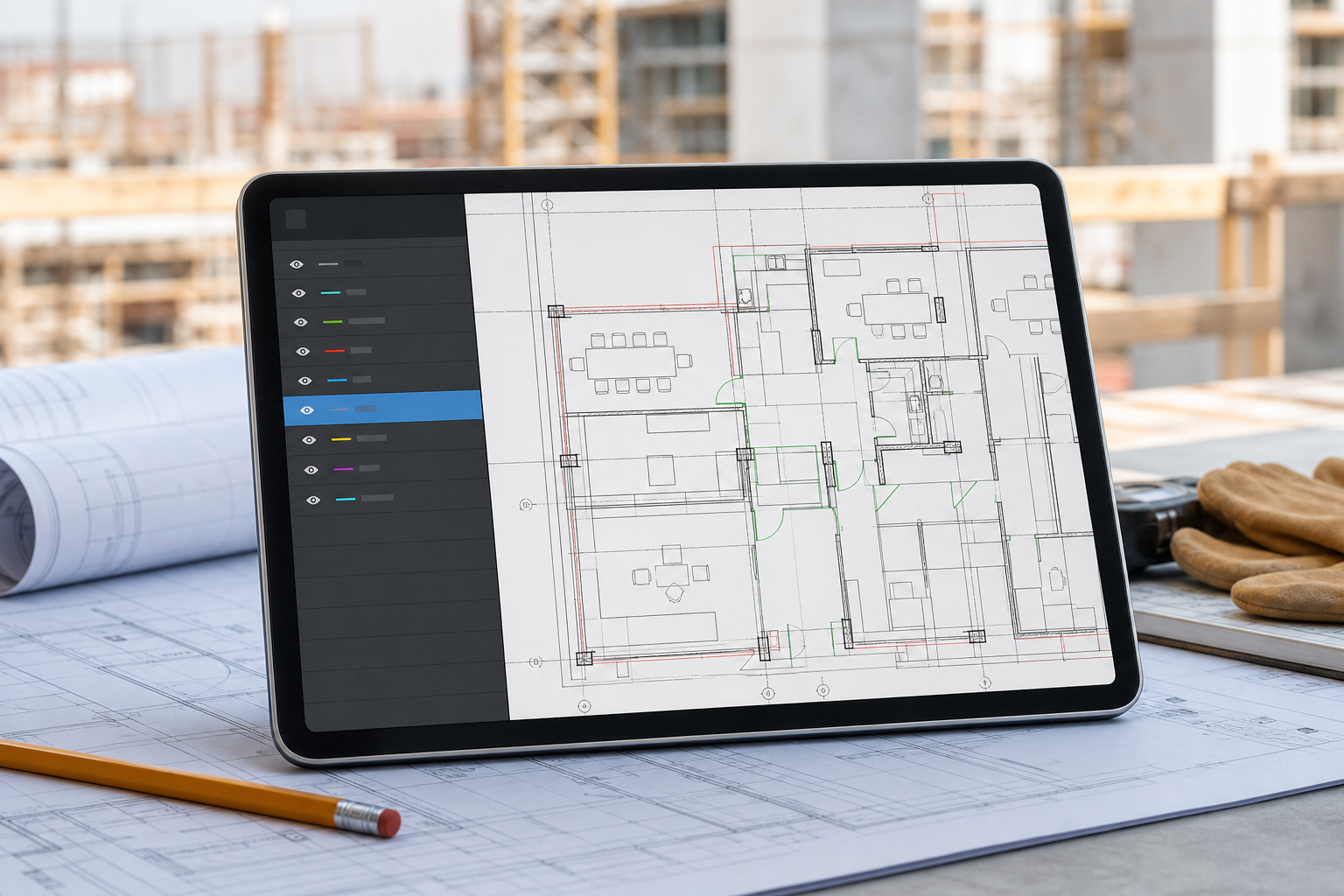
How to review DWG layers on iPad during a site visit
A practical iPad workflow for hiding drawing noise, isolating the right DWG layers, and keeping measurements, notes, and markups readable on site.
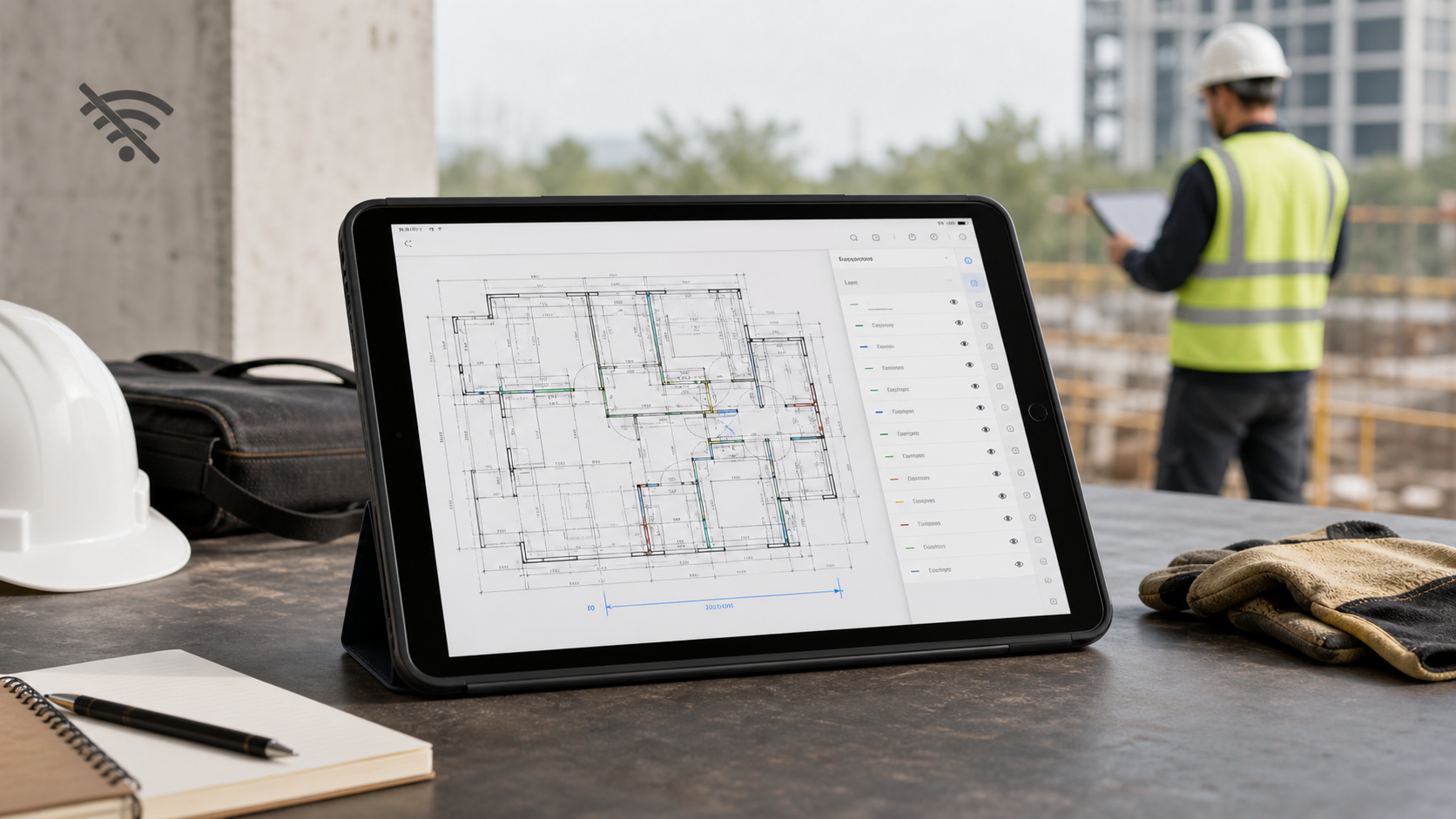
Why offline access matters in an iPad DWG viewer
A practical guide to testing whether an iPad DWG viewer stays useful when the site has no signal, the drawing is local, and the review still needs layers, measurements, notes, and exports.
How to annotate a DWG drawing on iPad without changing the original file
A practical iPad workflow for adding DWG notes, highlights, and site markups while keeping the source drawing intact and ready for export.
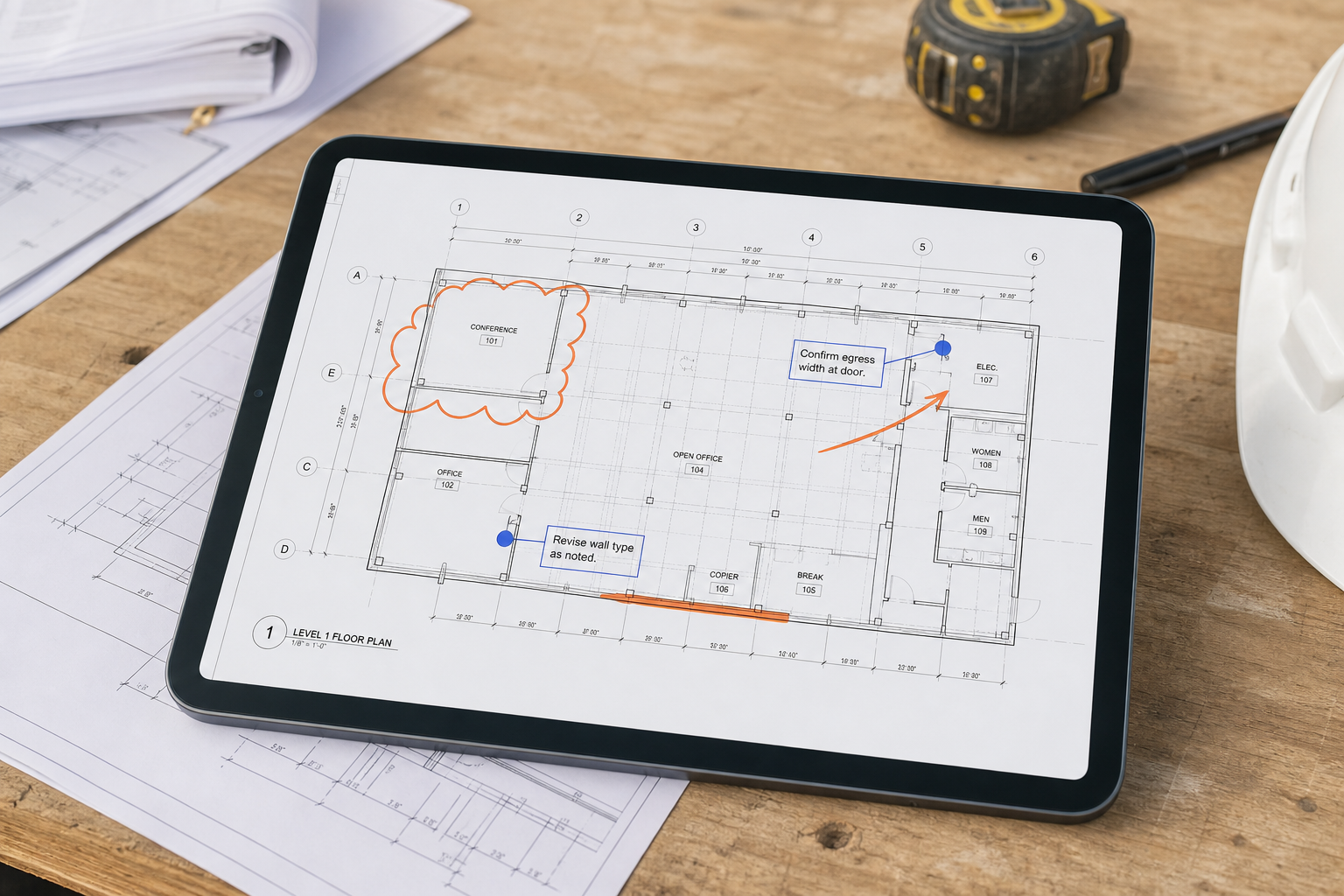
What to look for in a DWG FastView alternative for iPad
A practical comparison for teams deciding whether they need a broad mobile CAD stack or a local-first iPad workflow for DWG review, measurements, notes, and exports.

How to measure distances on a DWG file from iPad
A practical guide to measuring from the original DWG on iPad, checking units and layouts, and turning one field measurement into a clear next action.

The practical guide to using a DWG viewer on iPhone
What an iPhone DWG viewer is actually good for, how to open drawings from Files or Mail, and when to switch to iPad for deeper review.

How to choose a DWG viewer for iPad
A practical checklist for choosing an iPad DWG viewer for field review, measurements, layers, markups, and reports.
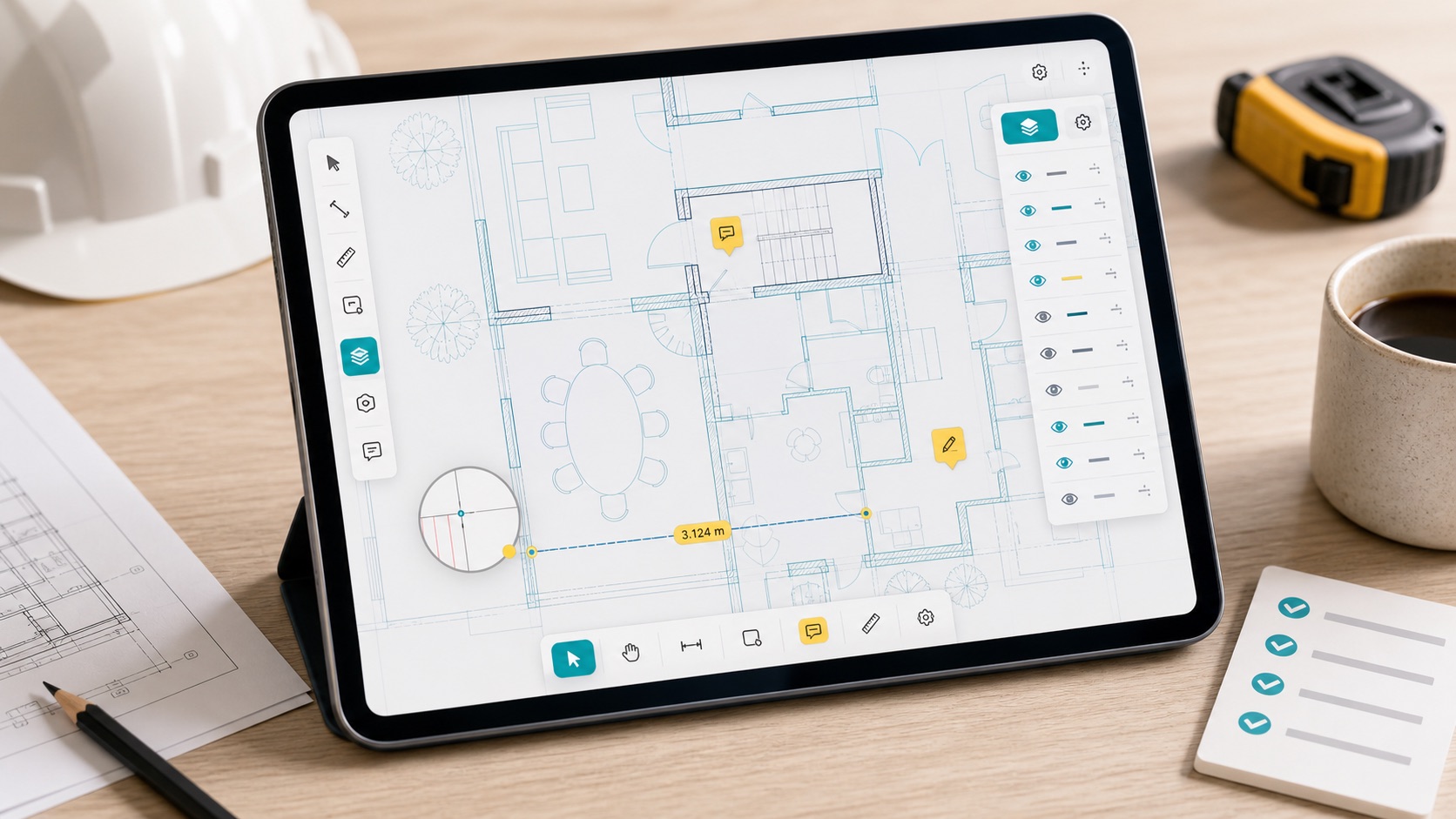
How to open DWG files on iPad without converting them
A practical field workflow for opening, reviewing, measuring, and exporting DWG drawings directly from an iPad.

A DWG review checklist for site inspections
A compact checklist for reviewing CAD drawings on site before you export notes or send issues back to the office.