
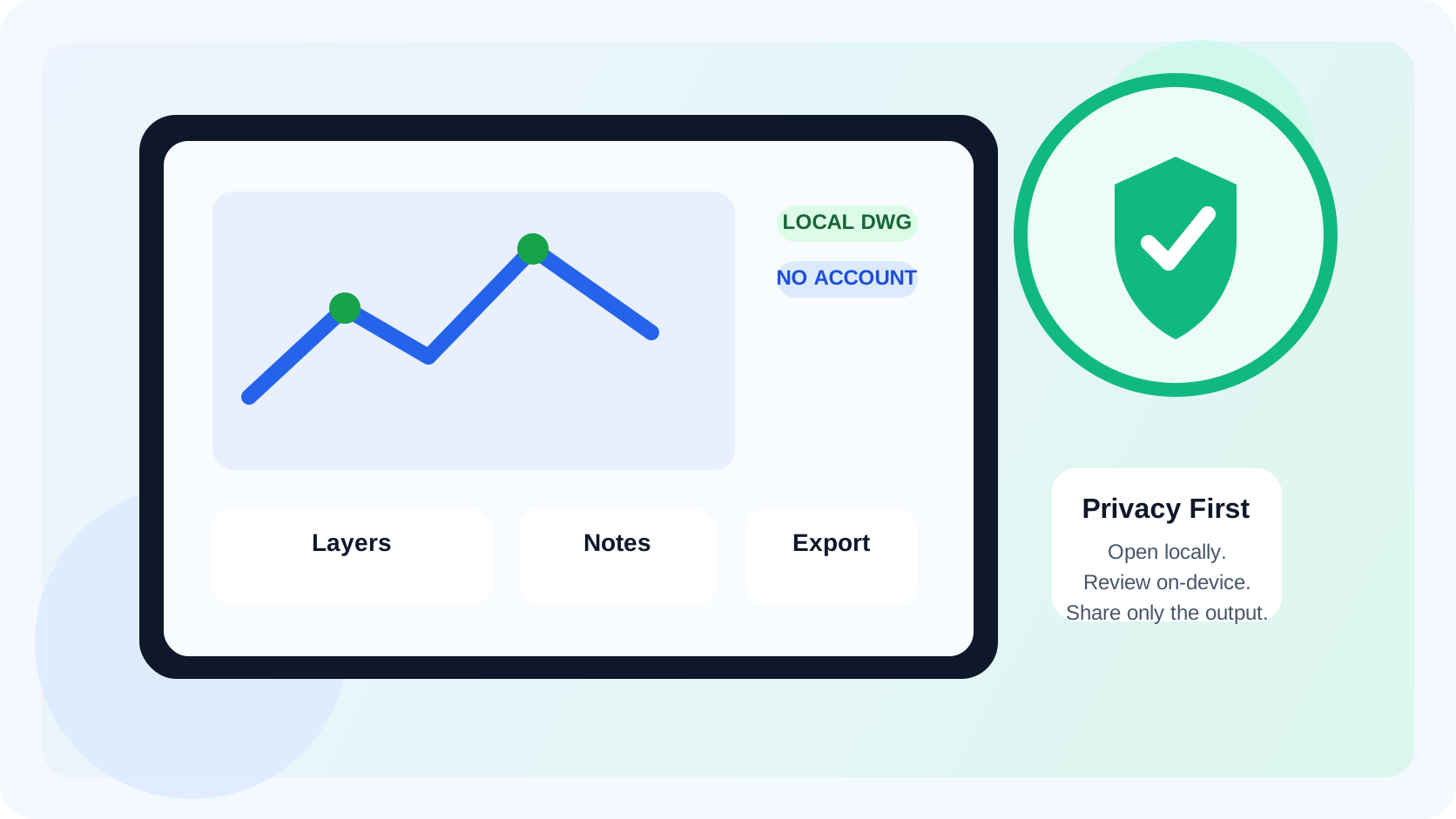
Privacy matters when opening CAD drawings on iPad because many drawings are not just pictures. They can contain client details, building layouts, site issues, and commercial information that should stay controlled from first open to final handoff. A private CAD viewer should let you open the DWG locally, avoid a required account or forced upload, and keep the review useful even when the iPad is offline.
That is a different buying question from "which mobile CAD app has the longest feature list?"
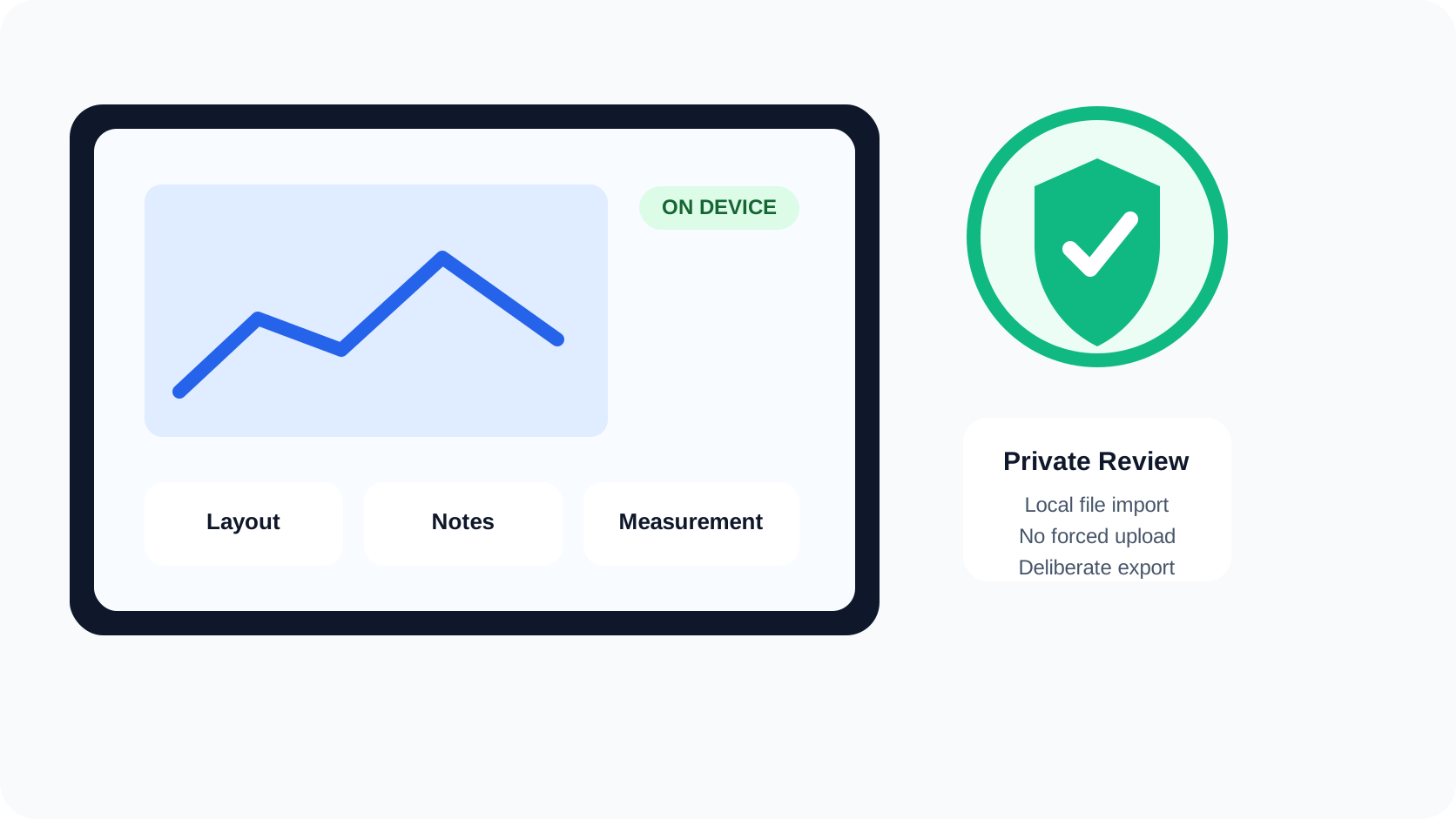
What privacy actually means in an iPad CAD viewer
For a DWG workflow, privacy usually comes down to a few practical questions:
| Question | Why it matters | Strong answer |
|---|---|---|
| Does the file open from Files, Mail, AirDrop, or the share sheet? | The local path is usually the cleanest and most controlled starting point | The DWG opens directly from iPad file workflows |
| Is an account required before the drawing becomes usable? | Sign-in friction adds risk when the file is needed quickly or on site | The core review flow works without a mandatory account |
| Does the app force a cloud upload or browser handoff? | Sensitive drawings should not need an extra upload just to become visible | The drawing can stay local unless you choose to share or back it up |
| Can the review continue offline? | Privacy and reliability often matter together | The app still supports review tasks when connectivity disappears |
| Can you check app permissions and network behavior on iPad? | Buyers need a way to verify trust, not only read marketing copy | App privacy labels, permissions, and App Privacy Report help validate the workflow |
Apple's Files basics for iPad are relevant here because serious DWG work on iPad often begins with a local file path, not with a perfectly curated cloud dashboard. And Apple's explainer on privacy information on the App Store is useful because it clarifies how App Privacy labels frame data collection before you install anything.
If your main blocker is simply getting the drawing onto the device cleanly, start with how to open DWG files on iPad without converting them.
Why this is hard to evaluate from vendor pages alone
Many mobile CAD pages validate useful capabilities without answering the privacy decision directly.
Autodesk's AutoCAD Web/mobile overview emphasizes sign-in, cloud-connected access, editing continuity, and working offline with later sync. That can be the right fit when the iPad is one part of a larger Autodesk workflow.
The DWG FastView App Store listing emphasizes broad mobile CAD capability, including viewing, editing, measuring, annotation, and export. That validates a real expectation in the category: mobile CAD buyers do care about local access and on-device utility.
What both patterns still leave to the reader is the actual buying framework for privacy-sensitive drawings:
- when should a local-first workflow outweigh cloud continuity?
- when does "offline" really mean "the file stays useful locally" rather than "sync later if the session is already prepared"?
- how much control do you want over where the DWG goes before anyone else sees it?
That is the gap this topic needs to fill.
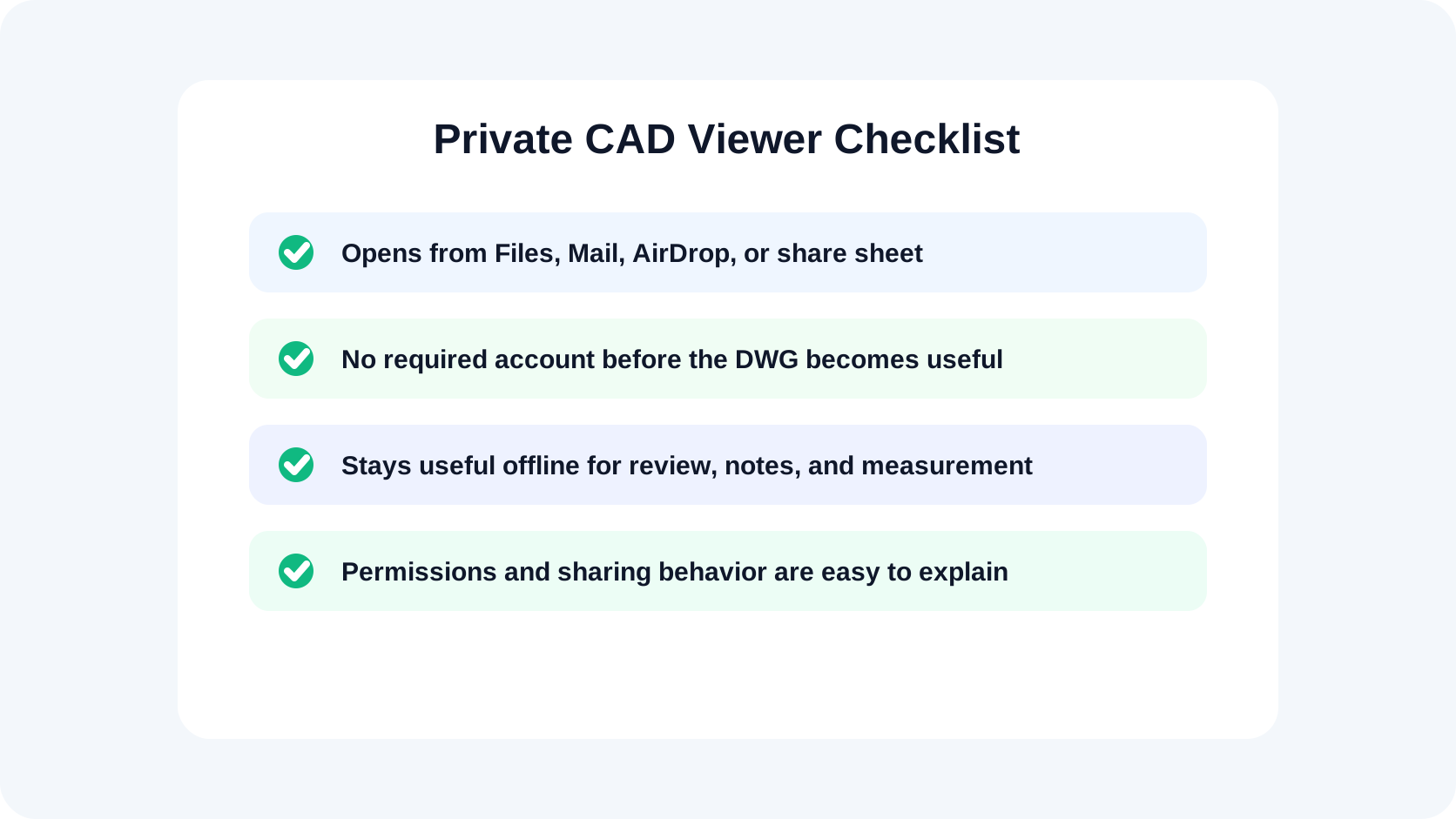
Five checks to run before trusting a CAD viewer with sensitive drawings
1. Start with the local file path
If the drawing cannot open cleanly from Files, email, AirDrop, or the share sheet, the privacy story is already weaker. Extra conversion steps and extra upload steps create more places where the drawing can leave the workflow you intended.
That is why a private CAD workflow should start from the same file path your team already uses on iPad.
2. Ask whether an account is required for normal review
An account is not automatically a problem. But it changes the risk profile:
- another credential step can block a time-sensitive review
- the workflow may assume cloud continuity rather than local control
- teammates may not know whether the drawing is local, synced, or cached
The cleaner privacy answer is not "never use accounts." It is "know whether the core job depends on one."
3. Check whether privacy and reliability survive airplane mode
Apple's App Privacy Report exists because privacy is easier to trust when it is observable. That same mindset applies to DWG review.
One practical test is simple:
- save one real DWG locally
- open it once
- switch to airplane mode
- reopen the file
- confirm whether the app is still useful for review
If the drawing becomes hard to reach or the workflow stops being practical, the privacy promise may be more cloud-dependent than it first appeared.
If offline reliability is one of your main buying criteria, why offline access matters in an iPad DWG viewer goes deeper on that evaluation.
4. Verify what permissions the app actually needs
On iPad, privacy is not only about where a vendor says data goes. It is also about what the app asks to access. Apple's privacy controls let you review app permissions and the App Store privacy section before and after installation.
For a CAD viewer, the normal expectation is narrower than for a broad collaboration platform. You should be able to explain why each requested permission exists in the review workflow.
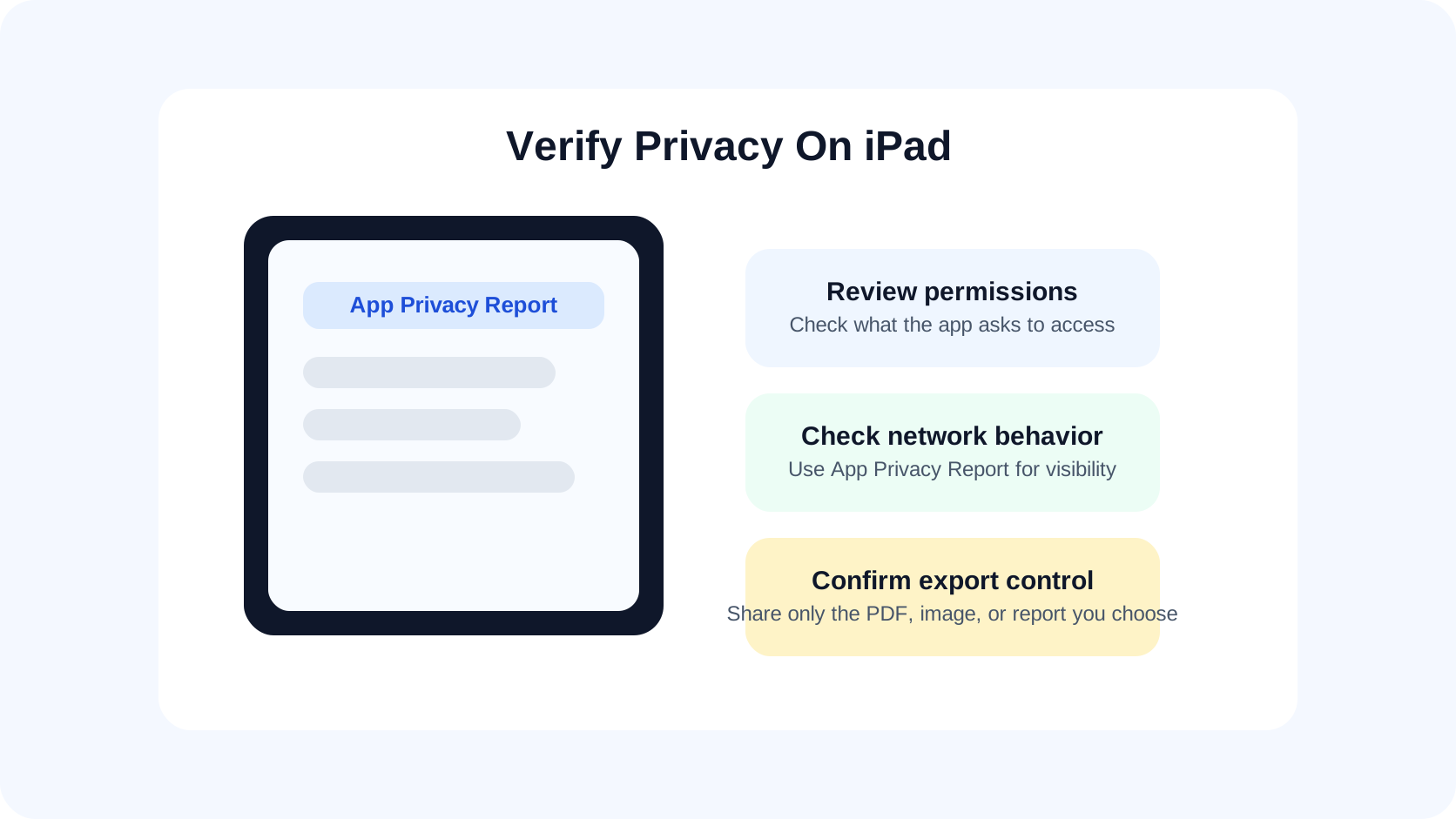
5. Make sure the handoff stays under your control
The privacy job does not end once the drawing is visible. It ends after the review result has been shared the way you intended.
That means checking whether you can:
- keep the original DWG local
- export only the PDF, image, or report you actually want to send
- avoid turning a private review into an unnecessary cloud workflow
For teams that review drawings on site, this is often the difference between a trustworthy iPad tool and a generic mobile CAD utility.
What a private DWG workflow looks like in practice
The strongest privacy-first workflow on iPad is usually the simplest one:
- receive the DWG through Files, Mail, AirDrop, or managed storage
- open the file directly on the iPad
- confirm the right layout and visible layers
- review, measure, and capture notes where needed
- export only the final output you choose to share
That is also why privacy and field usability belong together. A viewer that protects the drawing but becomes useless once the review starts is not enough. The app still has to support the work itself.
The field-side version of that workflow is covered in A DWG review checklist for site inspections. If you are still comparing broader categories, how to choose a DWG viewer for iPad is the best hub.
What this looks like in PlanInspect
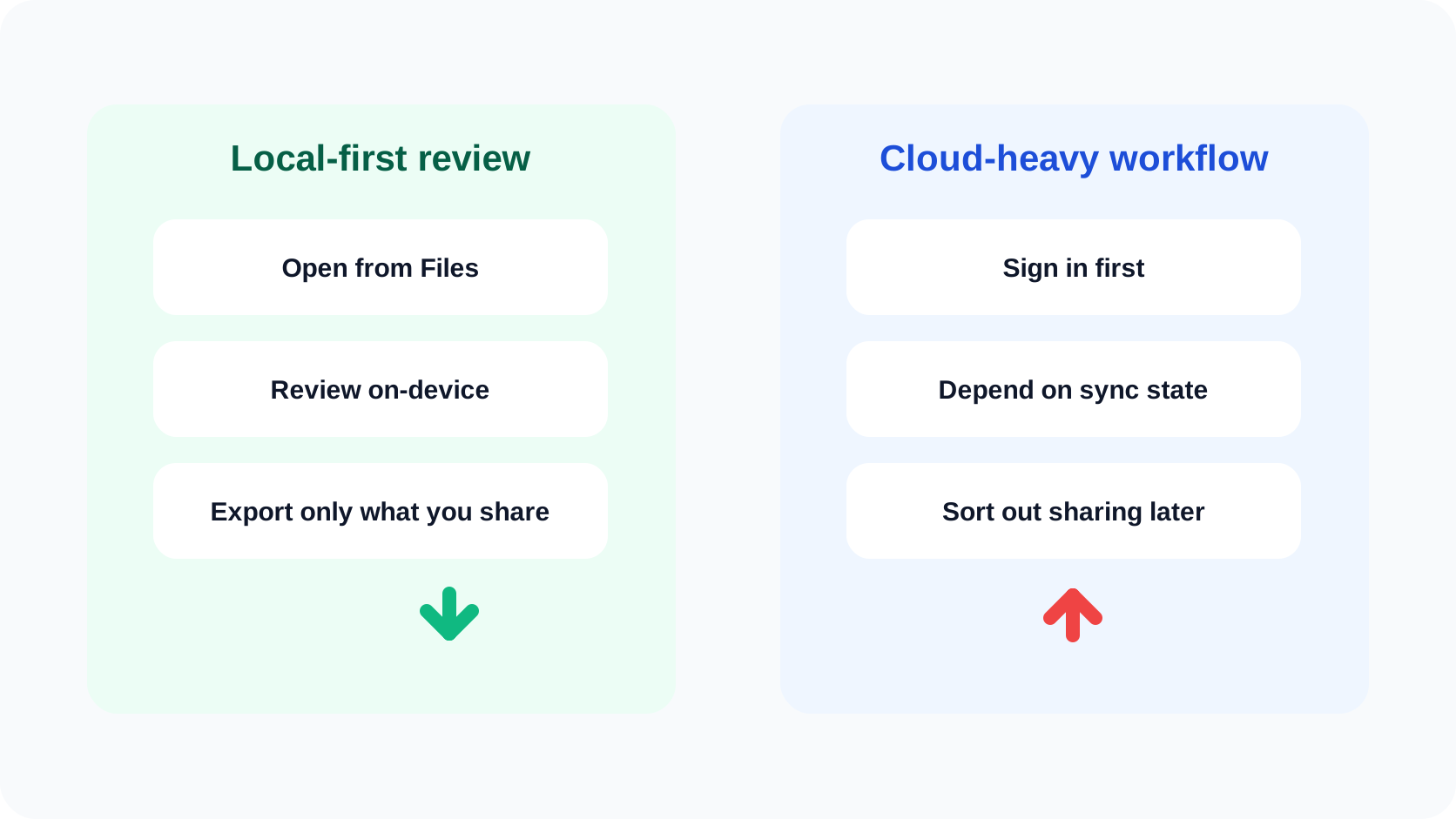
PlanInspect is strongest when the goal is focused DWG review on iPhone or iPad, not a cloud-heavy CAD stack.
In that workflow, you can:
- open DWG files from Files, email, AirDrop, iCloud Drive, or the iOS share sheet
- work without a required account for the core review flow
- keep drawings on the device with optional manual iCloud backup
- review layouts and layers before measuring or marking anything up
- add notes and markups tied to the drawing
- export a PDF, image, or report when the review is ready to leave the device
The current privacy policy is the clearest internal reference point for that promise because it explains the local-storage model, optional iCloud backup, and no-account approach directly.
This is the right fit when your team says things like:
- "We open drawings more often than we collaborate through a vendor cloud."
- "The file should stay local unless we choose to share an output."
- "We want a privacy-safe review path that still works in the field."
It is a weaker fit when the main requirement is broader cloud collaboration, editing continuity across a full CAD platform, or account-driven project coordination.
Use privacy as a buying criterion, not a vague preference
The best private CAD viewer for iPad is not necessarily the one with the most privacy language on its marketing page. It is the one that lets you prove the workflow on a real drawing:
- local open path
- no unnecessary account dependency
- understandable permissions
- useful offline behavior
- controlled export at the end
If the app passes those checks, privacy is no longer just a promise. It is part of the workflow design.