

A no-account DWG viewer matters on Mac when the job is to inspect a drawing now—not enroll a consultant, upload a project, or recover a password first. For urgent reviews, shared Macs, sensitive plans, and one-off handoffs, removing mandatory sign-in keeps the file path simple: receive the DWG, open it locally, review the original drawing, and deliberately export the result.
That does not make every account-based viewer a poor choice. Cloud accounts can be useful for shared links, centralized comments, and ongoing collaboration. The practical question is whether an account advances this review or merely stands between the reviewer and the drawing.
What does “no-account DWG viewer” actually mean?
A no-account viewer should let you complete its core review workflow without creating a vendor identity or signing in. On Mac, that usually means you can select a local .dwg file from Finder or an Open panel and begin reviewing it in the app.
It does not automatically guarantee that the app is offline, private, native, or free. Those are separate properties worth checking:
- No account: core viewing does not require registration or sign-in.
- Local file access: the app can open a DWG already stored on the Mac.
- No required upload: opening does not depend on sending the drawing to a conversion service.
- Offline reuse: the local workflow still works without a network connection.
- Native review tools: layouts, layers, measurements, notes, markups, and exports work inside a Mac app rather than only in a browser session.
PlanInspect combines those properties for focused DWG review: it opens local drawings on Mac without a required PlanInspect account or cloud upload. The same decision on a field device is covered in Why a no-account DWG viewer matters on iPad.
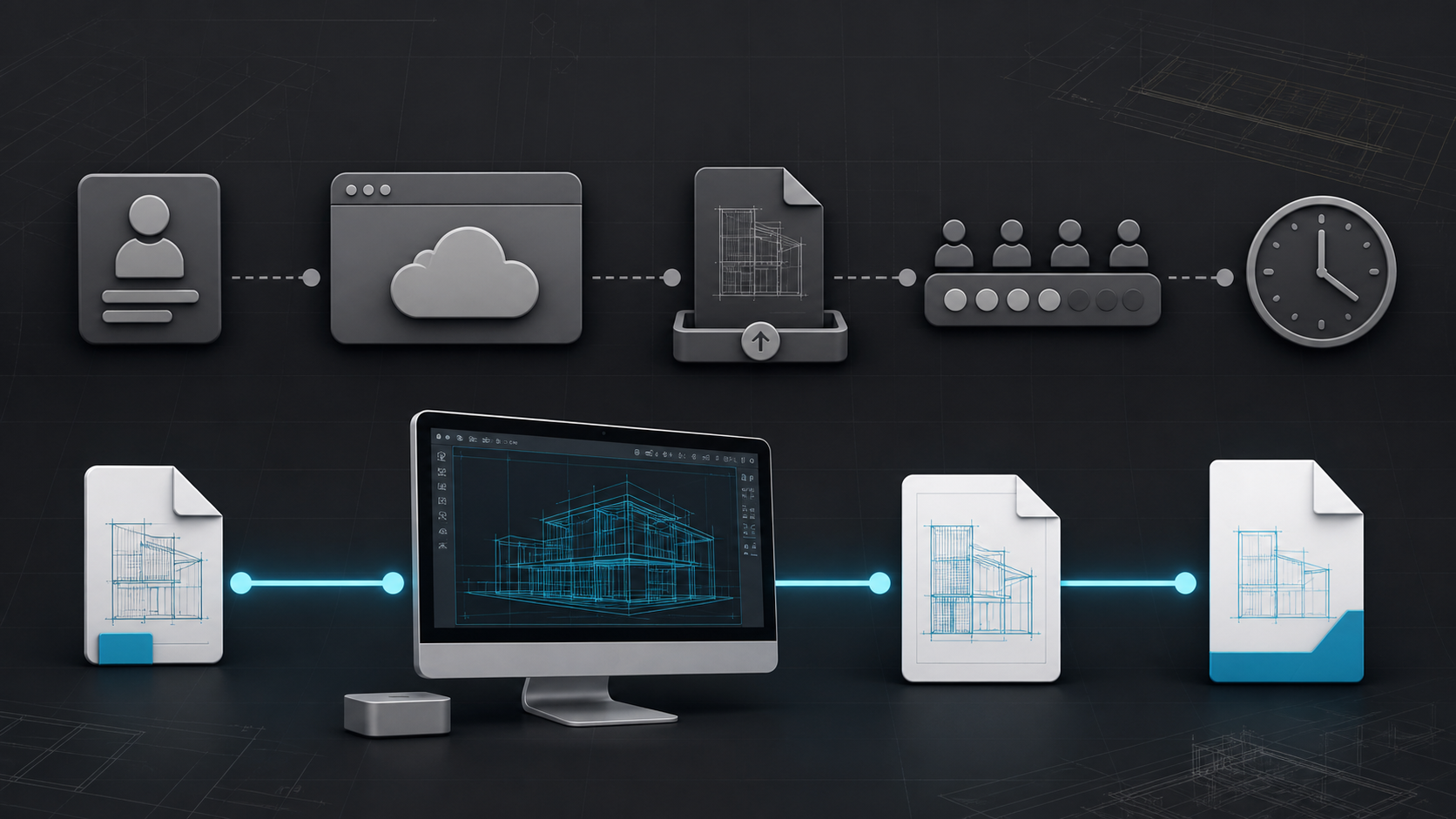
When does required sign-in become real project friction?
The cost is rarely the minute spent typing an email address. It is the dependency introduced at the exact moment someone needs access.
A consultant receives one drawing to check
An external architect, engineer, surveyor, or client may need to inspect one DWG and answer one question. Requiring that person to join a new product ecosystem creates password, verification, consent, and access-management work that can outlast the review itself.
A local viewer keeps the handoff proportional to the task. The consultant receives the approved file, opens it, checks the relevant layout and layers, takes a measurement or adds a note, and returns an intentional export.
A drawing must open during an urgent review
Account problems are especially disruptive in time-sensitive meetings. A forgotten password, blocked verification email, expired session, or company single-sign-on rule can turn a drawing question into an IT problem.
With a no-account Mac workflow, network identity is not on the critical path. The useful test is simple: disconnect from the internet, open a previously saved DWG, and confirm that the review tools you need still work.
The Mac is shared or tightly managed
Shared review stations, meeting-room Macs, and managed devices make personal vendor accounts awkward. Apple supports separate users and temporary guest access on Mac, although its guest-user behavior changes when FileVault is enabled. A no-account app avoids adding another personal identity layer inside the macOS session.
That does not replace device management. The organization still needs appropriate Mac user accounts, storage rules, permissions, and deletion procedures. It simply means the DWG viewer does not add a second login requirement for its core task.

The drawing should not be uploaded by default
Some browser viewers are built around upload, conversion, and sharing. Autodesk's official Viewer documentation, for example, says an Autodesk Account is required to start and that files are uploaded and converted before viewing. That model is useful when the goal is an online design view and shared feedback. It is a poor default when the project rule is “keep this drawing local unless the reviewer explicitly shares an output.”
No-account access and no-upload processing are distinct, so verify both. A browser viewer can advertise “no signup” while still processing files remotely; another may parse files locally in the browser. Read the product's documentation and privacy terms instead of inferring the data path from the login screen.
No-account vs account-based DWG review on Mac
| Review need | No-account local viewer | Account-based cloud viewer |
|---|---|---|
| Open one DWG immediately | Usually the shorter path | May require registration, verification, and upload |
| Work without internet | Strong fit if processing is local | Often limited by authentication or cloud processing |
| Keep the source drawing on the Mac | Strong fit when no upload is required | Verify storage, processing, and retention terms |
| Send a controlled PDF handoff | Export after the local review | Often available after cloud processing |
| Maintain shared comments and links | May require a separate team workflow | Often the stronger category |
| Manage a long-running project workspace | Intentionally limited in a focused viewer | Often the stronger category |
| Use on shared or temporary Mac sessions | Avoids personal viewer credentials | Requires an approved account strategy |
The choice is not “privacy versus collaboration.” It is about choosing the smallest system that safely completes the job. If the team needs live shared views, browser access for many stakeholders, and centralized comment history, an account-based platform may be worth its setup. If the task is local drawing review followed by a deliberate handoff, mandatory enrollment is often unnecessary.
What should you test before choosing a no-login viewer?
Do not evaluate the app only on its first-open screen. Use one representative project file and prove the whole review sequence.
- Start with the original DWG. Open it from Finder, an external drive, AirDrop, Mail, or the folder your team actually uses. Avoid a hand-picked sample drawing.
- Check the file path. Confirm whether the app opens locally or sends the file to a remote service. Apple's App Sandbox documentation explains how sandboxed Mac apps can work with user-selected documents without broad disk access.
- Inspect layouts and layers. A viewer that opens model space but hides the sheet or layer context may not support the real review.
- Take one known measurement. Compare it with a trusted value and verify the drawing units. No-login access is only useful if the review result is dependable.
- Add one real issue. Test a note or markup where the project needs feedback, not in an empty corner chosen for a demo.
- Export the handoff. Produce the PDF, image, or notes report that the next person will receive. Make sure the output communicates the intended context.
- Repeat offline. Close the app, disconnect the Mac, and reopen the drawing. This exposes hidden authentication, conversion, and cache dependencies.
This same test applies whether the product is native or browser-based. The label “no account” is the beginning of the evaluation, not its conclusion.
What a local PlanInspect review looks like on Mac
In PlanInspect, the core path is deliberately drawing-first:
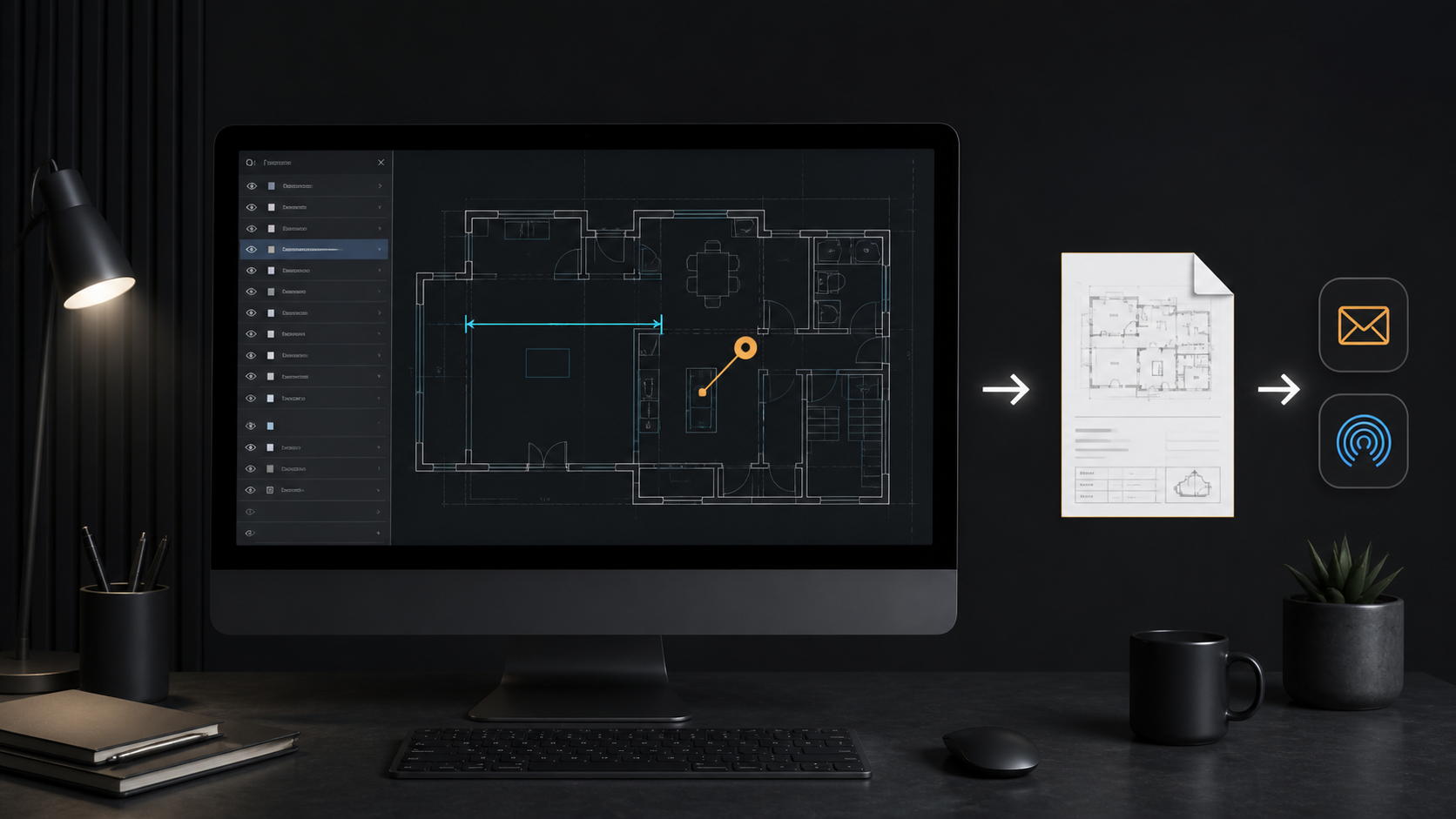
- open a local DWG from Finder, drag and drop, recent documents, or the native Open panel
- review model space and paper-space layouts
- control layer visibility to reduce drawing noise
- measure distances and areas against the drawing coordinates
- add notes and markups without converting the source into a drafting project
- export PDFs, images, or notes reports when the review is ready to share
The Mac app uses user-selected file access and keeps the drawing review local. There is no required PlanInspect account, cloud upload, or internet connection once the file is on the Mac. The PlanInspect App Store listing describes the current Mac workflow and features.
PlanInspect is strongest when the reviewer needs the original DWG context without the weight of a full CAD authoring suite or cloud workspace. It is not a substitute for multi-user model coordination, version-controlled drafting, or live cloud comments. For a broader category comparison, start with How to choose a DWG viewer for Mac; for the file-opening path itself, see How to open DWG files on Mac without converting them.
Use no-account access as a workflow requirement, not a slogan
The best no-account DWG viewer for Mac is the one that proves a complete review on your real file: local open, correct layout and layer context, useful measurement or annotation, offline reuse, and deliberate export.
Choose an account-based viewer when its collaboration system earns the extra dependency. Choose a local no-account viewer when the job is to get from file to answer with fewer failure points. On a busy project, that distinction is not cosmetic—it determines whether the drawing is ready when the decision is.