
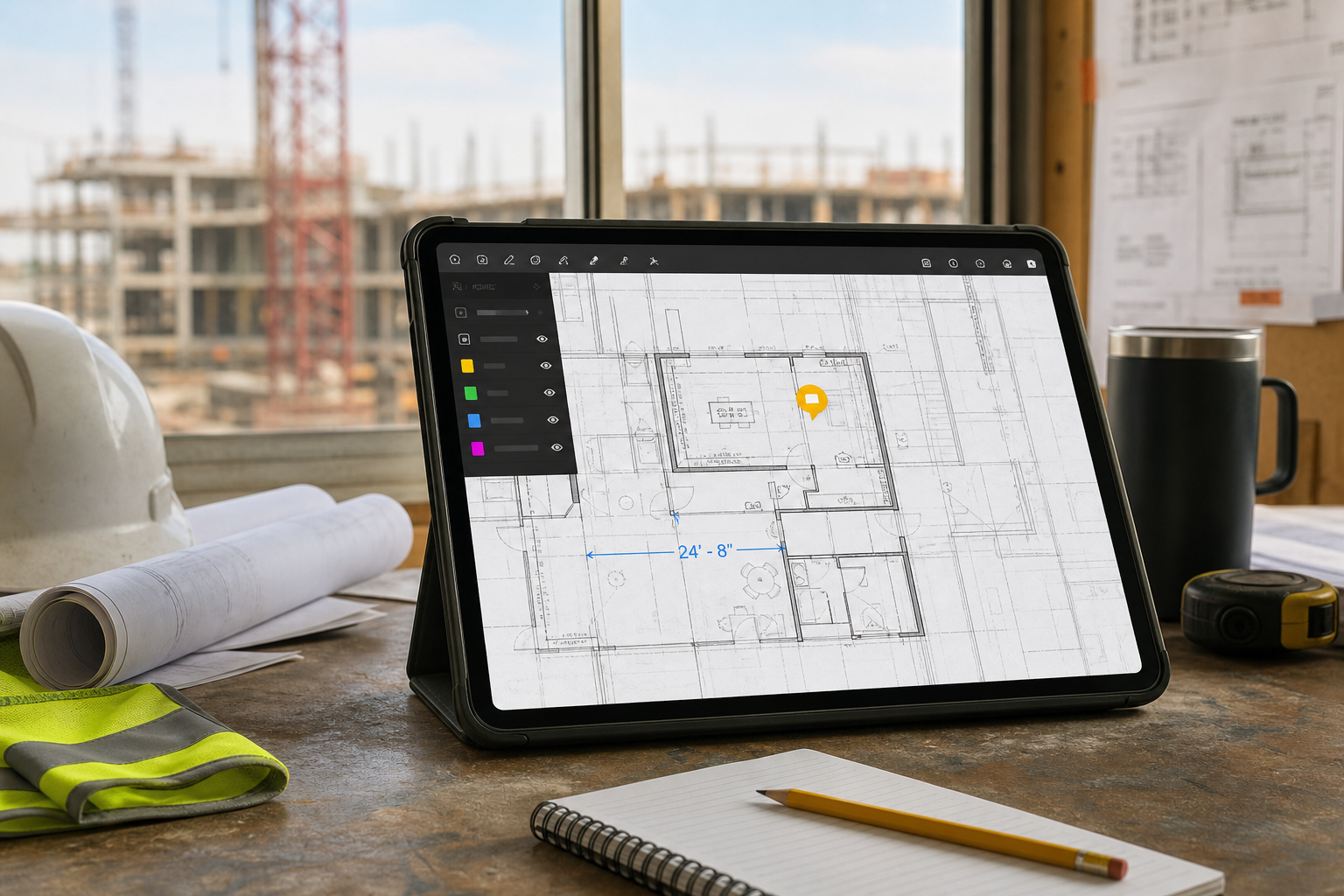
The best construction drawing app for iPad is the one that matches the real job on site. If your team mainly needs plan distribution, task tracking, and synchronized project communication, a broader construction platform may be the right fit. If the real job is to open the original DWG, inspect layers and layouts, confirm dimensions, add notes or photos, and export a clear handoff before leaving the site, choose an iPad app built around drawing review instead.
That distinction matters because "construction drawing app" is a much wider category than most teams think.
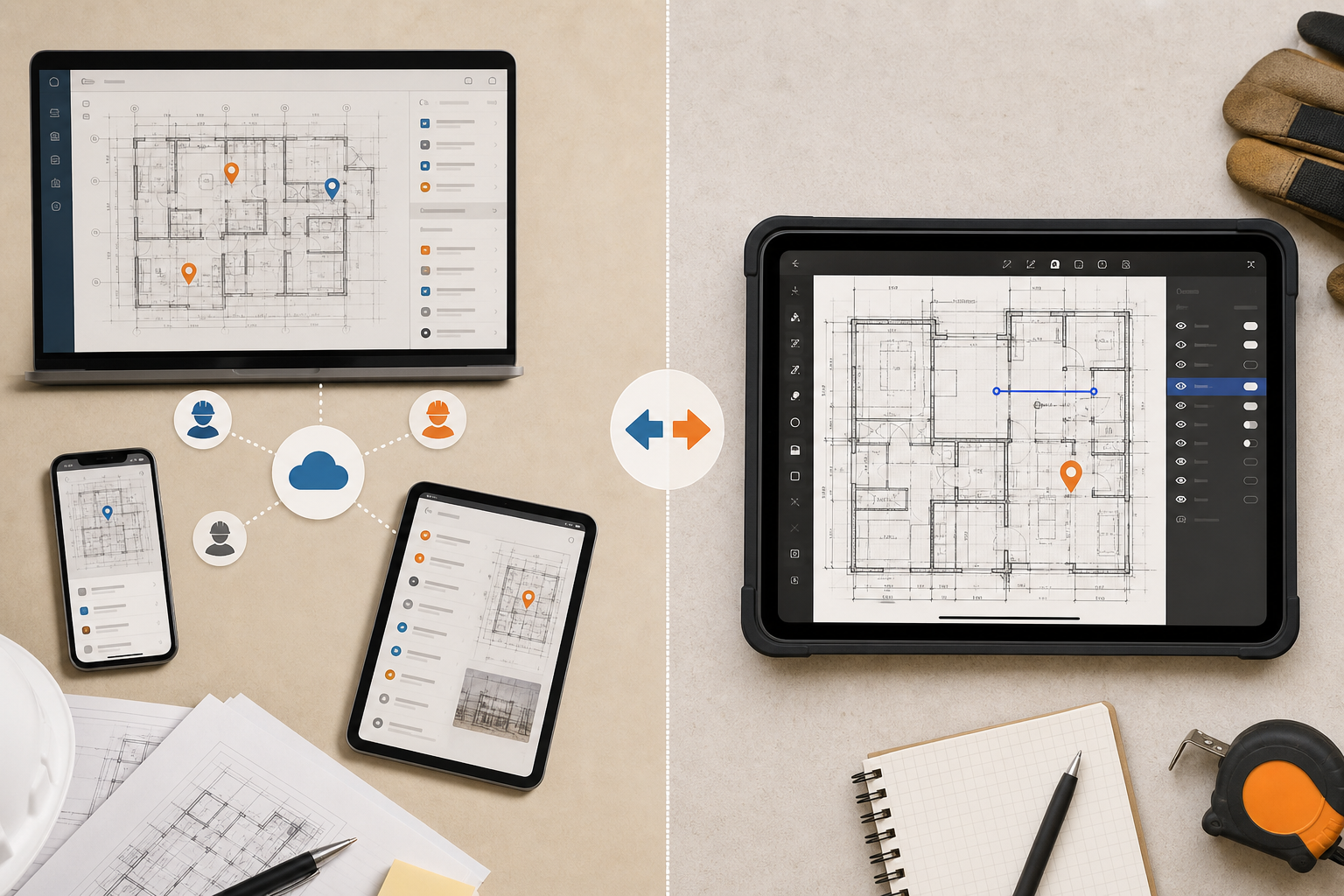
Why this category gets confusing fast
Search for an iPad construction drawing app and you quickly land on several different product categories at once:
- construction management platforms
- punch list and issue-tracking tools
- plan distribution and blueprint viewers
- mobile CAD editors
- local DWG review apps
Those categories overlap, but they are not interchangeable.
Fieldwire's iPad construction app page is a good example of the broader category. It emphasizes synced plans, task management, reporting, offline access, and a larger project-management platform around the drawings. That is useful when the drawing is part of a bigger coordination system.
But many site teams are solving a narrower problem:
- open the latest DWG from Files, email, or AirDrop
- isolate the right layers and layout
- verify one condition or measurement on site
- pin a note or photo exactly where the issue lives
- export something clear enough for the next person to act on
That workflow is not really "construction software" in the broad sense. It is drawing review.
If your team is still choosing broadly between viewer categories, how to choose a DWG viewer for iPad is the best category-level companion.
What to evaluate before you pick an iPad drawing app
Construction teams usually do not regret buying the app with too few marketing bullets. They regret choosing the one that breaks at the exact moment the drawing needs to stay usable.
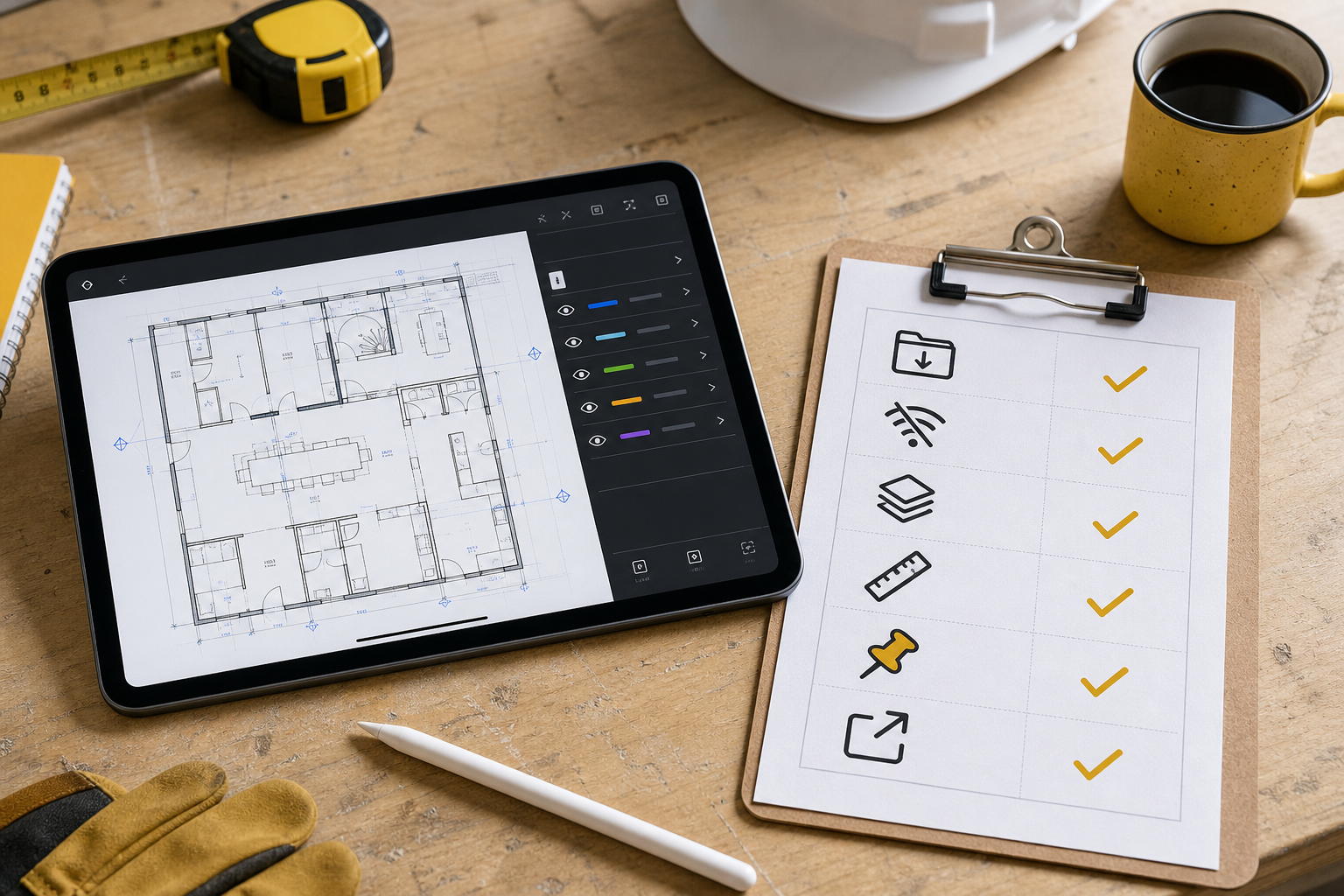
Use this checklist before you standardize on any iPad drawing app:
| What to test | Why it matters on site | What a strong result looks like |
|---|---|---|
| Open the real file | Demo sheets hide the hard cases | The actual project DWG opens without a conversion detour |
| Local file workflow | Many drawings arrive outside the app | The app opens from Files, Mail, cloud storage, or AirDrop |
| Offline reliability | Reception often fails before the review is done | The drawing remains usable when connectivity drops |
| Layer and layout control | Construction drawings are noisy on a tablet | Reviewers can hide noise and switch to the right sheet quickly |
| Measurement trust | A wrong tap can turn into a wrong field decision | Distances and areas reflect the drawing's real CAD data |
| Notes and markups | Context disappears fast after the walkthrough | Observations stay tied to exact plan locations |
| Handoff quality | Viewing is not the end of the workflow | PDF, image, or report output is clear enough to share immediately |
The key is to run that test on one messy production drawing, not just on a clean sales sample.
Start with the file path your team already uses
Construction workflows rarely begin inside the app itself. They begin when someone sends the drawing.
Apple's Files basics for iPad matter here more than many software comparisons do. Files is where teams browse recent files, cloud locations, downloads, and shared folders, then copy, move, share, or open the file they need. Apple's AirDrop guide for iPad also reflects a real field pattern: someone nearby sends the updated plan and the review starts immediately.
That is why a good construction drawing app for iPad should handle:
- Files as the main import path
- email attachments and share-sheet opening
- AirDrop for last-minute plan transfers
- cloud storage when needed, without making cloud dependence mandatory
If you want the step-by-step import path first, how to open DWG files on iPad without converting them covers that workflow directly.
The drawing still has to work after it opens
Opening the file is only the first test. The harder question is whether the app keeps the drawing useful once the review starts.
For construction teams, that usually means:
- the layout tabs are clear enough to jump to the right sheet
- layers can be toggled so the reviewer is not staring at every discipline at once
- measurements feel trustworthy enough to confirm a condition before calling the office
- notes and markups stay attached to the exact plan context
- the app stays reliable when the iPad is offline
Autodesk's DWG format compatibility reference is a useful reminder that real DWGs vary by version and complexity. A construction drawing app should be tested with the production files your team actually uses: multi-layout sets, dense layer stacks, heavy hatches, old archive drawings, and current issue drawings from the live project.
If offline behavior is one of the main buying criteria, why offline access matters in an iPad DWG viewer goes deeper on that evaluation.
Choose the right category for the job
Most buying mistakes happen because teams compare apps inside the wrong category.
| If your real job is... | Best-fit app category |
|---|---|
| distribute current plan sets, assign tasks, sync issues, and coordinate teams around drawings | broader construction coordination platform |
| edit CAD geometry and keep continuity with a desktop CAD stack | mobile CAD editor |
| open the original DWG locally, review it on iPad, measure, annotate, and export a field handoff | focused DWG review app |
That third category is smaller, but it is where many construction teams actually live during walkthroughs, punch lists, and observation rounds.
The strongest companion workflows in this cluster are:
- a DWG review checklist for site inspections
- how to annotate a DWG drawing on iPad without changing the original file
- how to export DWG markups and site notes as a PDF from iPad
Together, they describe a different kind of success than a broad construction suite. The goal is not to manage the whole project from the iPad. The goal is to get the drawing review right.
What this looks like in PlanInspect
PlanInspect is strongest when the drawing itself is the center of the field workflow.
In that workflow, the reviewer can:
- open a DWG from Files, Mail, AirDrop, or the share sheet
- keep the file local on the device instead of routing it through a required vendor cloud
- move through layouts and layers to isolate the information that matters on site
- measure directly from the drawing data
- pin site notes, photos, and markups without turning the session into CAD editing
- export a PDF, image, or report-style handoff once the walkthrough is done
That makes PlanInspect a better fit when your criteria sound like this:
- "We review drawings more often than we edit them."
- "We need the iPad to stay useful underground, in remote areas, or in airplane mode."
- "We want observations tied to the plan, not separated into a generic note list."
- "We need something clean to send out before leaving the site."
It is a weaker fit when the main requirement is broader project management, cloud issue tracking, or editing continuity across a full desktop CAD stack. In those cases, a larger construction platform or CAD editor may align better.
The best test to run this week
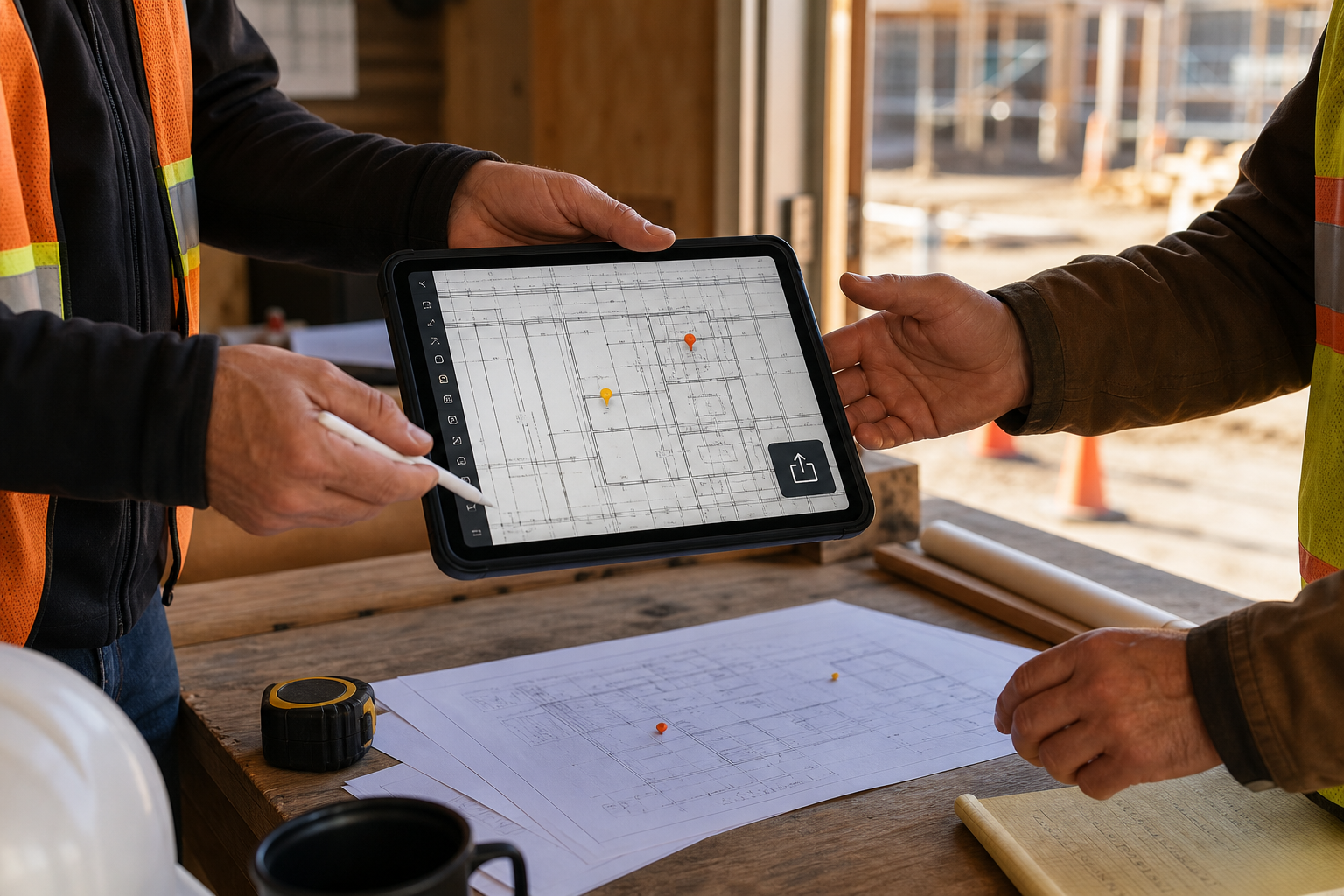
Before buying or standardizing anything, run one real project file through this sequence:
- open it from the same path your team already uses
- switch to the layout that matters
- hide the layers that create noise
- confirm one measurement you actually care about
- add one note or photo-backed observation
- export the result and ask whether the recipient can act on it immediately
That six-step test will tell you more than another hour of feature-page reading.
The best construction drawing app for iPad is not the one with the broadest promise. It is the one that helps your team move from drawing to decision to handoff with the least friction.