

If you are looking for an AutoCAD mobile alternative on iPad, the right answer depends on the job your team is trying to do. AutoCAD is a strong fit when you need core AutoCAD commands, light editing, cloud-connected file access, and continuity with the broader Autodesk workflow. A better alternative is often a focused field-review app when the real job is to open a local DWG, isolate layers, check dimensions, capture notes, and send back a clear PDF or report before leaving site.
That distinction matters because many teams are not really choosing between two generic CAD apps. They are choosing between two different iPad workflows.

What AutoCAD mobile is actually optimized for
Autodesk positions AutoCAD Web on mobile around access to core AutoCAD commands, cloud-connected drawing access, offline work that syncs later, and collaboration across web and mobile. The AutoCAD App Store listing makes that even more explicit: view and edit 2D drawings, manage layers, use markup and measurement tools, and keep working from mobile when you are away from the desktop.
That is a real strength if your team wants:
- continuity with Autodesk accounts and subscriptions
- light editing on top of viewing and markup
- cloud storage integrations as the default file path
- one tool family that bridges desktop, web, and mobile
It is also worth understanding the product shape before you compare it to narrower alternatives. Autodesk says mobile access is included with AutoCAD and AutoCAD LT subscriptions, and the App Store listing says new users get a 30-day trial before dropping to limited read-only functionality without a paid plan. That model makes sense if AutoCAD is already part of your stack.
But many site teams are solving a different problem.
When an alternative makes more sense on iPad
An AutoCAD mobile alternative becomes more attractive when the iPad is not supposed to act like a compact drafting station. It is supposed to act like a field device.
That usually means the workflow sounds more like this:
- open the latest DWG from Files, Mail, or AirDrop
- switch to the right layout and hide noisy layers
- verify one dimension or site condition
- place a note, markup, or photo-backed observation
- export something a teammate can act on immediately
In that workflow, the key buying question changes. You are no longer asking, "Which app gives us the broadest CAD command surface on iPad?" You are asking, "Which app gets us from drawing to field decision with the least friction?"
That is where many AutoCAD alternative pages go soft. They compare feature counts instead of workflow pressure:
- unreliable connectivity
- privacy-sensitive drawings
- limited time during walkthroughs
- the need to send back a usable result, not just keep editing
If those are the real constraints, a focused review app can outperform a broader CAD mobile tool even when it has fewer overall CAD ambitions.
Compare the workflows before you compare the apps
Start with the workflow questions below instead of a giant capability matrix:
| Decision point | AutoCAD mobile fit | Field-review app fit |
|---|---|---|
| Need core CAD editing on iPad | Strong | Mixed |
| Need Autodesk/cloud continuity | Strong | Mixed |
| Need to open a local DWG fast and review it on site | Mixed | Strong |
| Need measurements, notes, and export-ready handoff | Mixed | Strong |
| Need no-account, offline-first field review | Mixed | Strong |
| Need the iPad to replace part of a CAD workstation | Strong | Mixed |
That table is intentionally simple. The point is not to declare one universal winner. The point is to stop teams from buying an editing-first app when their actual daily job is field review.
If your team is still deciding at the category level, how to choose a DWG viewer for iPad is the best hub article. If the file-opening step is still the main blocker, go straight to how to open DWG files on iPad without converting them.
Test one messy real drawing before you standardize
The fastest way to compare AutoCAD mobile with a field-review alternative is to stop reading marketing pages and run one messy production DWG through both workflows.
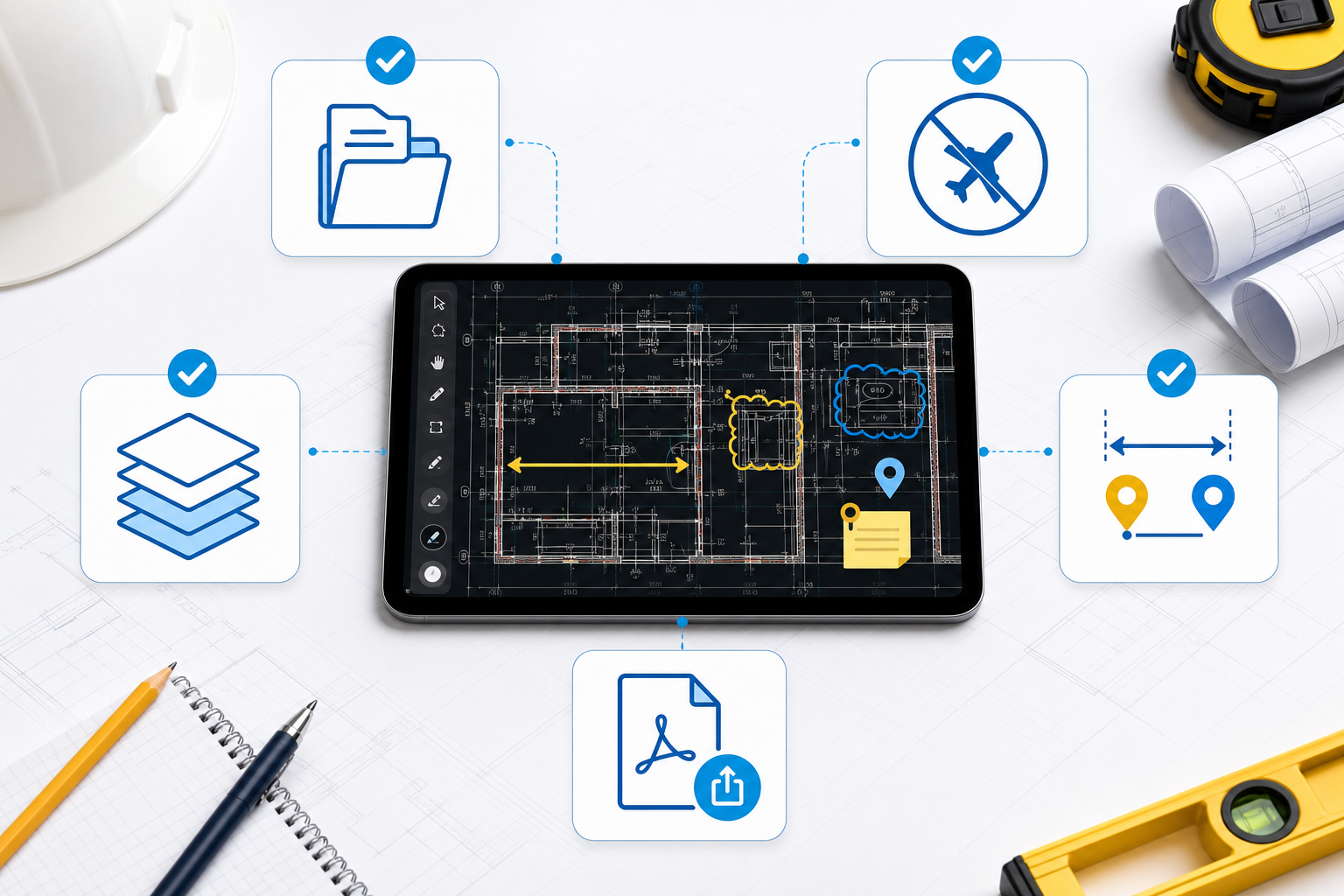
Use this checklist:
- Import: can the team open the DWG from the flow they already use on iPad? Apple documents the underlying Files workflow, but the real question is whether your app path adds friction or removes it.
- Offline reliability: if the connection drops, does the drawing remain usable enough to finish the review?
- Layer cleanup: can a reviewer quickly hide noise and isolate the information that matters?
- Measurement and notes: can the team confirm a condition, add a note, and keep that context attached to the plan?
- Handoff: can the result move cleanly into PDF, report, email, or AirDrop without a desktop cleanup step?
This is where the practical difference usually shows up. AutoCAD mobile can be the right tool if the drawing is still part of an editing loop. A field-review alternative is usually better if the output is a decision, a note package, or a shareable review artifact.
What a field-review workflow should feel like on iPad
For site teams, the better alternative is often not "the app with the most overlapping features." It is the app with a narrower and more deliberate point of view:
- open the original DWG locally
- preserve layout and layer context
- measure directly on the drawing
- capture review notes without turning the session into drafting
- export a clear output that someone else can act on
That is why the most helpful comparison is workflow-based, not brand-based.
If your team mainly uses iPad to verify the drawing rather than modify it, the strongest companion articles are:
- how to review DWG layers on iPad during a site visit
- how to measure distances on a DWG file from iPad
- how to export DWG markups and site notes as a PDF from iPad
- a DWG review checklist for site inspections
Together, those workflows represent a different definition of success than AutoCAD mobile. The goal is not to keep editing because you can. The goal is to finish the review with less friction.
Where PlanInspect fits in this comparison
PlanInspect is not trying to be a full mobile AutoCAD replacement for every drafting scenario. It is strongest when the iPhone or iPad is being used for local DWG review, site verification, markup, and export.
That makes it a strong fit when your criteria sound like this:
- "We open local DWGs more often than we edit them."
- "We need layer cleanup, measurement, and note capture during site visits."
- "We want the file to stay on device unless we choose to share it."
- "We need a clear PDF or review report at the end of the walkthrough."
In PlanInspect, that workflow is intentionally direct: open the DWG from Files, Mail, AirDrop, or the share sheet; inspect layouts and layers; add measurements, notes, and markups; then export a clean deliverable for the next person.
PlanInspect is a weaker fit if your main requirement is broader CAD editing inside Autodesk's ecosystem. If the iPad must behave like a mobile extension of desktop AutoCAD, AutoCAD mobile will usually align better.

Choose the workflow that matches the site
The best AutoCAD mobile alternative for iPad is not automatically the app with the most features. It is the app that matches the way your team actually uses drawings away from the desk.
Choose AutoCAD mobile when your team needs core AutoCAD commands, light editing, Autodesk account continuity, and cloud-connected collaboration on the same drawing set.
Choose a focused field-review workflow when your team mainly needs to:
- open local DWGs fast
- inspect layers and layouts on site
- verify dimensions and conditions
- add notes and markups without changing the source drawing
- export a clear PDF or report before leaving the job
That is the gap PlanInspect is built for.
Test the choice on one real production drawing, not a demo file. Once your team runs the same site review through both workflows, the better fit is usually obvious.