
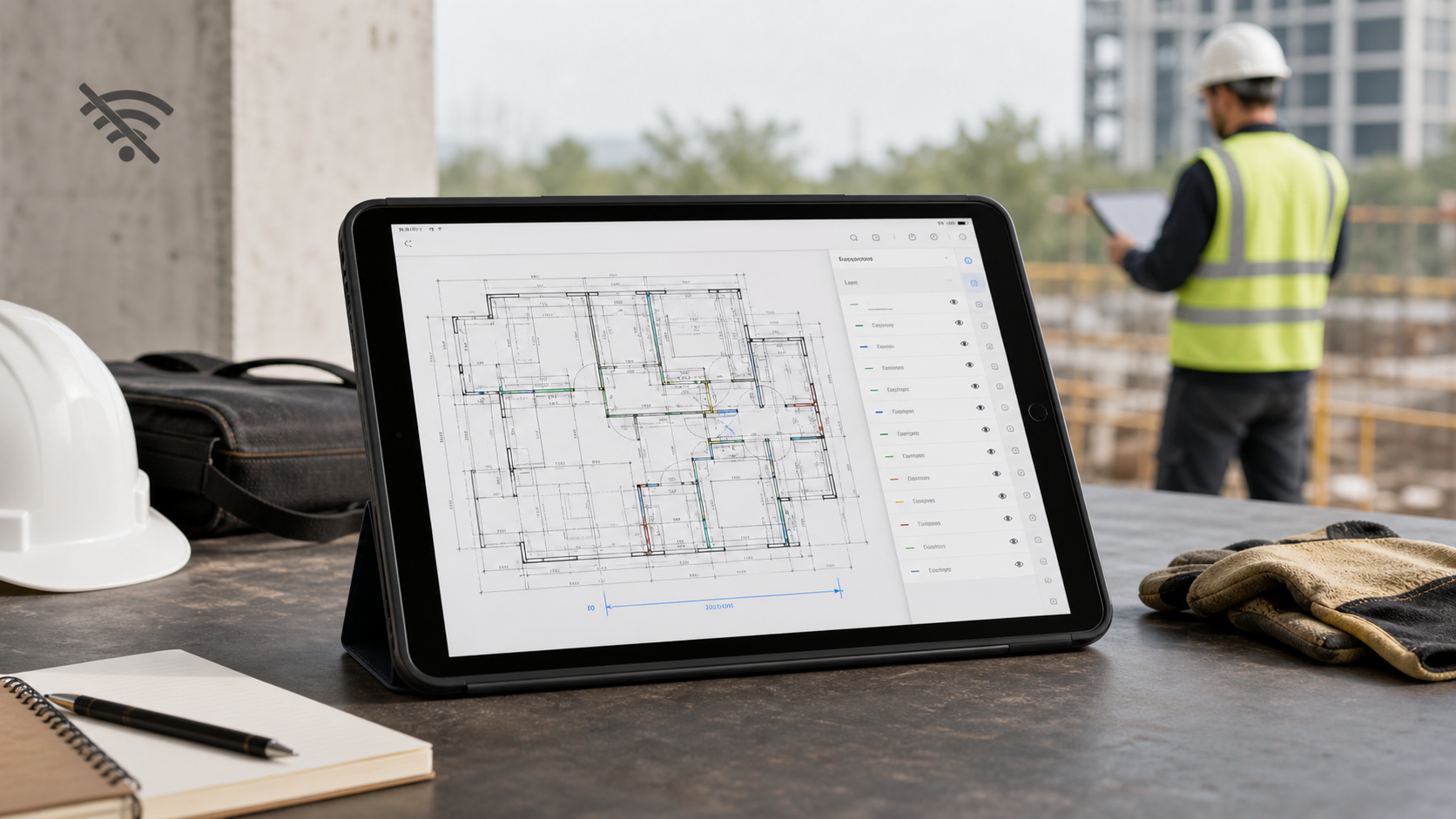
Offline access matters in an iPad DWG viewer because field work rarely fails at a convenient moment. The problem is not just that the internet disappears. It is that the latest drawing, the right layout, the layer view you need, and the measurement or note you have to capture all become harder when the app depends on a live connection, a fresh sync, or a sign-in step.
For a site team, "offline" should mean more than opening a stale cached thumbnail. It should mean the DWG is locally available, still readable, and still useful for the real job: review, layer isolation, measurement, markup, notes, and a clean handoff afterward.

Offline is a workflow requirement, not a bonus feature
An iPad DWG workflow usually breaks in ordinary situations:
- a basement, plant room, or underground parking level
- a remote site with unstable reception
- a meeting room with guest Wi-Fi friction
- a drawing that arrived by email or AirDrop minutes before the walkthrough
- a privacy-sensitive file that should not depend on a third-party upload
If the drawing is not available in that moment, the viewer failed the job even if it looked impressive in the office.
Use this lens when evaluating any iPad DWG viewer:
| Field situation | Why offline matters | What should still work |
|---|---|---|
| No signal on site | The drawing cannot wait for a sync retry | Open the local DWG, zoom, switch layouts, hide layers |
| Login friction | A review should not stop at an auth screen | Access the local file without re-fetching the session |
| Weak cloud connection | The file may exist, but the latest version may not reload | Continue with the local copy already on the device |
| Sensitive drawings | Some teams do not want cloud upload to be mandatory | Review the DWG locally and choose what to export later |
| Follow-up during walkthrough | Viewing alone is not enough | Measure, annotate, add notes, and prepare the handoff |
That is why offline support is not just a convenience feature. It changes whether the iPad can replace a paper print or a last-minute PDF fallback.
Not all "offline" claims mean the same thing
Current SERP and App Store results show that offline support is a real buying criterion, but the wording varies.
Autodesk's AutoCAD Web/mobile overview explicitly says the mobile app lets you "work offline and sync later." The AutoCAD iOS listing also highlights local file access, layer visibility, markup tools, and measurements. That is useful, but it sits inside a broader Autodesk sign-in and subscription workflow.
DWG FastView's official download page and iOS App Store listing make a different promise: broad mobile CAD access, no registration required, offline drawings in a local workspace, plus layout, layer, measurement, annotation, and export tools.
Those sources are helpful because they validate a practical point: offline access is important enough that serious mobile CAD vendors call it out directly.
What you still need to verify is which version of "offline" they mean:
- Local file workflow: the DWG is on the device and opens from Files, Downloads, Mail, or AirDrop.
- Cached cloud workflow: the file may work offline only after a prior sync, account login, or storage-provider handshake.
- Offline sync-later workflow: the app remains useful without signal, but the broader product is still organized around account-based continuity.
For many field teams, the safest test is simple: turn on airplane mode and see whether the exact drawing you care about still opens, stays readable, and supports the actions you need.
Build the workflow around Files, not around a web session
Apple's Files basics for iPad make the local workflow clearer than most CAD vendor pages do. Files lets you browse downloads, recent files, iCloud Drive, and connected storage locations, then copy, move, or share a file. Apple's open-with guidance also shows that you can choose which app opens a file.
That matters because many real DWG workflows start in Files, not inside a cloud CAD dashboard:
- a consultant emails the latest drawing
- someone AirDrops a revised plan before the walk
- the file already sits in iCloud Drive, OneDrive, Dropbox, or an MDM-managed folder
- the reviewer needs to open the DWG from Downloads and continue immediately
If your viewer handles that path cleanly, offline access becomes much more credible.
If you need the step-by-step import path first, how to open DWG files on iPad without converting them is the best companion article.
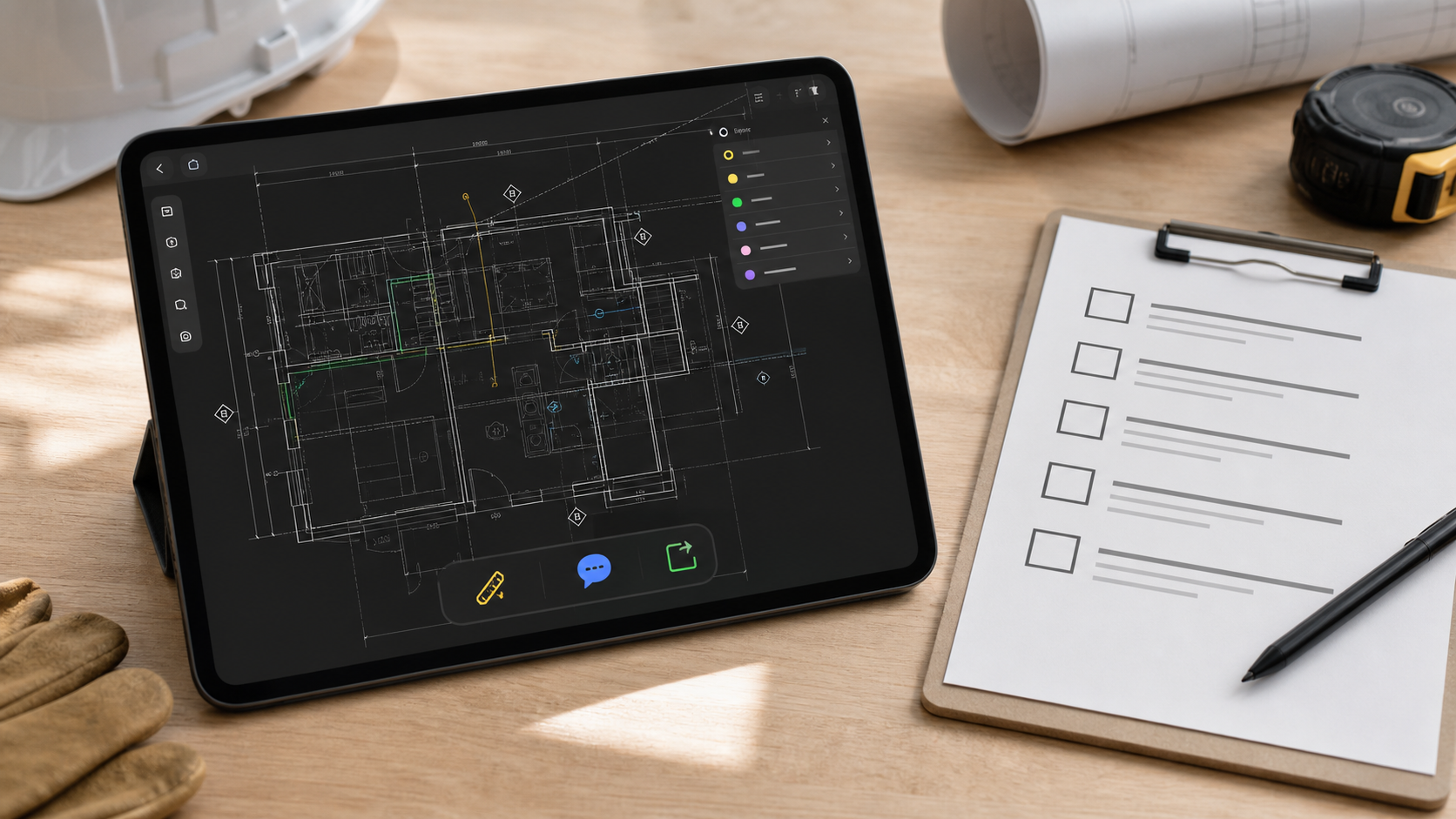
What to test before trusting an offline DWG viewer on iPad
Do not treat offline as a single checkbox. Test the whole field workflow on one real project drawing.
Use this checklist:
| Test | What to confirm |
|---|---|
| Local import | The DWG opens from Files, Mail, AirDrop, or your storage provider without a conversion detour |
| Airplane-mode access | The same drawing still opens after connectivity is disabled |
| Layouts and layers | You can switch layouts, hide noisy layers, and keep the plan readable |
| Measurement workflow | Distance or area checks still work when you need an answer on site |
| Notes and markups | You can capture observations without waiting to reconnect |
| Export handoff | You can generate a PDF, image, or report once the review is done |
| File control | You understand whether the drawing stays local, syncs later, or uploads to a vendor cloud |
This is also where Autodesk's DWG format compatibility reference is useful. A clean sample file proves very little. Test the messy production drawing with the layouts, hatches, blocks, and layer noise your team actually uses.
If you are still choosing between category options broadly, how to choose a DWG viewer for iPad is the hub article. If the offline review needs dimensions as well, how to measure distances on a DWG file from iPad covers that part of the workflow.
Why offline matters even after the file opens
The most common mistake is to think offline matters only until the drawing becomes visible.
In practice, that is where the real work starts:
- isolate the architectural or MEP layers that matter now
- confirm a measurement before a decision gets sent back to the office
- place a note where the built condition differs from the drawing
- mark up an issue without editing the source geometry
- produce a shareable output for someone who was not on site
That is why the strongest offline iPad viewer is not just a file opener. It is a field review tool that keeps the DWG useful after the network drops.
If your workflow is note-heavy, how to annotate a DWG drawing on iPad without changing the original file and the DWG field review checklist are the next logical reads.
Where PlanInspect fits
PlanInspect is built around the narrower job that many site teams actually need: open local DWG files on iPhone or iPad, review layouts and layers, measure, add notes and markups, then export a clean result when the review is ready to share.
The current landing and App Store copy support a local-first workflow:
- open DWG files from Files, Mail, iCloud Drive, AirDrop, or the iOS share sheet
- process drawings on the device instead of requiring a PlanInspect-operated cloud workflow
- keep measurements, notes, and markups tied to the drawing review job
- export PDFs, images, and report-style outputs after the site pass
That makes PlanInspect a stronger fit when your offline requirement sounds like this:
- "The drawing has to open even where the signal is bad."
- "We review plans more often than we edit CAD geometry."
- "The file should stay local unless we choose to share an output."
- "The app still needs to be useful after the drawing opens."

Choose for reliability, not just features
The best offline DWG viewer for iPad is not automatically the one with the longest feature list. It is the one that still helps you finish the review when the internet is the first thing to disappear.
Test that claim on a real drawing, with airplane mode on, before you standardize the workflow. If the app still lets you open the file, isolate the right layers, check dimensions, add notes, and prepare the handoff, then the offline promise is real. If not, the site team will end up back on screenshots, PDFs, and last-minute workarounds.