
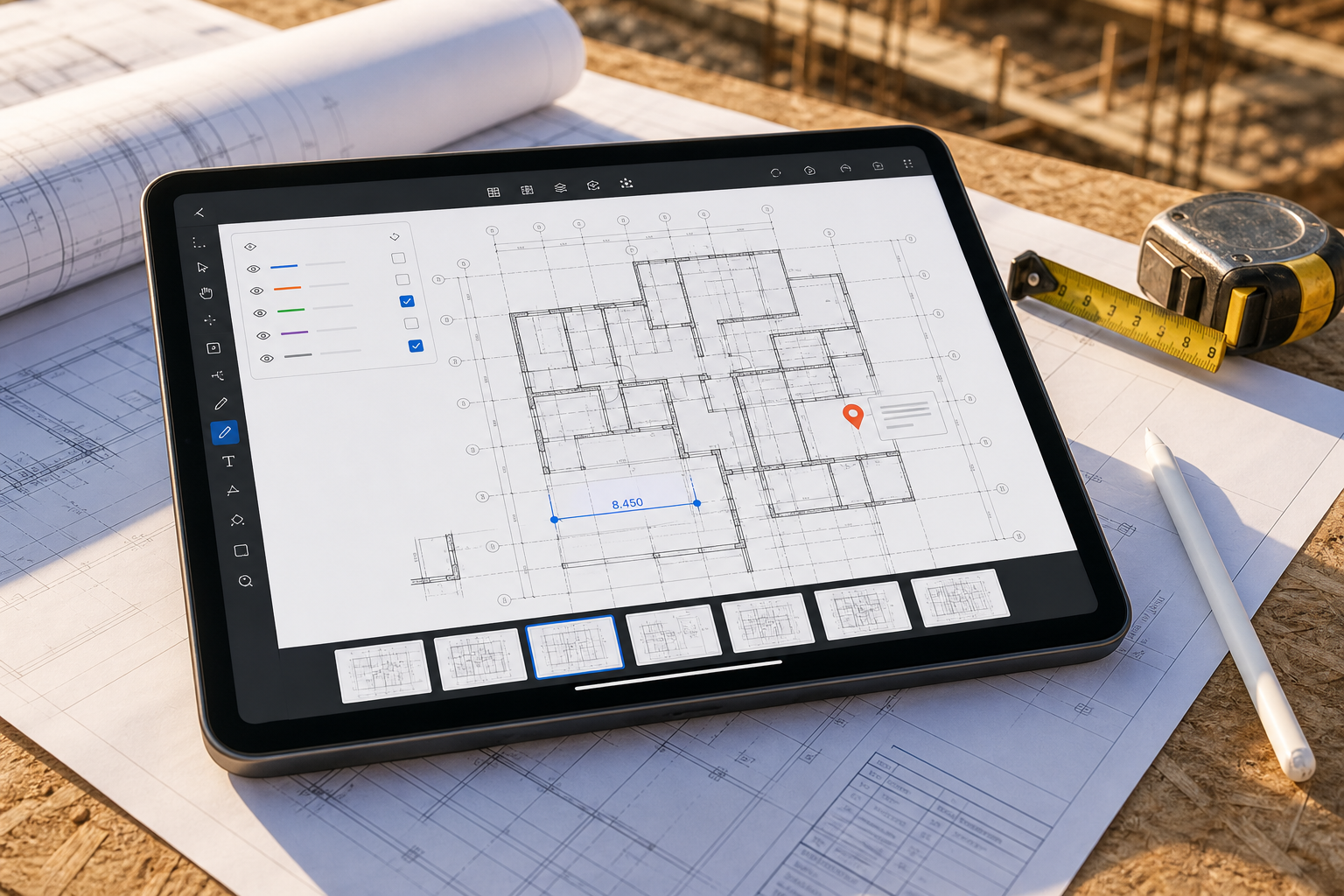
The right blueprint viewer for iPad is the one that keeps the plan your team actually received usable through the next decision. For a DWG, that means preserving supported layouts, layers, and drawing geometry. For an issued multipage PDF, it means keeping the sheet set together, calibrating the active page before measurement, and using annotations and supported vector snapping where the file contains paths. PlanInspect supports both local review paths in one app.
That distinction matters because blueprint viewer is broad language. Current results mix jobsite platforms, mobile CAD tools, plan readers, and estimating products as if they solve the same field problem. Start with the file and the decision—not the category label.
Why the blueprint viewer category gets confusing fast
Blueprint is the language many teams use when they really mean one of several different workflows.
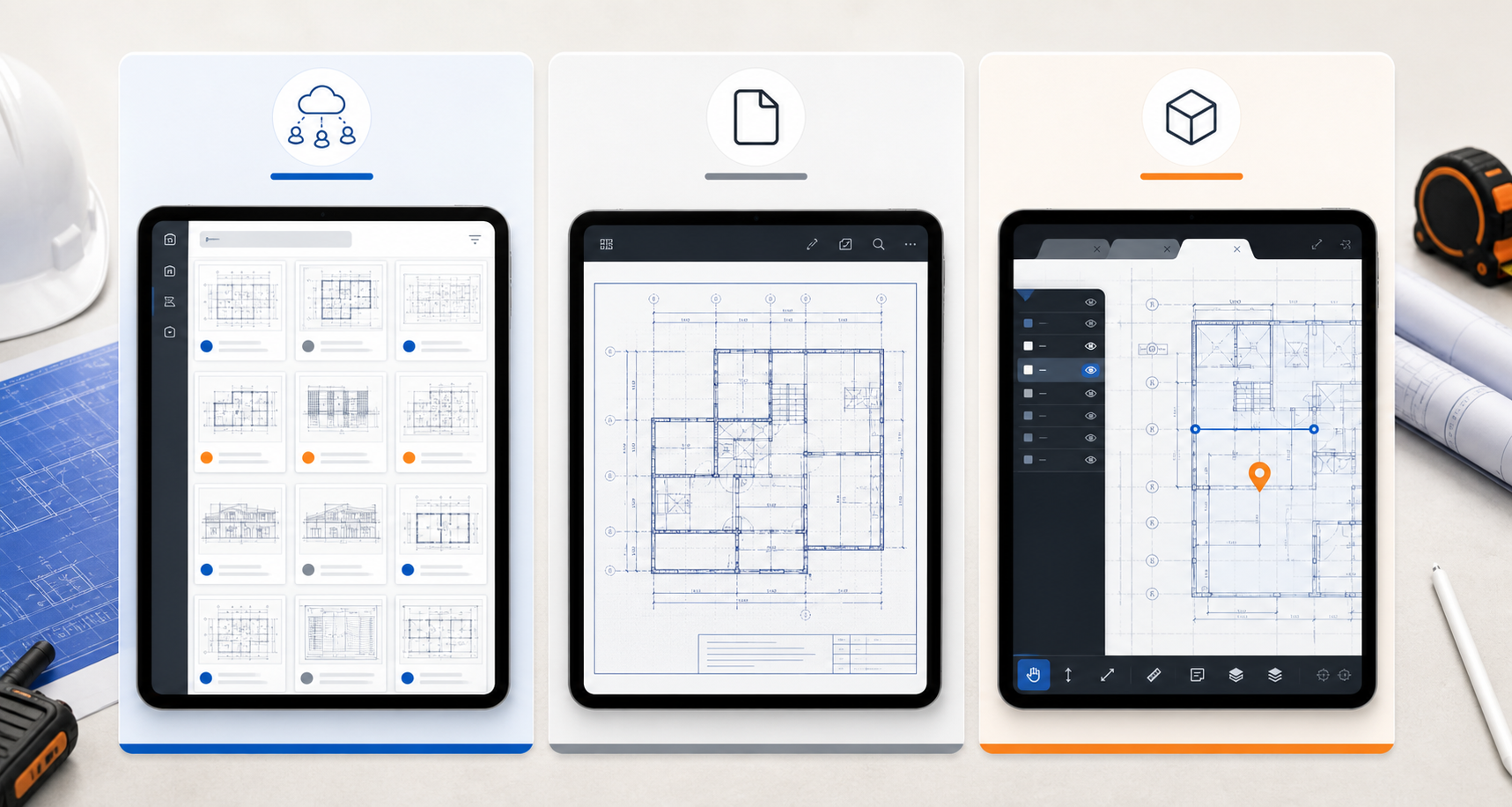
Fieldwire's blueprint app is a good example of the broader category. It emphasizes plan access across devices, version control, synced drawings, photos, tasks, and markups tied to a construction platform. That is useful when the drawing lives inside a larger coordination system.
Autodesk's mobile apps page frames the category differently. The AutoCAD mobile app is positioned around viewing, creating, editing, and sharing DWG files on mobile devices. That is a better fit when the iPad is one touchpoint inside a wider CAD ecosystem.
Apple's Files basics for iPad and AirDrop guide reveal another real-world truth: many field workflows still begin with a local file handoff, not with a synced vendor workspace.
That is the gap many search results leave open. The real decision is not "Which blueprint app exists?" It is "What kind of drawing job am I trying to do on this iPad?"
Start by naming the real job
Use this table before you compare any specific app:
| If the real job is... | The best-fit category is... | What matters most |
|---|---|---|
| pushing current sheets, tasks, photos, and plan versions to the whole field team | blueprint or construction platform | syncing, version control, issue routing, shared project context |
| reviewing an issued multipage PDF, calibrating scale, measuring, annotating, and exporting | PDF plan-review app | page-set navigation, calibration, supported vector snapping, note capture, export |
| opening the original DWG, switching layouts, isolating layers, measuring, adding notes, and exporting | DWG review app | local file access, layout context, layer control, drawing units, note capture, export |
| receiving both DWG and PDF plans across projects | format-aware plan viewer | one local review surface with honest format-specific controls |
This is why broader blueprint language can send you to the wrong product category. A tool can be excellent at distributing plans and still be a weak fit for drawing-first review of the original DWG.
If your team is still deciding at the category level, how to choose a DWG viewer for iPad is the better starting point. For an issued PDF, see what to look for in a PDF plan viewer on iPad. If the question is specifically about field walks and issue capture, how to choose a CAD viewer for site inspections goes deeper on that workflow.
When a blueprint app is enough
Sometimes a blueprint viewer really is enough. That is usually true when:
- the file has already been published into a plan-management platform
- sheet versioning matters more than the original DWG structure
- the field team mostly needs to view, reference, and discuss the latest plan
- measurements and annotations do not need to stay tied to the DWG itself
- the final handoff happens elsewhere in the project workflow
In that case, a blueprint platform can be the right choice. Fieldwire's blueprint page, for example, focuses on synced plans, version handling, mobile markups, photos, and project-wide access.
The problem appears when the team says "blueprint viewer" but the live job is closer to:
- "Open the consultant's DWG on iPad right now."
- "Show me the correct layout, not just a flattened sheet."
- "Hide the noisy layers before we judge this condition."
- "Check one dimension before we send the note."
- "Export a clear handoff while the issue is still on screen."
That is no longer a generic blueprint-viewing problem. It is a DWG review problem.
Five questions that reveal the right plan-review workflow
The fastest way to decide is to run these five checks on one real project file.
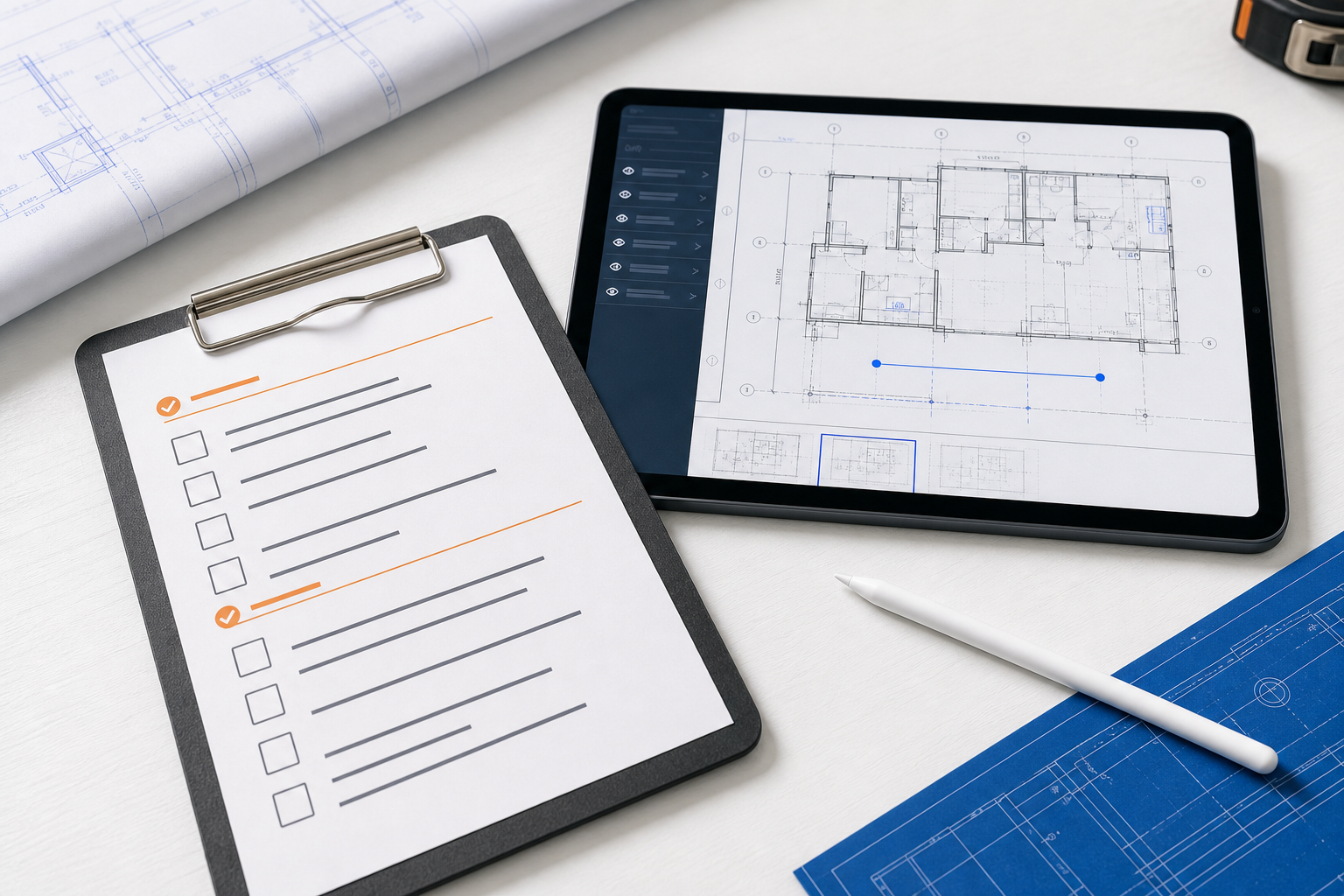
| Question | If the answer is yes, you probably need... |
|---|---|
| Does the team need native layouts and CAD layer visibility? | a DWG review workflow |
| Is the issued multipage PDF the controlled plan set? | a page-aware PDF review workflow |
| Must measurements come from drawing coordinates or a calibrated page? | format-specific scale and measurement controls |
| Do notes or markups need to stay attached to an exact plan location? | a plan-review app, not only a reader |
| Does the file arrive through Files, AirDrop, Mail, or storage exposed in Files? | a local-first workflow on iPad |
Those checks sound simple, but they stop many bad buying decisions.
Autodesk's current AutoCAD mobile guidance is useful here because it documents a different category: a mobile drafting tool for viewing, creating, and editing DWG files. That can be the right fit when CAD authoring continuity is the requirement. It also reinforces the file-format reality: a mobile workflow can be about working with DWG rather than merely distributing drawing documents.
If the first blocker is getting the drawing onto the device cleanly, how to open DWG files on iPad without converting them is the direct companion. If the drawing opens but feels wrong, how to switch layouts and paper space on a DWG from iPad and how to review DWG layers on iPad during a site visit are the next two troubleshooting reads.
The file path matters more than the brochure
One reason blueprint-viewer searches go off track is that marketing pages often assume the drawing is already inside the product.
In real field work, drawings often arrive through:
- Files on iPad
- AirDrop from a nearby Mac
- an email attachment
- a shared storage location surfaced in Files
That local path matters because it shapes the entire review sequence. If the app fights the open path, forces a detour, or depends on a workspace the sender does not use, the iPad workflow starts with friction.
This is where blueprint language can hide the real requirement. A user might say "I just need to view blueprints on iPad," but the practical requirement is often:
- receive the DWG or PDF plan quickly
- open it locally without a required conversion or upload
- confirm the right DWG layout or PDF page and scale
- reduce the visual noise
- make one trustworthy field decision
- export a result someone else can act on
That sequence is much closer to the field-review hub described in A complete iPad DWG review workflow for construction teams than to a generic document viewer.
What a real plan-review app should prove
If your blueprint-viewer search is actually a DWG workflow search, test the app against the drawing job, not against its feature list.
The app should prove that it can:
- open the real DWG or multipage PDF your team already receives
- preserve DWG layout and layer context or PDF page-set and calibrated-scale context
- support one meaningful check, such as a measurement or markup
- let you add context before the site conversation moves on
- export a PDF, image, or report that still makes sense to the next person
That is also why what to look for in a construction plan viewer on iPad is such a close companion topic. It narrows the decision to the moment where the original plan still needs to stay usable. If the question is whether the authoritative source should be DWG or PDF, use DWG vs PDF for iPad site review before you choose the viewer.
If the team mostly runs walkdowns and issue verification, A DWG review checklist for site inspections is the best next hub. If measurement trust is the deciding requirement, how to measure distances on a DWG file from iPad is the right supporting article.
What this looks like in PlanInspect
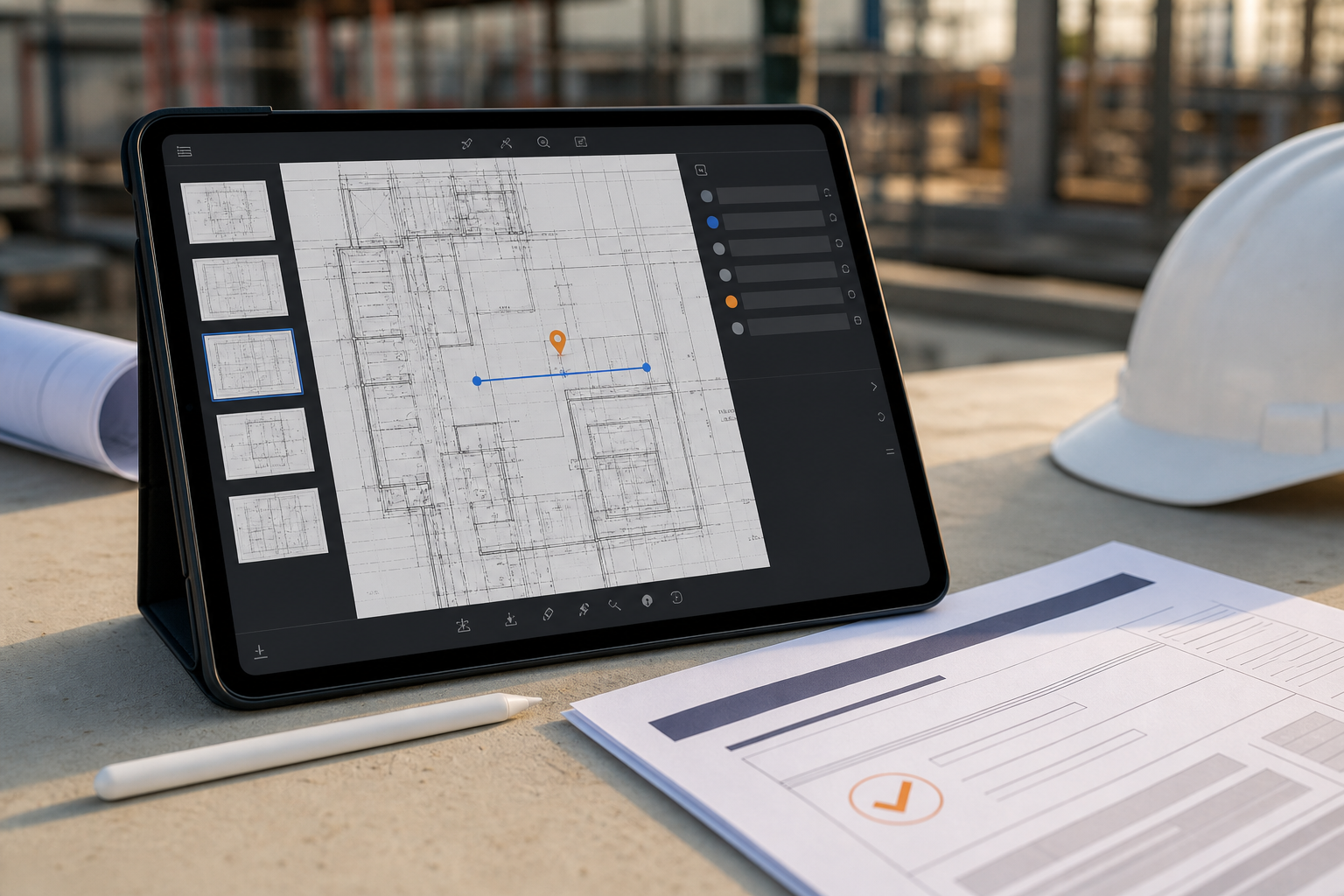
PlanInspect is strongest when the request sounds broader than DWG viewer or PDF reader, but the real workflow is plan-first.
In that workflow, you can:
- open a native DWG or multipage PDF from Files, AirDrop, Mail, storage, or the iOS share sheet
- keep the drawing local on the device instead of requiring a vendor account just to start
- switch DWG layouts and isolate native layers, or browse PDF pages and calibrate the active page
- measure from DWG coordinates or a calibrated PDF scale when one condition needs to be verified
- add notes and markups while keeping the review tied to the original plan
- export a clear PDF, image, or report once the field decision is ready to share
For a PDF-first job, start with the PDF plan viewer and use PDF scale calibration on iPad before treating a measurement as decision-ready. For mixed project folders, the broader PlanInspect plan viewer explains which source context each format retains.
That makes PlanInspect a strong fit when the phrase blueprint viewer is really shorthand for:
- "We need the DWG or issued PDF plan set to stay active on iPad."
- "We need the drawing to stay useful without a big setup step."
- "We need one field-ready handoff before anyone leaves the walkthrough."
It is a weaker fit when the main requirement is broad task management, full CAD authoring, or cloud-first project coordination as the center of the workflow.
A simple decision rule
If your team only needs to read the latest sheet, a generic viewer may be enough. If the team needs native DWG structure or calibrated PDF plan review through measurements, notes, markups, and exports, evaluate the complete plan workflow on a real project file.
That is the practical difference the search results often blur. The best iPad blueprint viewer is often not a blueprint tool at all. It is the app that keeps the real drawing useful when the job still depends on the drawing.
FAQ
Can I use an iPad blueprint viewer for both DWG and PDF plans?
Yes, if it treats the two inputs honestly. DWG review benefits from supported layout and layer context. PDF review benefits from page-aware navigation and a confirmed scale before measurement. Choose a viewer by opening the exact files your team receives, not by assuming one format behaves like the other.
When is a generic PDF or blueprint viewer enough?
A general viewer can be enough when the job is simply to read the latest sheet or mark up a document that will be managed elsewhere. Choose a plan-review workflow when measurements, location-specific notes, or a handoff tied to the original plan need to be reliable.
Can I measure a scanned blueprint PDF on iPad?
You can calibrate a scanned plan from a known dimension and place points manually. A scan does not provide vector paths for snapping, so verify a second known dimension before using the result in a field decision. Vector and scanned PDF plans explains the difference in more detail.