

For many construction and design teams, the DWG file is still the source of truth. The problem is that field work often happens on an iPad, while many DWG workflows still assume a desktop CAD station, a cloud account, or a PDF conversion step.
PlanInspect is built for the simpler path: keep the drawing local, open the original DWG, review what matters on site, then share a focused report.
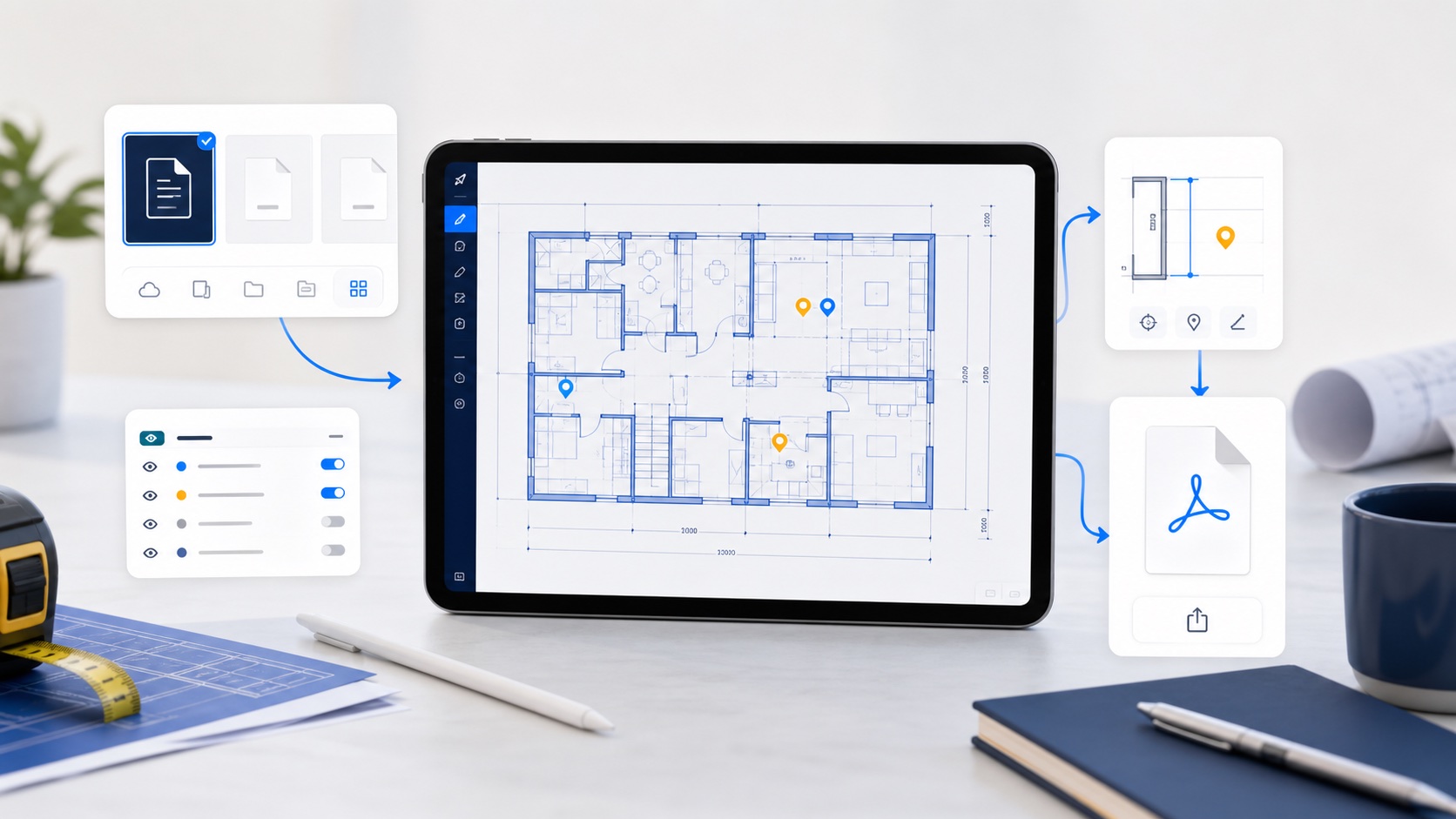
Start from the Files app
Save the DWG in Files, iCloud Drive, your MDM-managed storage, email attachments, or any document provider available on iOS. From there, open the share sheet and choose PlanInspect.
If the drawing is still on a Mac or sitting in someone's inbox, how to send and open DWG files on iPad with AirDrop, email, and Files is the closer step-by-step handoff guide before this broader review workflow starts.
Because the app registers the .dwg document type, the drawing can be imported into a local workspace instead of uploaded to a conversion service. That keeps the field workflow predictable when the connection is weak or unavailable.
If the file refuses to open after import, use what to check when a DWG file will not open on iPad before converting the drawing or assuming the file is permanently broken.
Check the drawing before marking it up
Once the file is open, start with the essentials:
- Confirm the active layout.
- Zoom into key details before taking measurements.
- Use layer visibility to isolate the information you need.
- Add notes where the plan and the site diverge.
This keeps the review anchored to the original drawing instead of a flattened PDF snapshot.
Use reports for the handoff
After the site review, export the current view or generate a notes report for the team. A concise report is often easier to act on than sending back a full drawing with unclear context.
The best field workflow is not about replacing desktop CAD. It is about making the original plan usable in the moments where the team is standing in front of the work.