
An offline PDF plan viewer on Mac matters when the issued drawing needs to remain in the file path your team chose, the connection is unreliable, or a reviewer should be able to begin without creating an account. For a quick read, Preview is often enough. For a plan review that needs page-specific scale, an observation tied to a location, and a checked export, use a local-first workflow that does not make an upload the first step.
The useful question is not “Can this Mac open a PDF?” It can. The question is whether the PDF stays available when the job moves into a basement, site cabin, secure project room, or a moment when you do not want to route a current plan through another service just to inspect it.

When does offline access change the review?
Offline access is meaningful when it protects a real review decision, not just when the Wi-Fi icon disappears. It removes a dependency between opening the source plan and answering the question in front of you.
| Situation | A practical local-first requirement | Why it matters |
|---|---|---|
| Poor or no connection | The current PDF is already on the Mac and still opens | A site visit should not depend on a fresh upload or browser session. |
| Sensitive issued set | No required account or conversion before review | The plan is not sent to an additional service merely to be read. |
| Short-notice desk check | Finder and the chosen app can open the file directly | A consultant can inspect the right PDF without user provisioning. |
| Scale-dependent question | The active page can be calibrated and checked locally | A zoomed PDF is not automatically a trustworthy measurement. |
| Handoff to another person | The reviewed output is exported and inspected before delivery | The recipient can recover the sheet, location, and decision. |
This is not a claim that a local file is automatically secure in every circumstance. The Mac still needs the team's normal access controls, storage policy, and sharing discipline. Local review simply means the app does not require a vendor account, mandatory upload, or cloud conversion between you and a PDF that is already available on the device.
Start in Finder, not in a browser upload box
Finder makes the plan's filename, project folder, and revision convention visible before you start. Apple documents several native paths: double-click the PDF, choose Open With from Finder, or use Quick Look for a fast first check. Preview can open PDFs directly from Finder, and its thumbnail view is useful for moving through a multipage set.
Before a connection might be unavailable, use this small preflight routine:
- Save or transfer the complete issued PDF set into the approved local project folder.
- Confirm the filename, revision or issue date, and the page that carries the question.
- Open the set once on the Mac you will use, then move from the target sheet to a detail and back.
- Decide whether the task ends at reading or continues into measurement, notes, or export.
- Keep the original PDF available; do not replace it with a crop or screenshot when surrounding sheet context could change the answer.
For the exact Finder sequence, see how to open PDF plan sets on Mac. It is worth making the file local before travel, not after the connection has already gone away.
Preview is a sound baseline; plan review asks more of the file
Preview is a good choice when you only need to read a PDF, check a detail, or make a simple annotation. Apple describes Preview as a Mac app for viewing, managing, and annotating PDFs, including multipage navigation. It can also share a copy through familiar native routes such as Mail, Messages, Notes, and AirDrop, as Apple's Preview sharing guide explains.
An offline plan workflow becomes more valuable when the plan itself needs to carry an inspection or construction decision. In that case, look for the capabilities that keep the review recoverable rather than merely visible:
- the original multipage PDF stays local and page identity remains clear;
- page scale can be confirmed before a distance or area is used;
- notes, photos, and markups stay tied to the relevant plan location;
- the review result can be exported or printed and checked before it is shared.
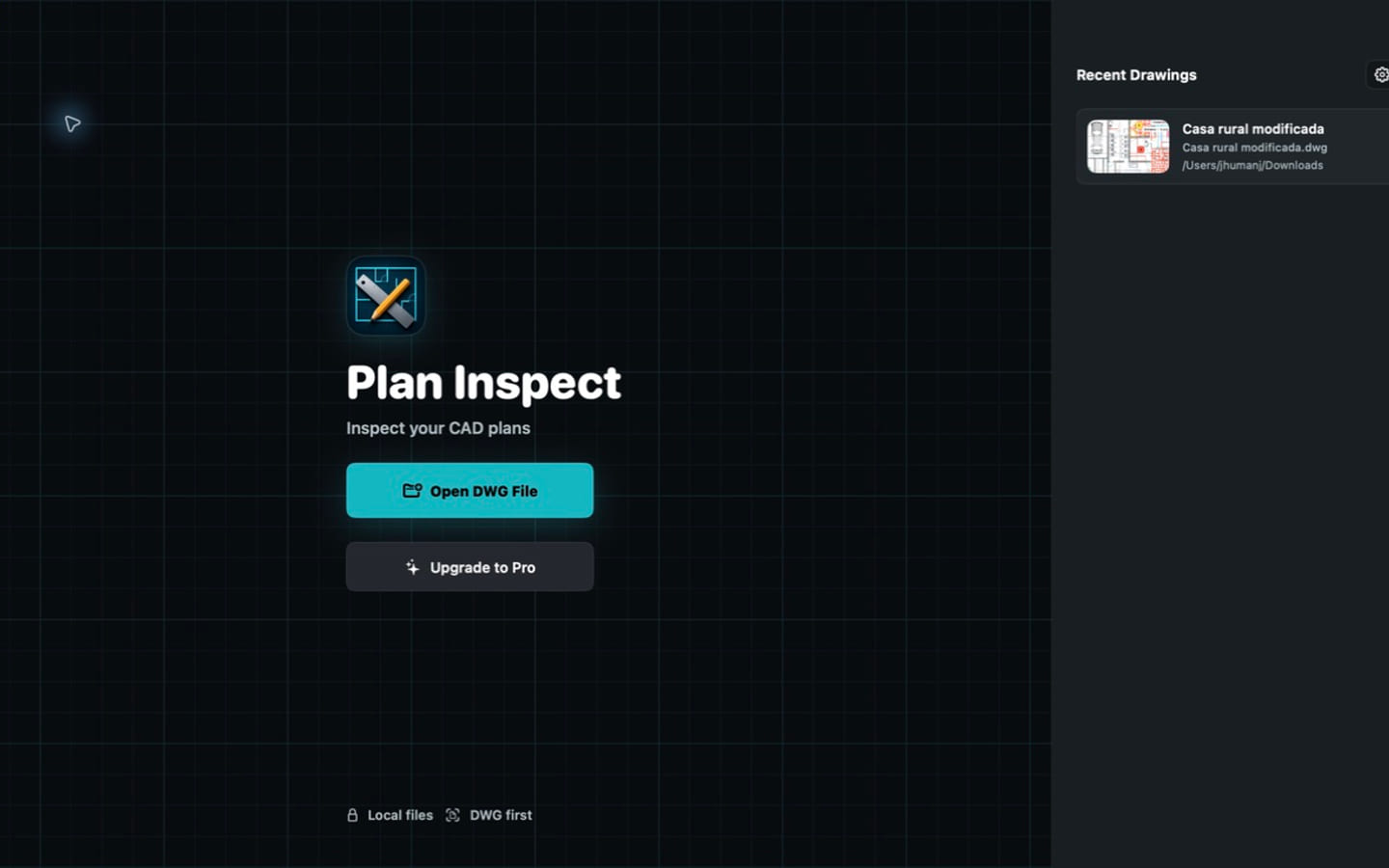
In PlanInspect for Mac, that local workflow works without a required account: open the multipage PDF from Finder, navigate to the right sheet, calibrate the active page when measurement matters, add review overlays, then export a PDF, image, notes report, or print result. The source page remains the reference; a markup is a review layer, not an edit to the project's drawing content. The offline plan-review feature and the broader PDF plan viewer page show where this focused local workflow fits.
Confirm scale before an offline measurement
Offline availability does not make a PDF measurement reliable by itself. A title-block ratio can describe how a sheet was issued, but a scan, crop, reduced print, or derived file can change the effective scale of the page now on screen.
When the number affects a decision, first confirm the active sheet and calibrate from a known distance. Then check a second labeled distance before relying on the result. Autodesk's scale-calibration guidance follows the same principle: select two known points, define the real size and unit, then set the sheet scale.
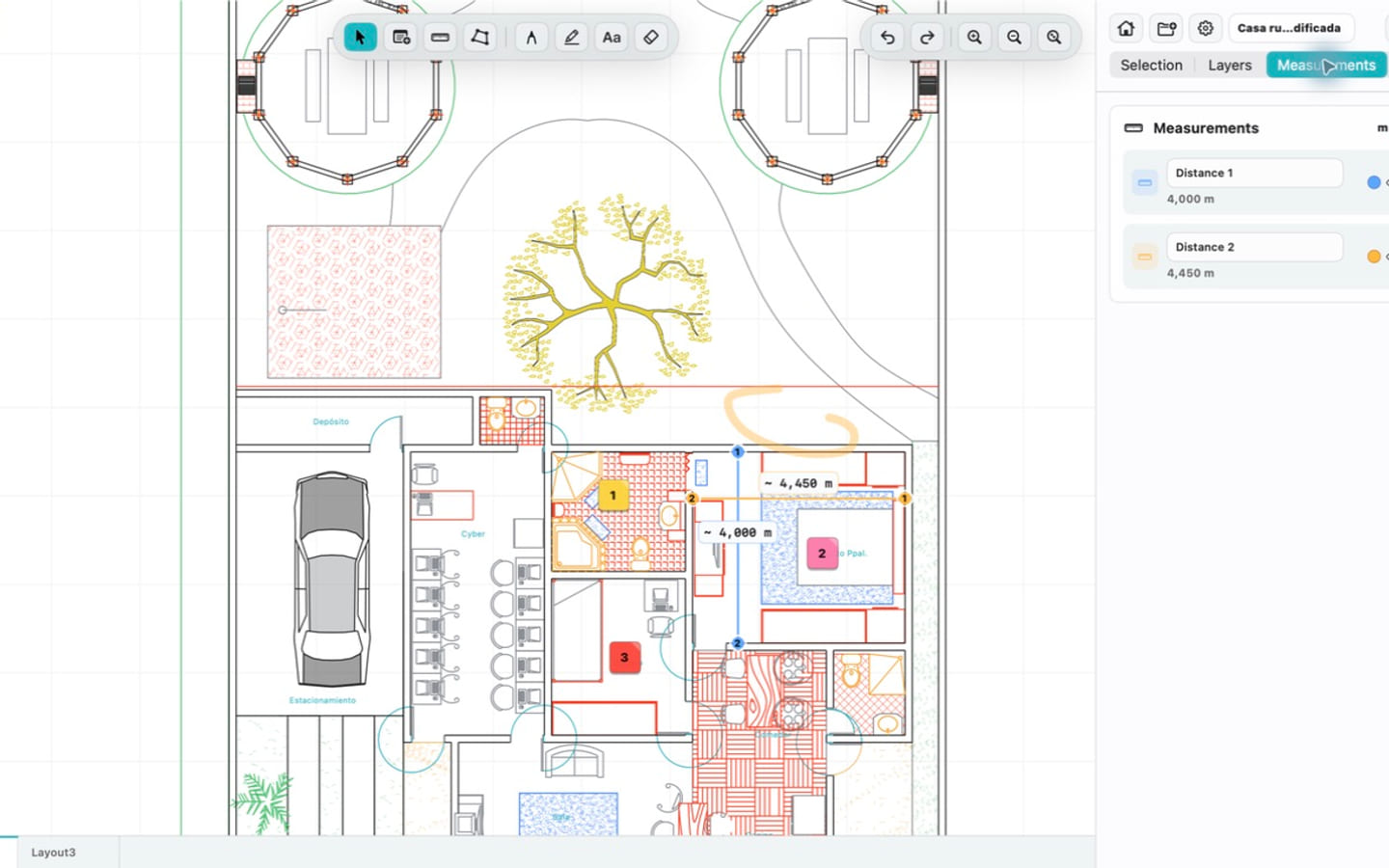
In PlanInspect, PDF calibration is stored per page. A vector PDF can offer paths that help with point placement; a scanned or raster-only plan can still be viewed, calibrated, measured manually, and marked up, but it does not supply vector geometry for snapping. PlanInspect does not add OCR or convert a scan into editable CAD geometry. The PDF floor-plan measurement guide for Mac explains the full calibration and second-check sequence.
Keep the observation local to its plan location
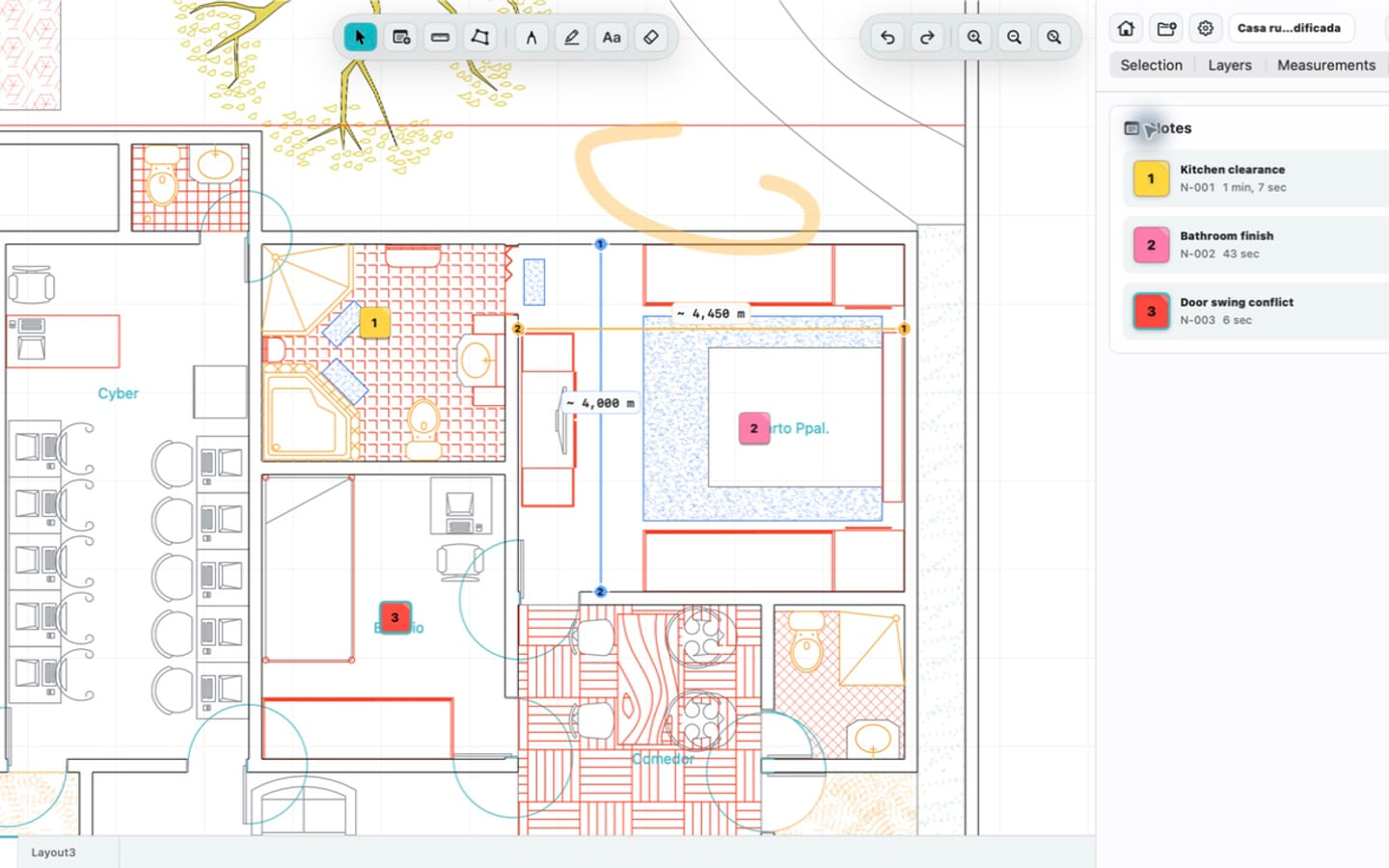
“Please check this wall” is not a strong handoff when the next person must hunt through pages, rooms, and detail callouts to find it. A better offline review records the condition near the location where it appears and keeps only the evidence that clarifies the question.
For example, a reviewer can open a current plan on a Mac in a low-connectivity site office, confirm the sheet, attach a concise note at the affected detail, and add a photo only if it makes the site condition clearer. The work does not need a live shared workspace to remain useful. When a connection or approved delivery channel is available, the reviewer can export a marked plan or notes report and retain the original PDF for verification.
This is deliberately narrower than project management, automatic revision comparison, or full CAD editing. It is a focused way to make one construction, architecture, or inspection observation recoverable. For a cross-device privacy and local-file perspective, read when an offline, private PDF plan viewer matters.
Share intentionally after the review is ready
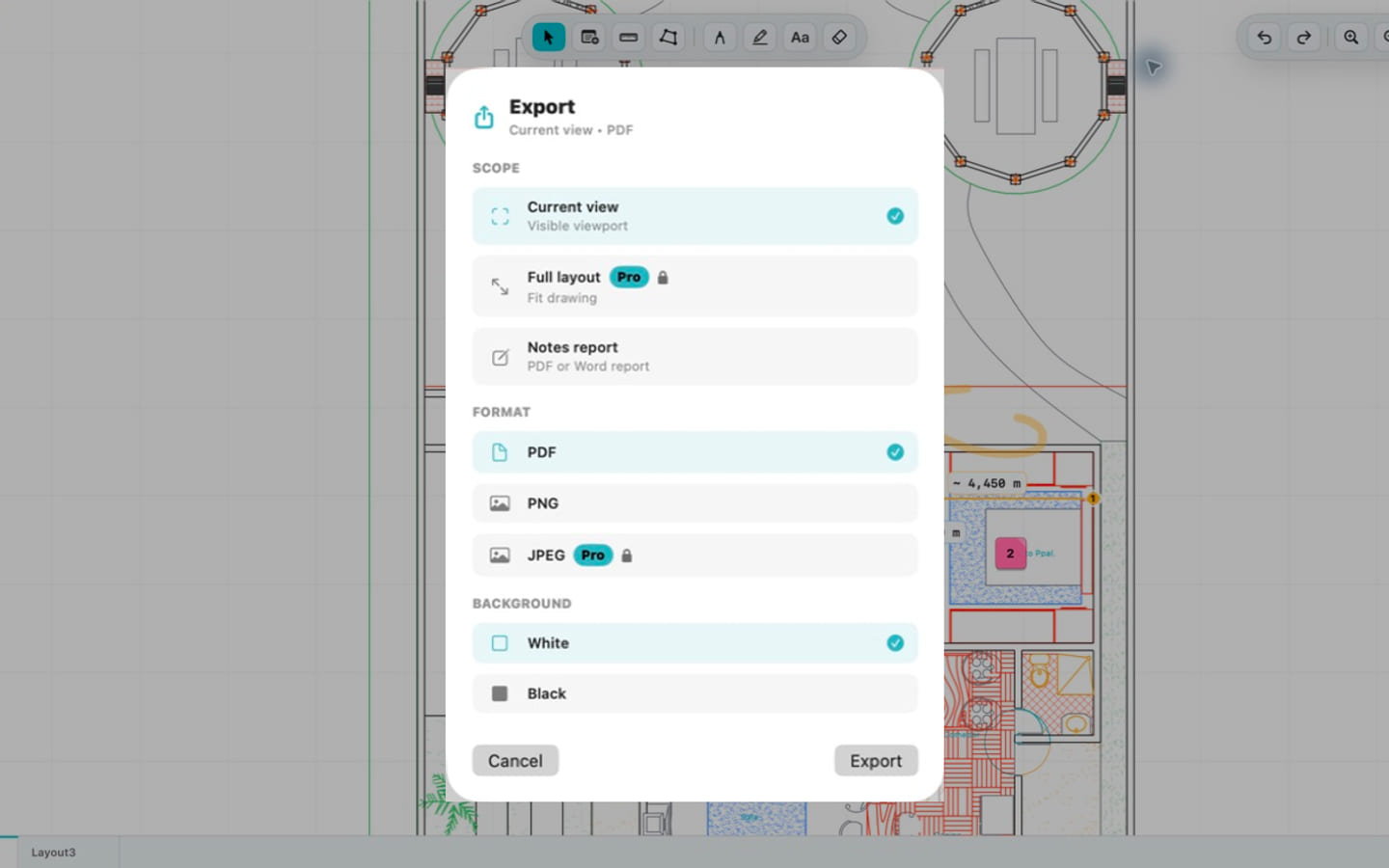
Local-first does not mean that files can never leave the Mac. It means the source does not leave by default just to make the review possible. Once the note, markup, or measurement has been checked, choose the smallest output that lets the recipient act:
- a focused image for one visual clarification;
- a reviewed PDF page or set when the sheet sequence matters;
- a notes report when several observations need a readable list and context;
- a native print result when the project still relies on paper review.
Open that output once at a normal reading zoom before sharing it. Confirm that the correct sheet is present, the markup remains legible, and any scale-dependent observation has enough source context. From plan annotation to a clear field report covers the recipient-first check in more detail.
A five-minute offline PDF plan viewer test for Mac
Before you standardize on an app for offline plan work, test it with one real current PDF:
- Put the complete issued set in the intended local project folder.
- Open it from Finder and verify the revision and target sheet.
- Disconnect briefly or work away from the network, then confirm the PDF is still available.
- If a distance or area matters, calibrate the active page from a known dimension and check a second one.
- Add one location-specific note or markup without presenting it as a source-PDF edit.
- Export the result the recipient will use, reopen it, and only then choose a sharing route.
If the job is simply reading a PDF, Preview remains a practical built-in answer. If the job is a local construction-plan review that must survive weak connectivity and produce a clear measurement, note, or export, try it with the actual issued plan in PlanInspect for Mac. The best test is not a feature checklist; it is whether the file, review context, and final handoff stay recoverable from beginning to end.