

A no-account DWG viewer matters on iPad field work because many drawing reviews need to start immediately, on the device in your hand, without waiting for account setup, password resets, tenant access, or cloud project invites. If the job is to open the DWG, confirm the right layout, review layers, measure, note issues, and export a clean result, no-account access can be a real buying criterion, not just a convenience feature.
It does not mean every account-based CAD workflow is wrong. It means you should be clear about when login-free local access is the safer path for the work your team actually does on site.
When a no-account viewer becomes the better buying decision
The value of a no-account DWG viewer shows up in ordinary field situations:
| Situation | Why account friction hurts | What a stronger workflow looks like |
|---|---|---|
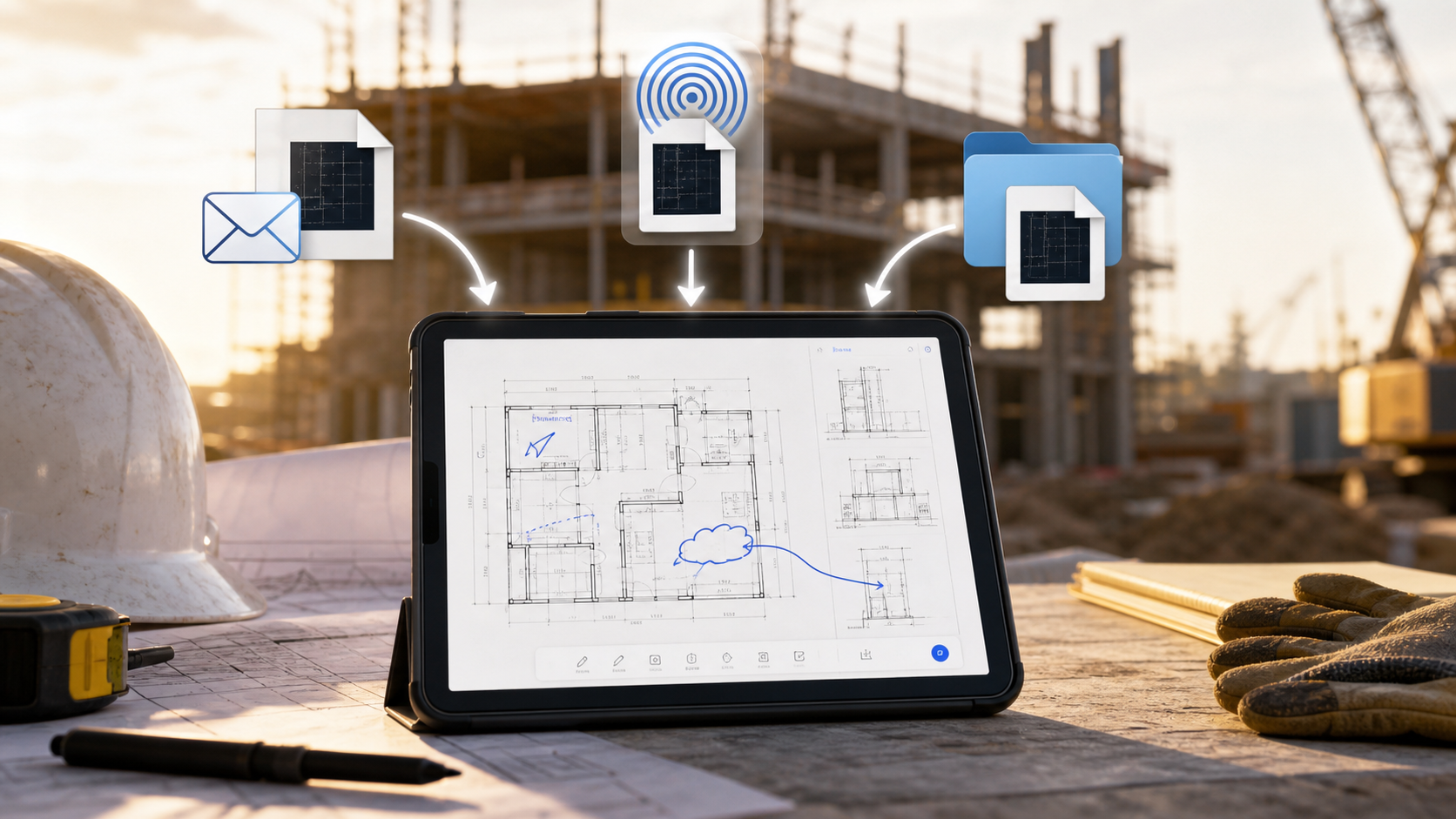
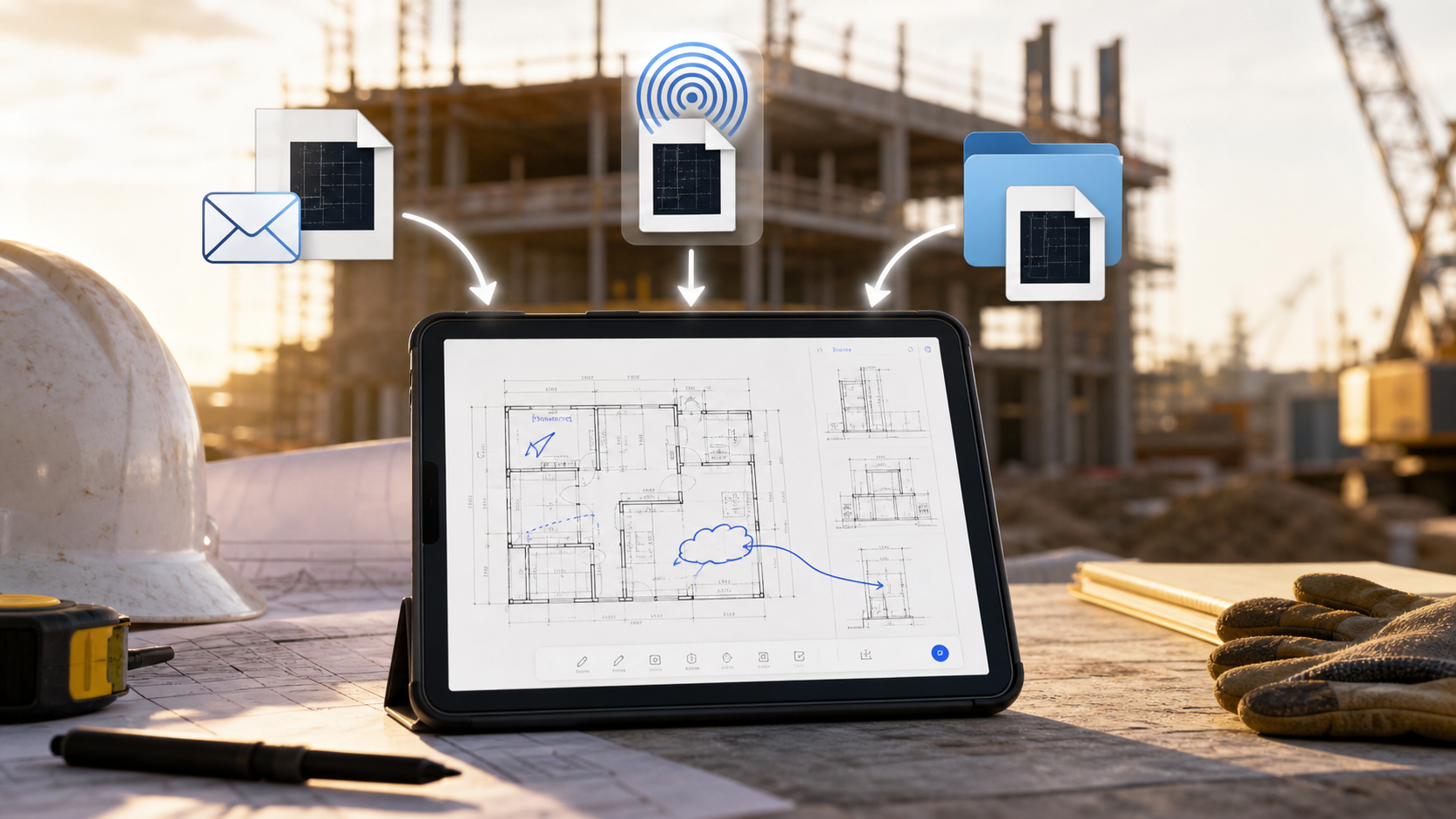
| A revised DWG arrives minutes before a walkthrough | A sign-in step or workspace invite can delay the review | Open the file from Files, Mail, or AirDrop and start immediately |
| A consultant or subcontractor only needs drawing review | Joining a full cloud workspace is unnecessary overhead | Keep the workflow focused on local review and controlled export |
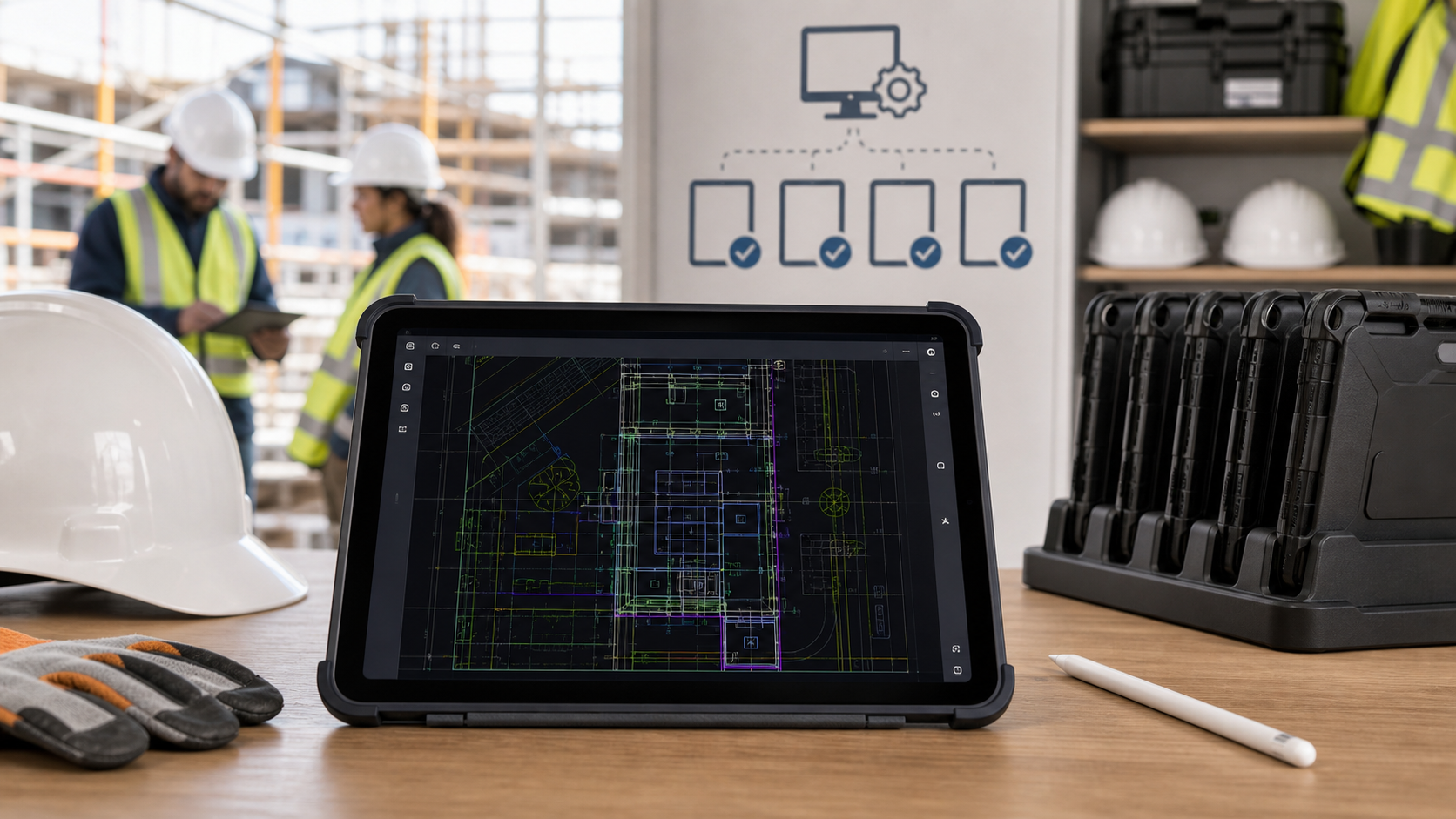
| The iPad is shared or managed by IT | Personal-account setup becomes a rollout burden | Deploy the app, open the drawing locally, and keep usage predictable |
| The drawing is sensitive | Teams may not want the first step to be cloud enrollment | Review locally first, then choose what output to share |
| Connectivity is unreliable | Auth refresh and sync assumptions can fail at the worst moment | Keep the DWG usable on the device after it is opened |
This is why a no-account viewer is not only about skipping a signup screen. It is about reducing dependencies between the drawing and the moment when someone needs an answer.
If your first blocker is simply getting the file onto the device cleanly, start with how to open DWG files on iPad without converting them. If your main concern is broader trust and local data handling, why privacy matters when opening CAD drawings on iPad covers that lens in more depth.
What "no account" should actually mean
Some product pages use "no account" loosely. For a DWG workflow, the stronger interpretation is practical:
- you can open the file without creating or joining a vendor workspace
- the drawing stays useful after it opens
- offline access does not depend on a fragile prior sync chain
- export is deliberate, not forced through a cloud handoff
Apple's Files basics for iPad matter here because serious drawing review often starts with a local file path, not with a perfect cloud dashboard. Apple's explainer on privacy information on the App Store also helps because account-free is only one part of trust. Buyers still need to see how an app describes data collection, analytics, and sharing behavior before they standardize it.
How current iPad CAD options frame the issue
Live category pages show three common patterns.
The first is the account-based CAD platform. Autodesk's AutoCAD App Store listing centers the app around Autodesk-account access to AutoCAD Web on mobile. That can make sense when your iPad review is only one part of a larger Autodesk workflow.
The second is the broad mobile CAD app that highlights no registration among many capabilities. The DWG FastView App Store listing explicitly calls out no registration and offline drawings, which validates that buyers do care about login-free access on mobile.
The third is the browser-based "no account required" viewer. These pages often promise instant access in Safari or Chrome, which can be useful for a quick one-off open.
What most of these results still leave unresolved is the actual decision framework:
- when is a full cloud workspace worth the login dependency?
- when is instant no-account access enough if you still need layers, measurements, notes, and exports?
- when does a browser viewer solve the first open but fall short of a repeatable field-review workflow?
That is the gap this buying question needs to close.
Four tests to run before you standardize a no-account viewer
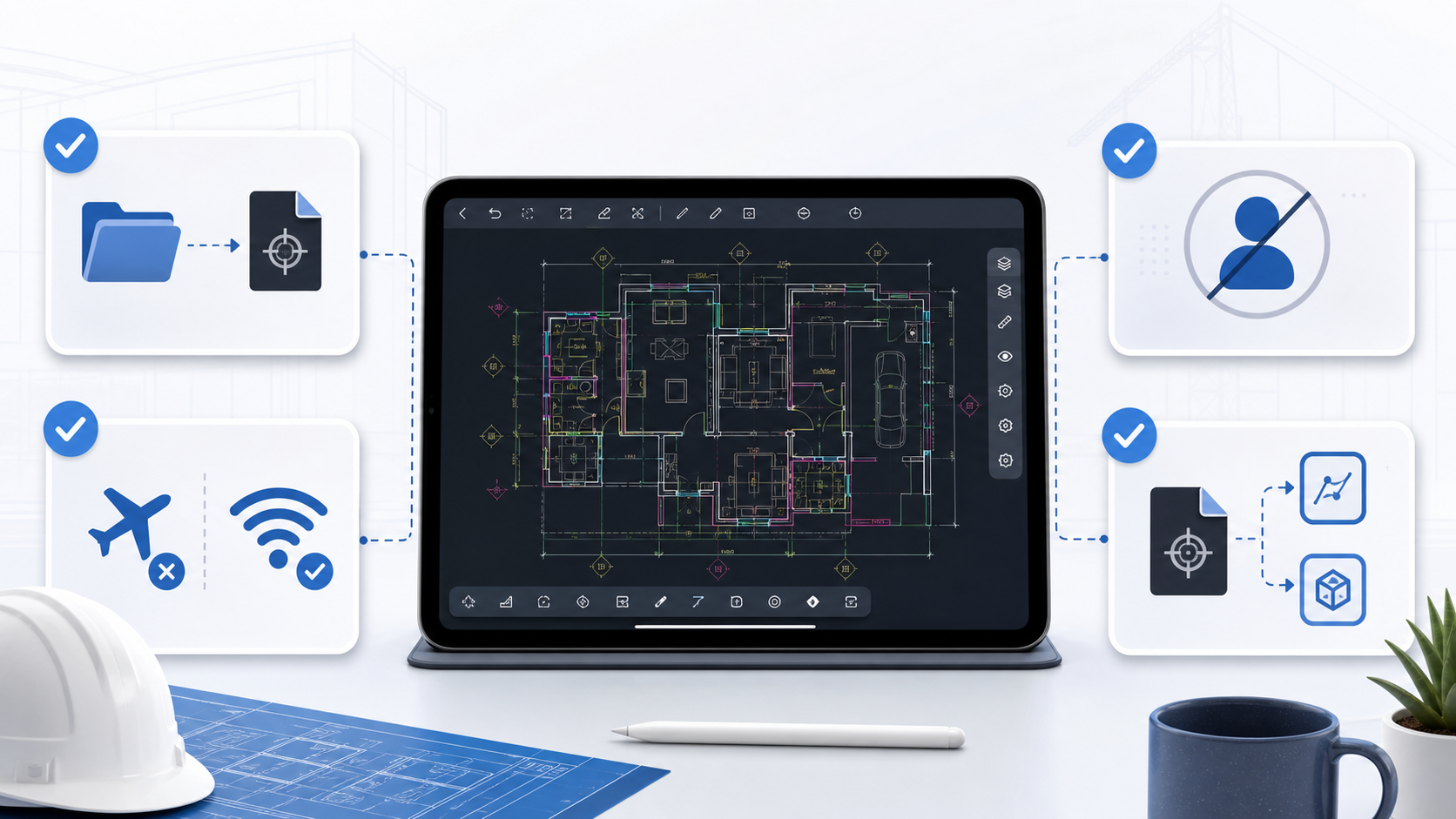
1. Test the local open path first
Use one real project DWG, not a clean demo file. Open it from Files, Mail, AirDrop, or the share sheet and see whether the app becomes useful immediately. If the file still pushes you toward account setup, browser rerouting, or an upload detour, the no-account promise is weaker than it sounded.
2. Turn on airplane mode after the first open
No-account access is most valuable when it also stays dependable offline. If the app becomes awkward or useless once connectivity disappears, the workflow still has an invisible dependency. Why offline access matters in an iPad DWG viewer is the companion read if this test is one of your top buying criteria.
3. Check whether the review tools still match the real job
Viewing alone is rarely enough. The right field app should still let you:
- confirm the correct layout
- isolate noisy layers
- measure when a decision depends on the drawing
- add notes or markups tied to the plan
- export a result that someone else can act on
That is where many instant-view solutions stop short. A site team usually needs the DWG to stay useful after the first zoom, not only to become visible.
4. Verify the trust signals on the device itself
Apple's App Privacy Report is useful because it helps you verify how apps use granted permissions and shows network activity. For a buyer who specifically cares about no-account access, that on-device verification matters: it separates "no signup" from a genuinely controlled workflow.
If your team reviews drawings during inspections, A DWG review checklist for site inspections is the best hub for what should happen after the file is open.
Where no-account access helps the most in field teams
The strongest no-account use cases are usually operational, not ideological.
Consultant and subcontractor handoff
Sometimes a reviewer does not need to become part of your longer-term CAD platform. They need the current DWG, the right sheet context, and a clean way to return notes or a PDF. A no-account workflow keeps that temporary review narrow and easier to govern.
Shared or managed iPads
IT-managed devices often expose account friction quickly. Setup, offboarding, password rotation, and workspace invitations create support overhead that has nothing to do with the drawing review itself. A no-account viewer can make deployment much simpler when the device is closer to a field instrument than a personal workstation.
Time-sensitive site decisions
When a foreman, architect, or inspector needs to confirm something on a drawing right now, account setup becomes part of the failure path. The more the answer depends on opening the DWG locally and acting on it immediately, the more valuable no-account access becomes.

What this looks like in PlanInspect
PlanInspect is strongest when the job is focused DWG review on iPhone or iPad rather than a full cloud CAD workspace.
In that workflow, you can:
- open DWG files from Files, Mail, AirDrop, iCloud Drive, or the iOS share sheet
- use the core review flow without a required account
- keep drawings on the device, with optional manual iCloud backup
- review layouts and layers before measuring or annotating
- add site notes, markups, and photo-backed observations
- export PDFs, images, and reports when the drawing review is ready to leave the device
That makes PlanInspect a strong fit when your team says:
- "The iPad needs to open the DWG immediately."
- "We do more review than cloud collaboration."
- "The drawing should stay local until we choose the handoff."
- "Shared devices should not require personal CAD accounts just to check a file."
If your team mainly needs a broader account-driven CAD ecosystem, cross-platform editing continuity, or deeper cloud coordination, an account-based workflow may still be the better fit. The important part is choosing intentionally rather than treating login friction as inevitable.
The full end-to-end version of that local-first workflow is covered in A complete iPad DWG review workflow for construction teams, and the trust model is explained in the privacy policy.
Use no-account access as a field-readiness test
The best no-account DWG viewer for iPad is not automatically the one with the longest feature list or the strongest privacy slogan. It is the one that lets your team prove a complete field sequence on a real drawing:
- local open path
- no required account for the core task
- dependable offline reuse
- layouts, layers, measurement, and notes when the review grows
- deliberate export once the decision is ready to leave the device
If an app passes that test, "no account" stops being a convenience bullet and becomes a real operational advantage.