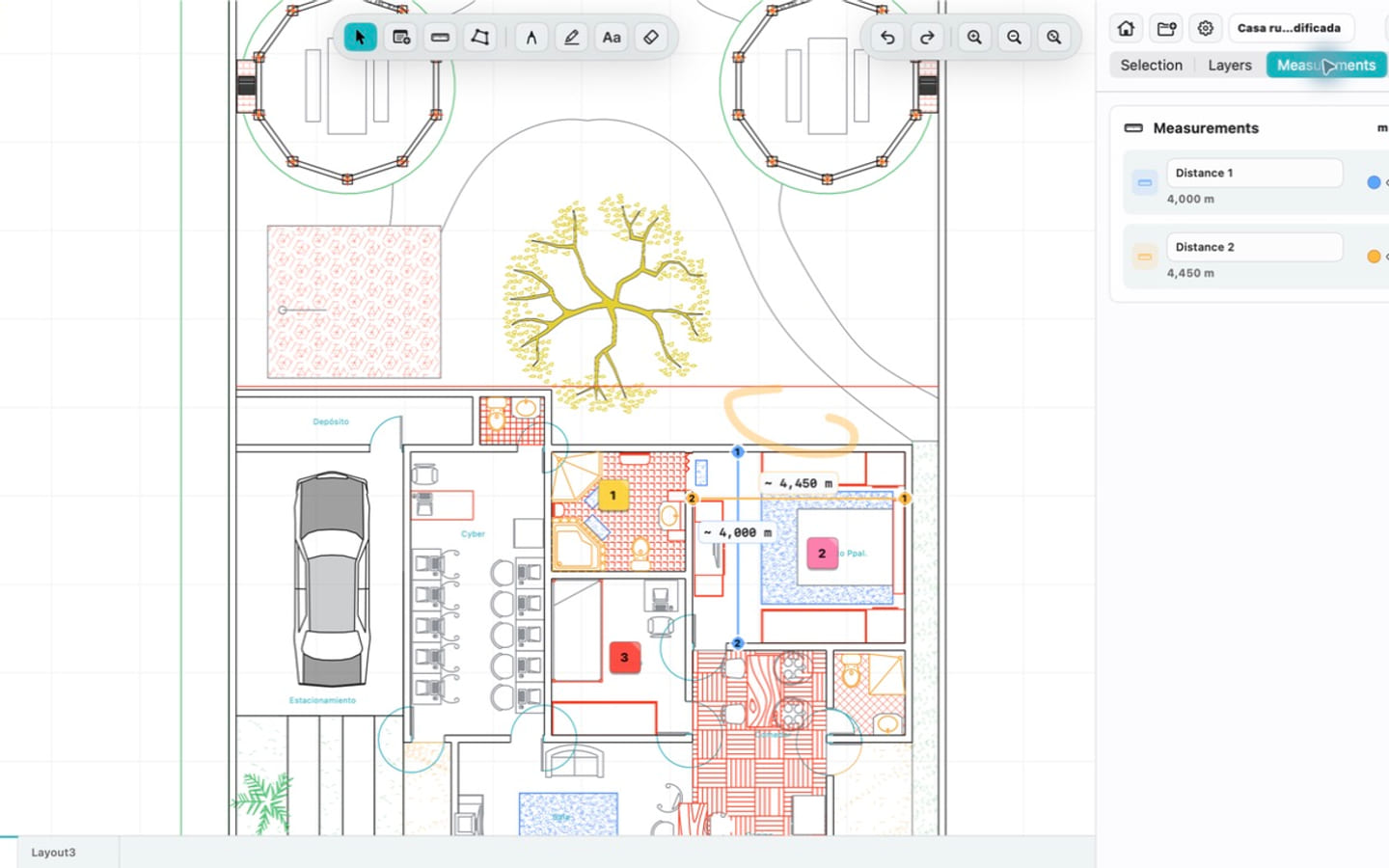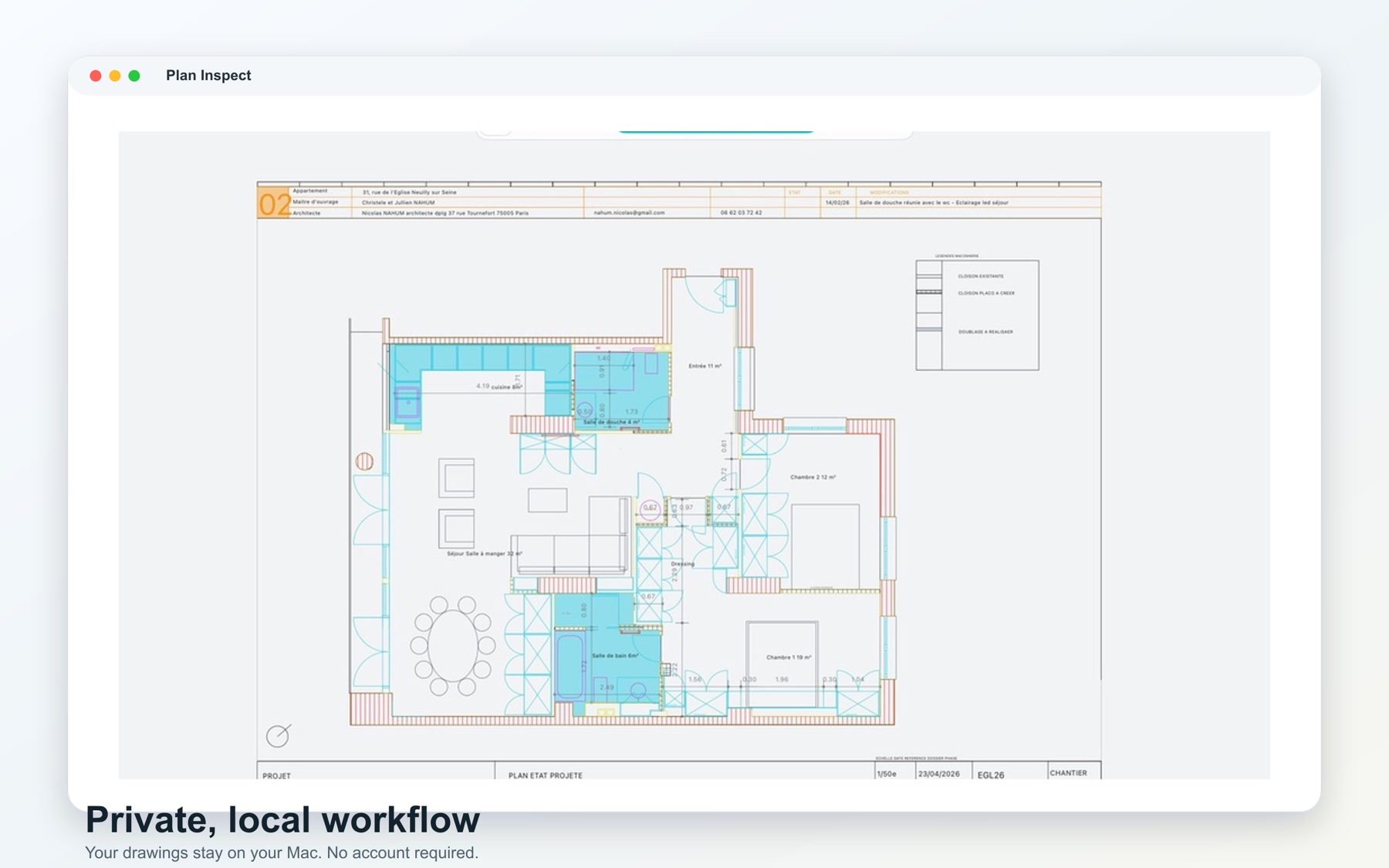
There is no native Mac edition of Autodesk DWG TrueView. Autodesk offers TrueView as a Windows desktop viewer, while Mac users can choose among AutoCAD, browser-based Autodesk Viewer, other full CAD applications, and native third-party DWG viewers.
The best alternative depends on why you wanted TrueView in the first place. If you only need occasional visual access, a browser viewer may be enough. If you need to edit drawings, use a full CAD product. If you need a focused local review workflow, a native Mac viewer such as PlanInspect is the closer fit.
Autodesk's official guidance for viewing DWG files lists AutoCAD, Autodesk Viewer, and DWG TrueView among its options. Platform and workflow are the important differences.
Quick comparison
| Option | Best for | Main tradeoff |
|---|---|---|
| Autodesk Viewer in a browser | Occasional access without installing an app | Requires a browser workflow and file upload |
| AutoCAD for Mac | Professional drafting and editing | Broader, more expensive toolset than review alone requires |
| Other full CAD systems | Editing and production workflows | More setup and complexity for simple inspection |
| Native Mac DWG viewer | Local opening, layouts, layers, review, and handoff | Usually does not replace full CAD authoring |
| Windows virtual machine | Teams that must use TrueView specifically | Adds Windows licensing, storage, and operational overhead |
This is not a ranking. Each category solves a different problem.
Choose a browser viewer for infrequent access
A browser-based viewer can be sensible when you open a drawing a few times a year, cannot install software, or need to share a view across different operating systems. It reduces local setup and may include link-based collaboration.
Check the upload, retention, account, and connection requirements before using it for client-sensitive plans. Large drawings can also make a browser workflow less convenient when bandwidth is limited.
Choose full CAD when you need to edit
If the task includes changing geometry, managing external references, editing blocks, producing issued drawings, or using discipline-specific plugins, a viewer is the wrong category. AutoCAD for Mac or another production CAD system is more appropriate.
The important question is not whether a full CAD application can view a DWG. It can. The question is whether your review workflow benefits from the additional authoring surface, subscription, setup, and training.
Choose a native viewer for local review
A focused native viewer is a strong option when your normal sequence is:
- receive a DWG through Finder, Mail, AirDrop, or shared storage
- open the original file locally
- find the relevant model or paper-space layout
- isolate layers and inspect the drawing
- measure or place a review note
- export a PDF, image, or report
This is the role PlanInspect for Mac is designed to fill. It does not require an account or mandatory cloud upload, and it keeps review tools close to the drawing.
What to compare before choosing
Test each candidate against the same file and questions:
- Does it open the DWG version your team receives?
- Does it preserve the model and paper-space layouts you use?
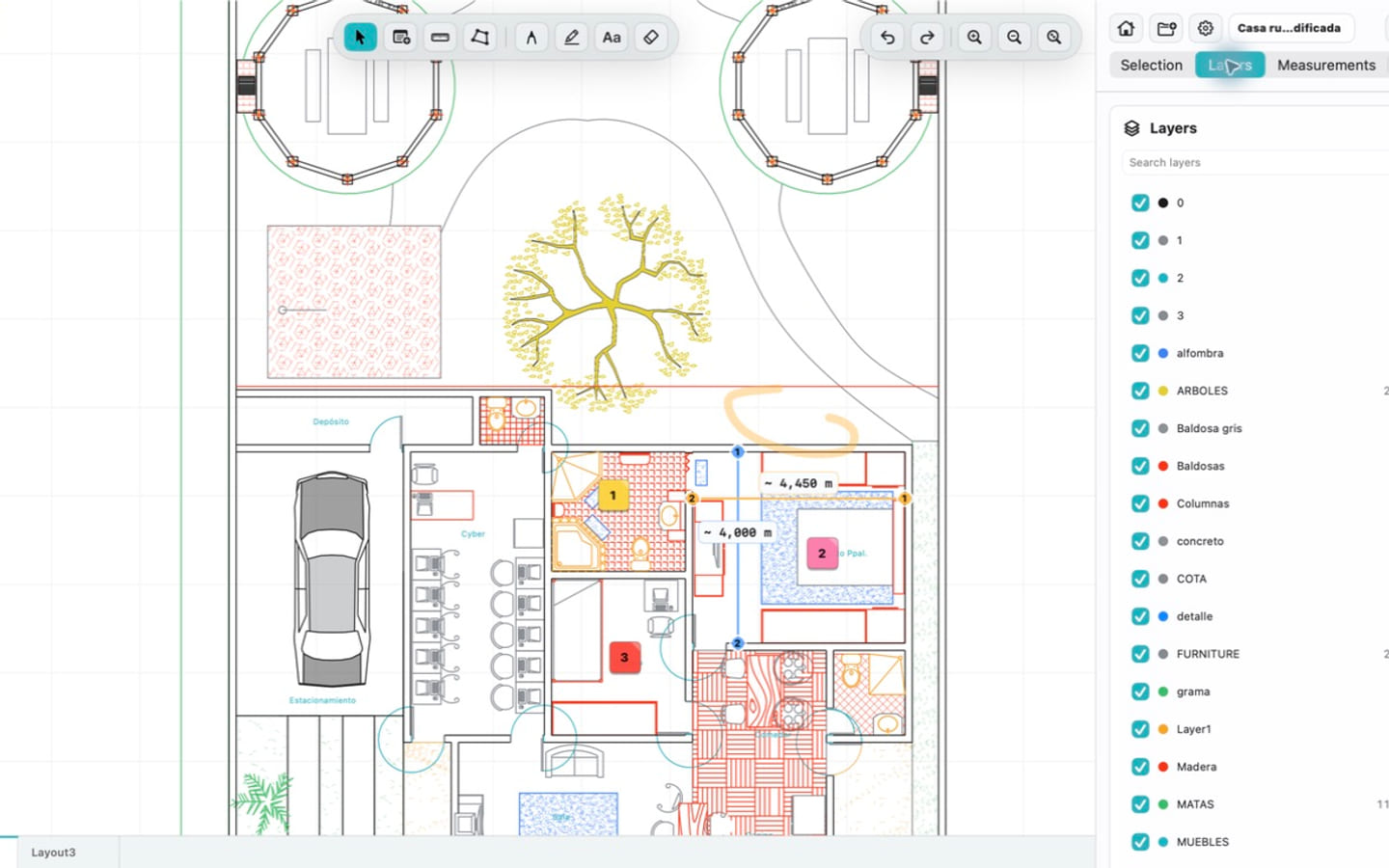
- Can you search, hide, and restore layers clearly?
- Are units, snapping, and measurements understandable?
- Can notes or markups stay attached to useful drawing locations?
- Can the result be exported in the format your team expects?
- Does the privacy model fit the drawing's sensitivity?
- Can the workflow continue without a network connection?
Do not assume that every object rendered by one CAD engine will look identical in another. Custom objects, fonts, external references, and complex DWG features can vary. Validate critical drawings before adopting any viewer.
When a virtual machine is justified
Running Windows in a virtual machine can make sense when organizational policy explicitly requires DWG TrueView, a particular conversion path, or another Windows-only dependency. It is less attractive when the only goal is opening and reviewing a drawing: the Windows installation, storage, licensing, updates, and file exchange become part of the process.
For a normal Mac review workflow, a native or browser option is simpler. For mandatory TrueView parity, use Windows and test the full operational setup.
Where PlanInspect fits
PlanInspect is intentionally a review app, not an AutoCAD replacement. It is a good fit for architects, engineers, contractors, inspectors, and property teams who need to examine the original DWG and communicate findings without editing its geometry.
The Mac app supports local DWG opening, multiple document windows, layouts, layer visibility, measurements, notes, markups, snapping, printing, and export. The same product family also runs on iPhone and iPad, making it useful when review moves between desk and site.
Start with how to open a DWG directly on Mac, or use the broader Mac DWG viewer buyer's guide to build a test checklist.