
01
Pin the location
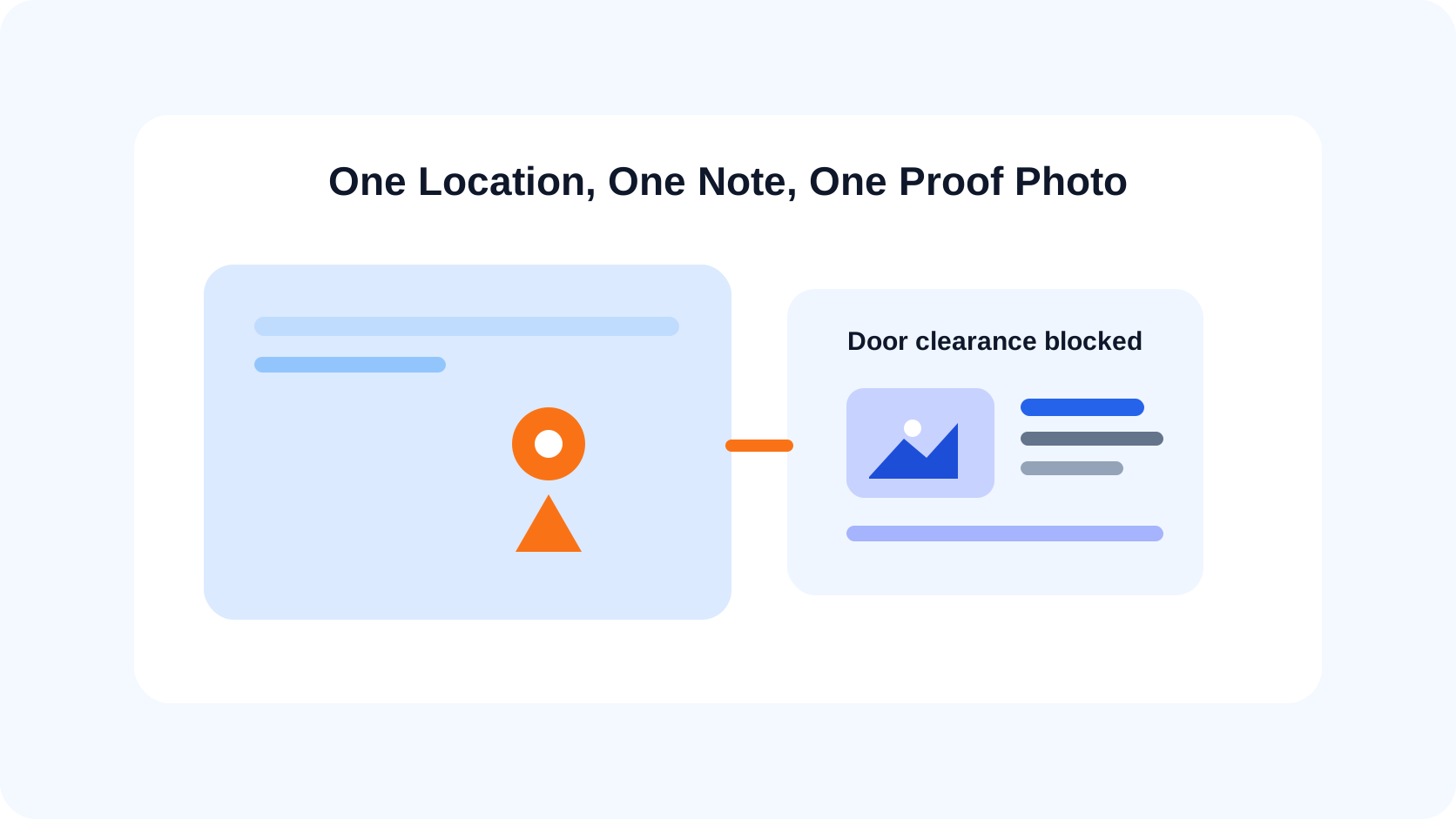
Place the note directly on the relevant point of the DWG layout or PDF sheet.
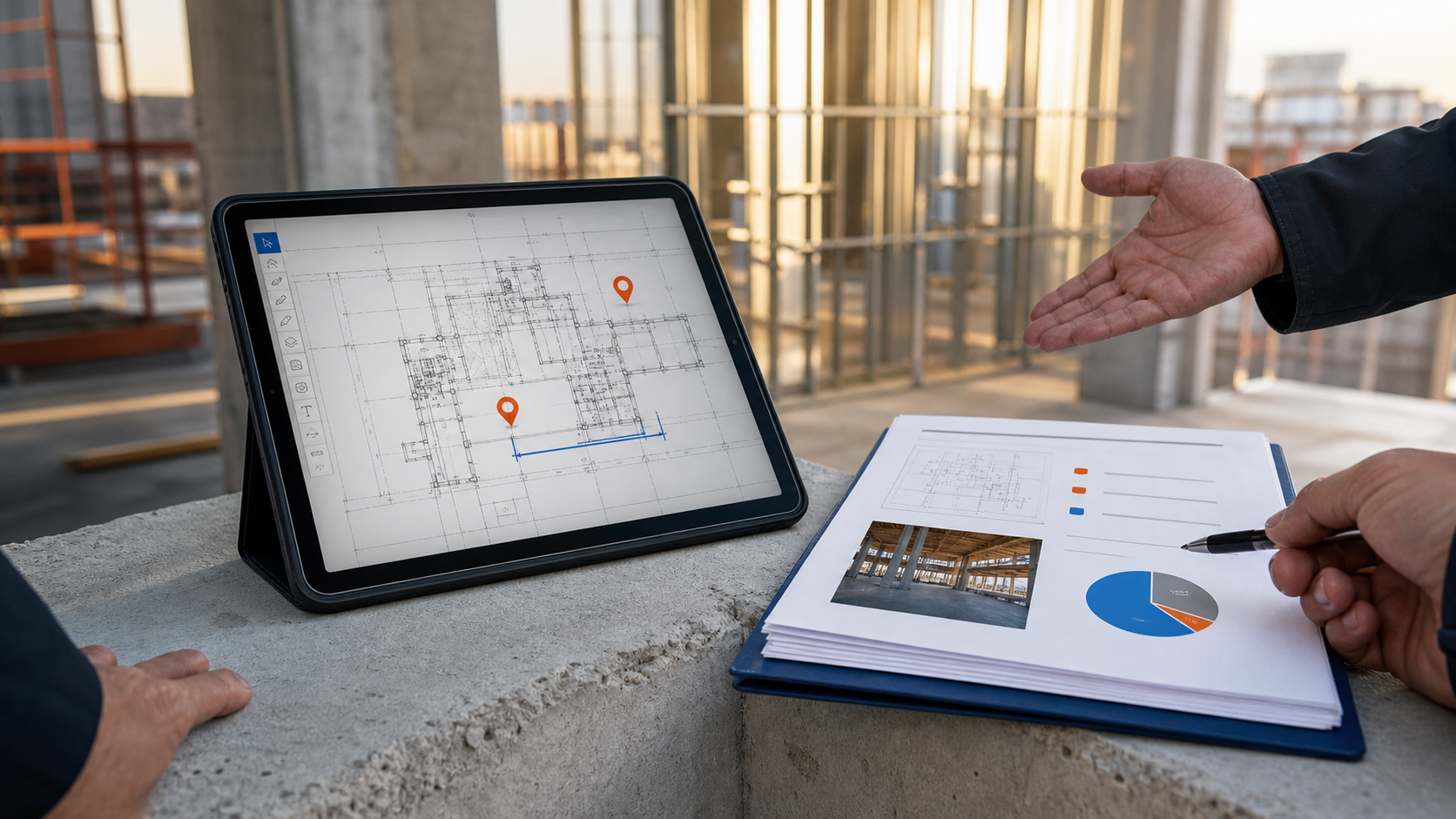
Place the observation on the drawing, add the written context and photo evidence, then keep the plan and note together. The recipient sees the location before reading a vague room description.
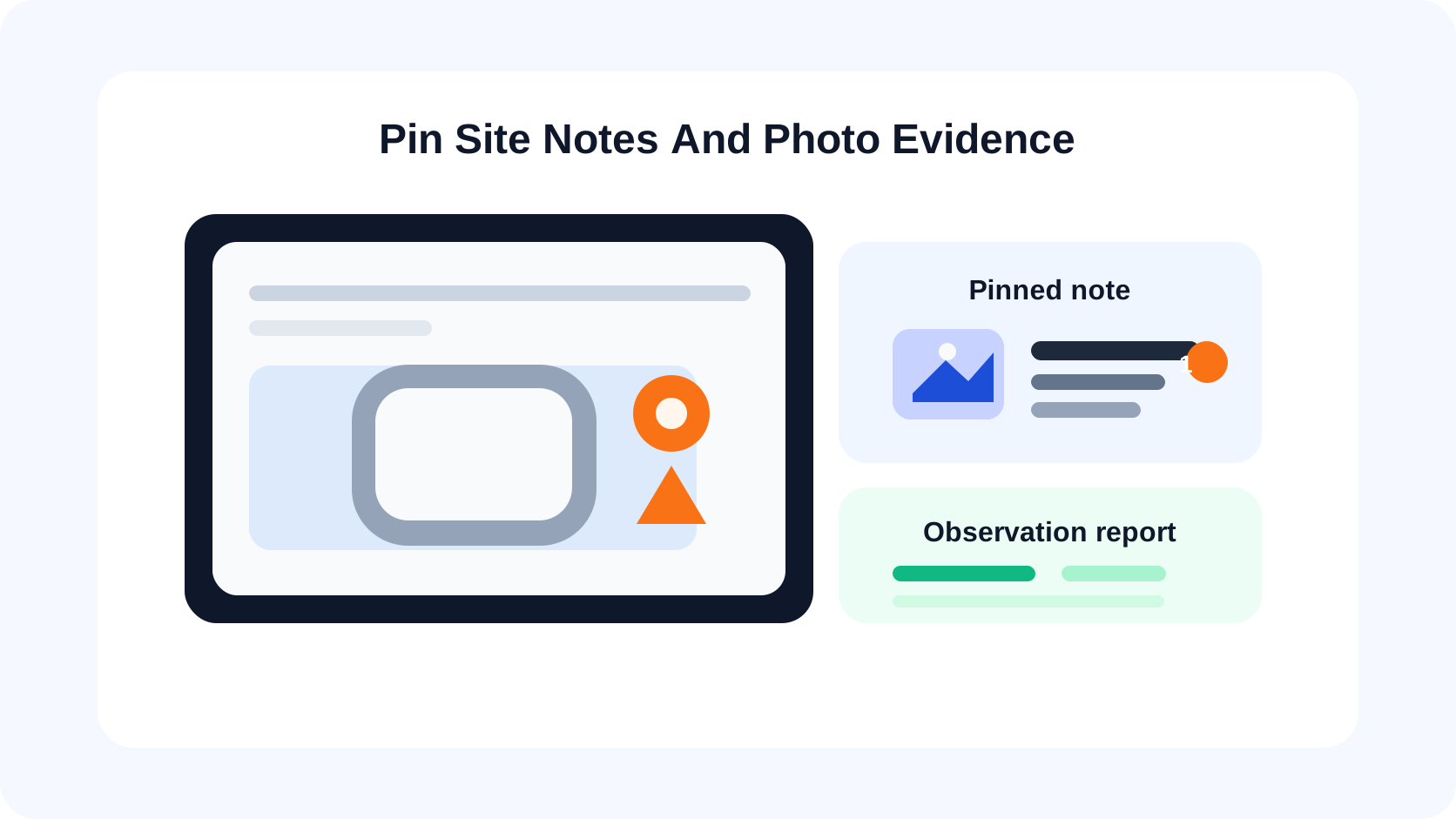
Why it matters
Field photos often end up in a camera roll, message thread, or folder whose name no longer explains which wall, room, or detail was captured.
Plan-linked notes preserve the relationship between the observation and the drawing. They are designed for focused documentation, not for replacing a full project-management platform.
Capabilities
Place the note directly on the relevant point of the DWG layout or PDF sheet.
Attach written context and photos so the recipient can see both condition and location.
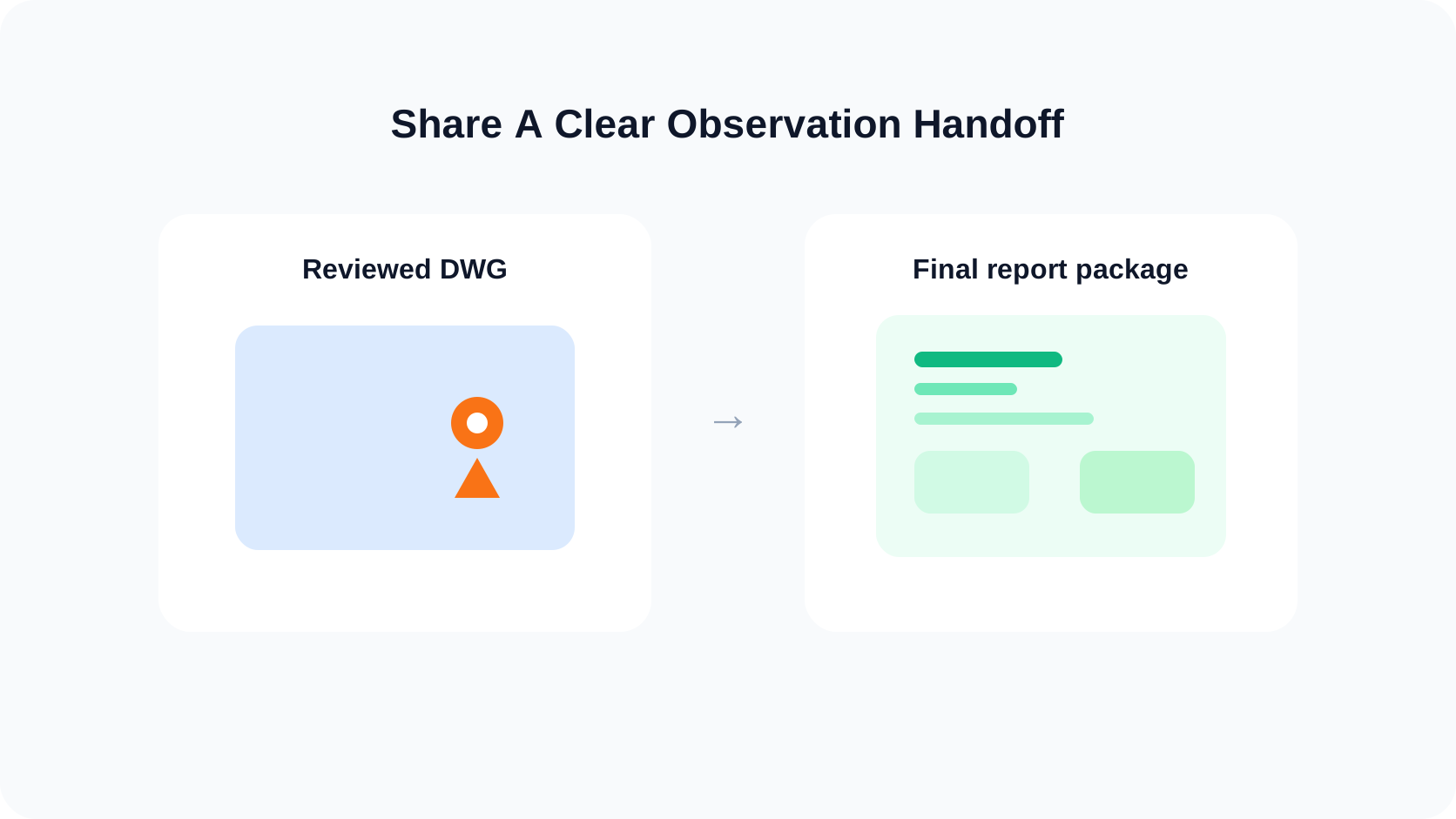
Turn plan-linked observations into a structured handoff instead of rebuilding the story later.
DWG and PDF
CAD / DWG
Keep the layout and layer context visible while the observation remains an independent review object.
PDF / PLANS
Attach the note to the relevant page and location in a multipage plan set without changing the source PDF content.
Workflow
Choose the current sheet or layout and zoom into the affected zone.
Pin the observation exactly where the recipient should look first.
Record what was found, why it matters, and the available visual evidence.
Share the plan context and indexed observations as a clean handoff.
Product views
Verified boundaries
FAQ / Site notes & photos
Yes. Professional note workflows can include photo evidence tied to the plan location.
Yes. Notes and markups can be used in the review workflow for supported DWG drawings and PDF plan pages.
Yes. Report and export options turn the reviewed observations into a shareable handoff, depending on platform and access.
No. It is a focused plan-review and field-documentation app without live team assignment or automatic cloud collaboration.
Practical guides
Use the plan as the index for your next site observation.