
01
Open local plans
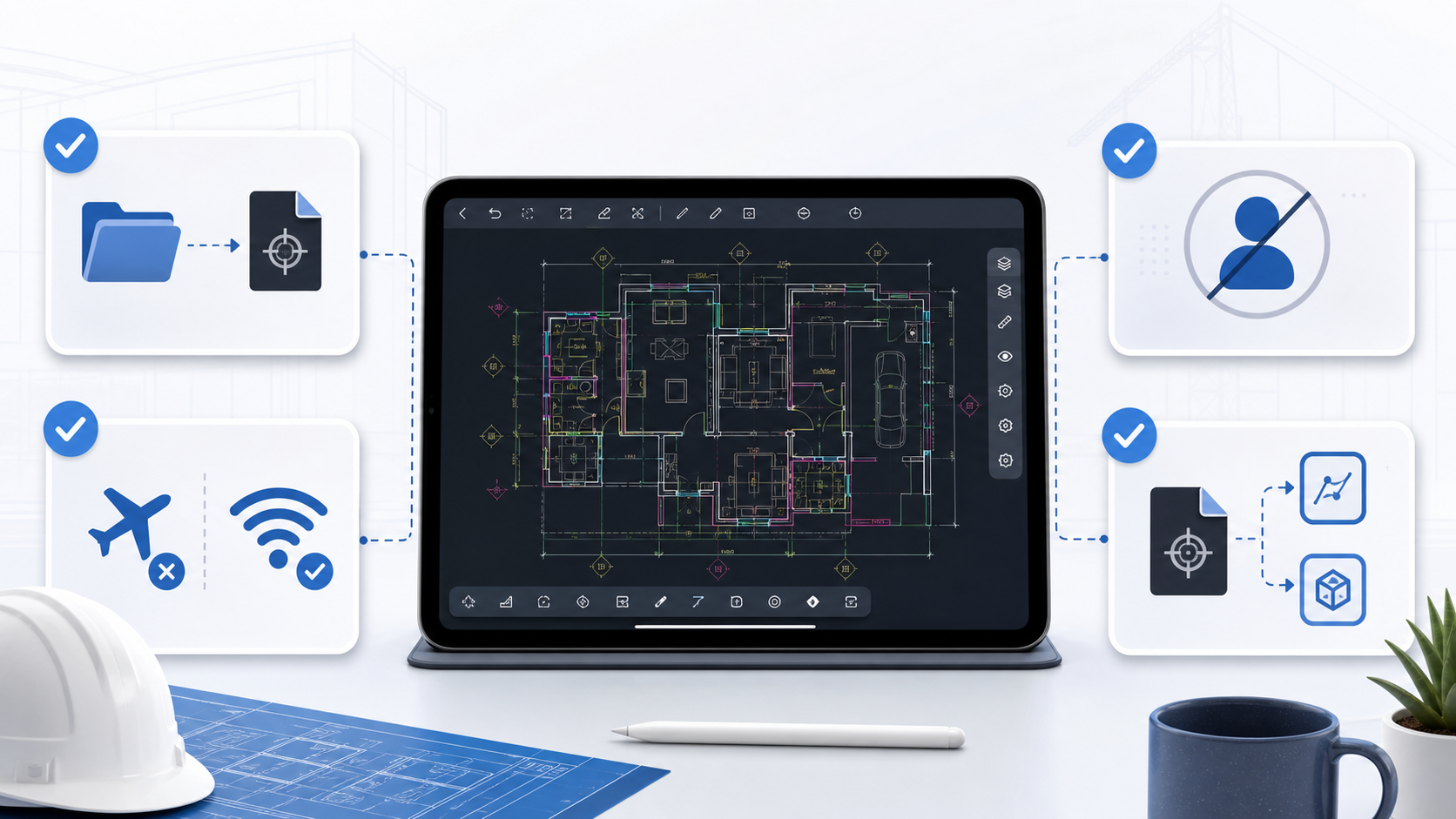
Import supported DWG drawings and PDF plan sets through Apple file workflows.
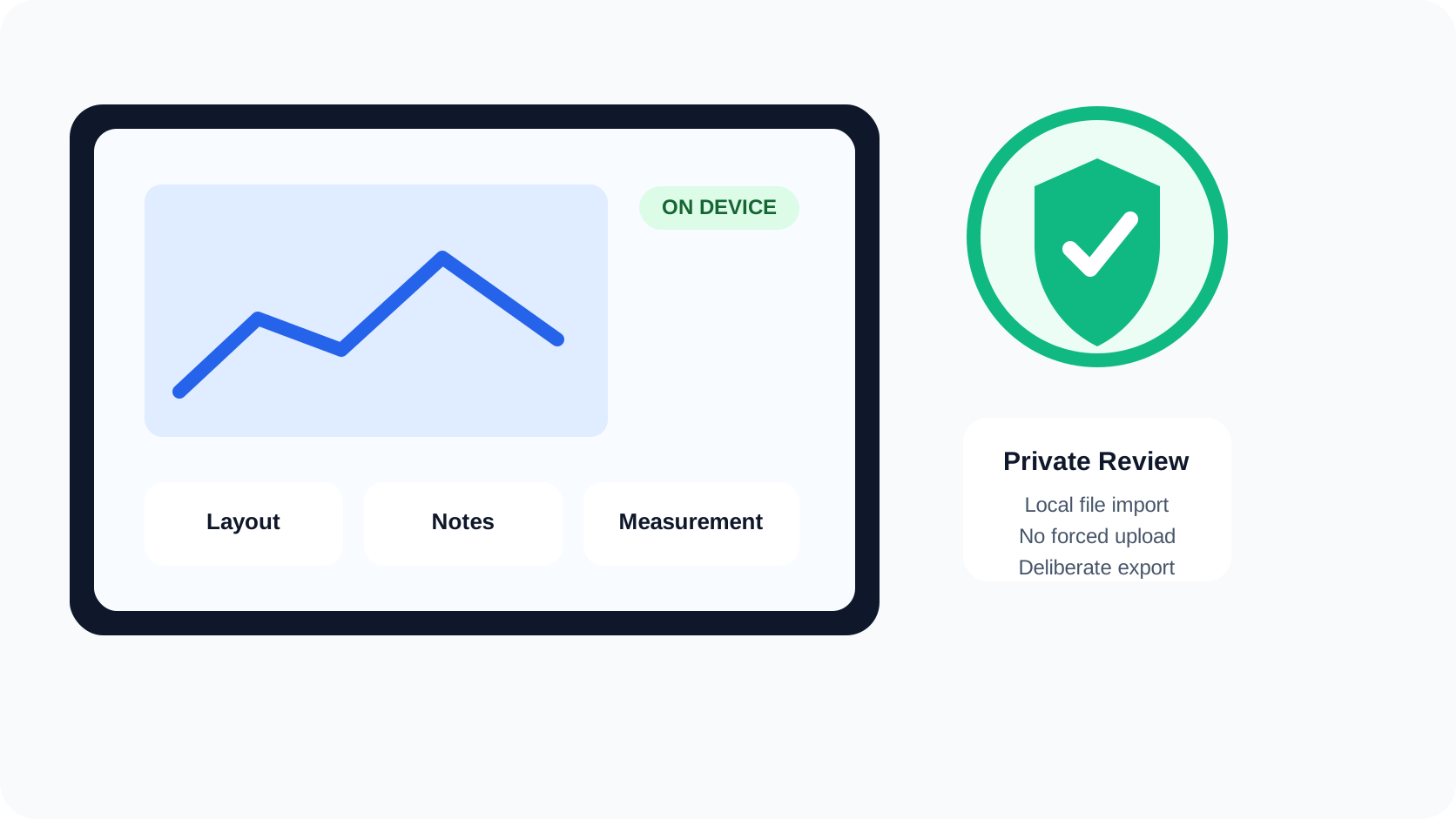
Keep the core review workflow on the device: open a local plan, navigate, measure, annotate, and prepare a handoff without a required account or mandatory upload to a conversion server.
Why it matters
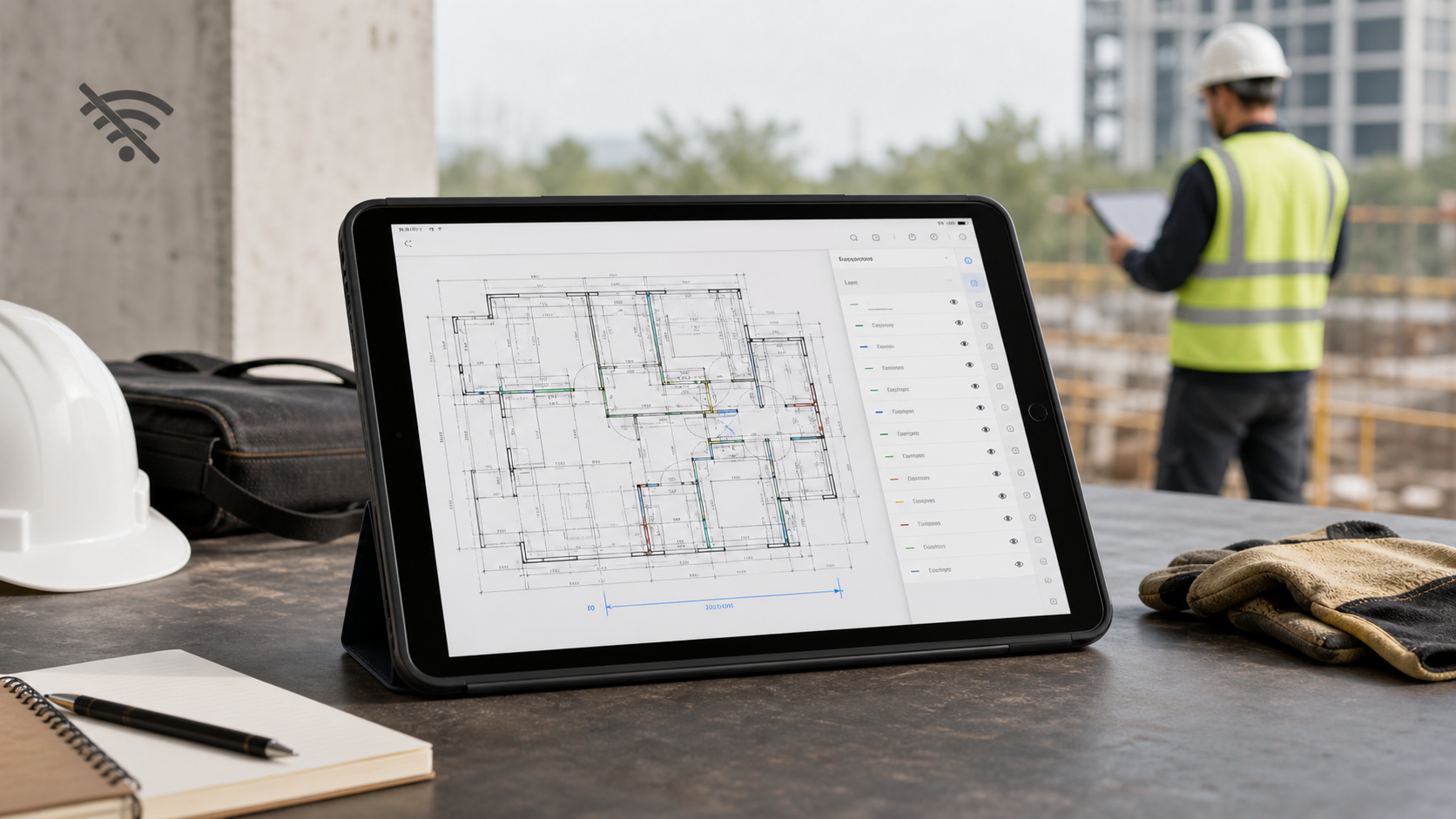
Basements, plant rooms, remote sites, and temporary networks are normal construction conditions. A plan viewer that depends on a fresh upload or sign-in can fail at exactly the wrong moment.
PlanInspect is local-first. Once the plan is available on the device, the core review workflow does not require a cloud workspace. You decide if and when a reviewed result is shared.
Capabilities
Import supported DWG drawings and PDF plan sets through Apple file workflows.
Navigate, measure, and annotate without creating a mandatory PlanInspect account.
Export or share when the reviewed handoff is ready rather than uploading every source automatically.
DWG and PDF
CAD / DWG
Supported DWG drawings are parsed on-device instead of being sent to a hosted conversion service.
PDF / PLANS
Multipage PDF navigation, calibration, measurements, and markups remain available after the file is stored locally.
Workflow
Download or transfer the current plan before entering a low-connectivity area.
Verify the correct revision, layout or PDF page while context is available.
Measure, annotate, and add notes without depending on a live account session.
Send the reviewed output when a suitable connection or handoff channel is available.
Product views
Verified boundaries
FAQ / Offline plan review
Yes, once the supported DWG file is stored locally on the device.
Yes. Local PDF navigation, scale calibration, distance and area measurements, and annotations work in the core on-device review flow.
No account is required for the local review workflow.
No. A mandatory upload or cloud conversion is not part of the core workflow. External file services and manual sharing remain under your control.
Practical guides
Prepare one local drawing before your next site visit.